Quick Answer
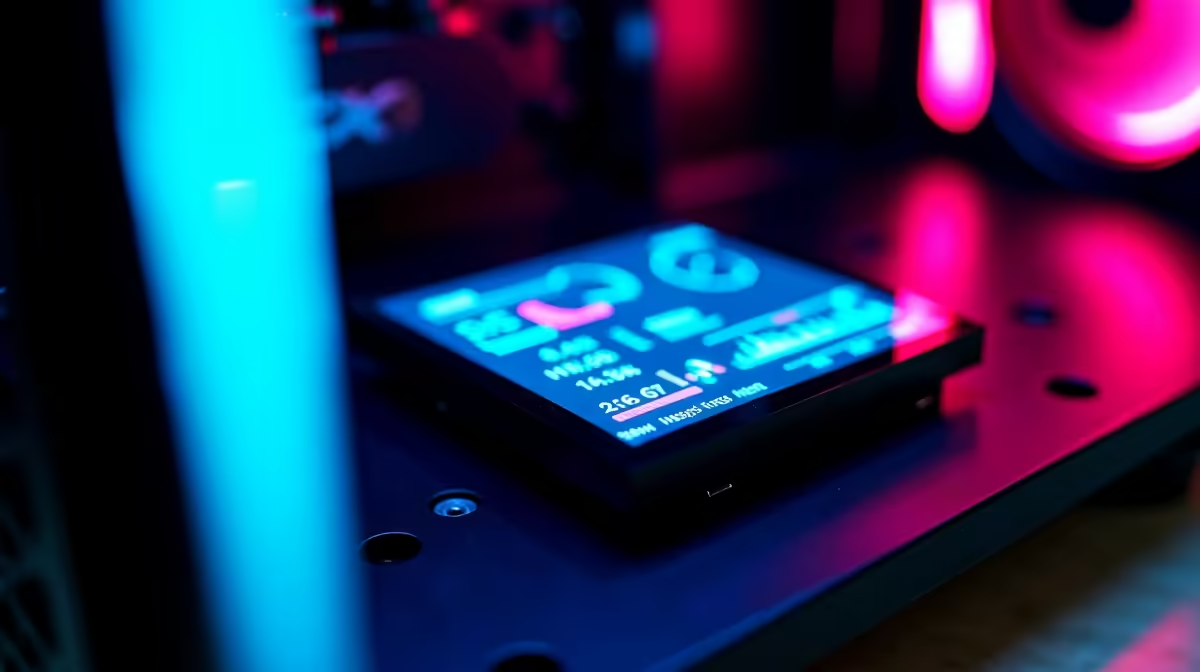
Magnetic OLED displays, as seen on the ASUS ROG Thor III, can be rotated or removed without opening the PSU or case, making cable management and display orientation adjustments easy. Fixed OLED panels, used on some Thermaltake and Lian Li units, are permanently positioned but offer a lower cost and simpler installation. For show-build aesthetics, magnetic wins; for a set-and-forget monitoring panel, fixed is fine.
What OLED Panels Actually Show on a PSU 🖥️
Modern PSU OLED displays primarily show real-time wattage draw, efficiency percentage, and fan speed. Higher-end units like the ROG Thor III also display total energy consumption, temperature readings, and customisable logos or animations via software. The OLED screen is typically 1.77 to 2.0 inches and sits on the exterior PSU face visible through a glass panel case. Because PSUs are usually mounted at the bottom or rear of the case, orientation matters: if your case mounts the PSU fan-down, the display faces upward and needs to be rotatable to read correctly. A magnetic mount lets you spin the display 90 or 180 degrees in seconds, while a fixed mount may show the readout sideways or upside-down depending on your case layout.
Magnetic Displays: Pros and Considerations 🔧
The magnetic attachment mechanism uses a recessed magnet ring that locks the OLED unit to the PSU housing with enough force to stay secure during transport but releases with a firm pull. This allows you to reposition it when swapping cases or rotate it for a new build orientation without tools. The risk is minor: repeated attachment and detachment can wear the magnetic contact slightly over time, and the display module is a separate component that can be misplaced during transport. For South African LAN gamers who travel with their rigs to events in Johannesburg, Cape Town, or Durban, the ability to quickly reorient the display after packing and repacking is a genuine convenience. Fixed OLED units are mechanically simpler, have one fewer potential failure point, and save R300 to R600 compared to equivalent magnetic-mount units.
Integrating PSU Displays into Your Gaming Setup 🎮
ROG Armoury Crate software integrates the Thor III OLED display with the broader RGB and monitoring ecosystem on compatible motherboards, allowing the PSU display to mirror CPU or GPU temperature alerts or switch to a wattage graph during benchmarking. For pure aesthetics, the display adds a live data element to a windowed case that static RGB cannot replicate. In South Africa, premium PSUs with OLED displays are currently stocked at Evetech in the R5,500 to R10,500 range depending on wattage, from 850W to 1600W. If aesthetics are secondary and you mainly want monitoring data, free alternatives like HWiNFO64 on a secondary monitor or a dedicated LCD system display panel on the front I/O bay achieve the same result at zero extra cost.
Check Case PSU Orientation Before Buying ⚡
Before purchasing a PSU with an OLED display, confirm whether your case mounts the PSU with the fan facing up or down, and whether the glass panel faces the PSU side or the opposite wall. Some cases mount PSUs fully hidden behind a shroud, making the display invisible entirely. The ASUS ROG Thor III magnetic design covers this scenario by letting you reorient after installation.
FAQ
Does the OLED display affect PSU reliability or warranty?
No.
Can I turn off the OLED display to reduce visual clutter?
Yes.
Are OLED PSU displays compatible with all cases?
No. The display only makes sense in cases with a glass or mesh side panel facing the PSU. Solid-panel cases or cases with PSU shrouds that fully enclose the bottom chamber will hide the screen entirely. Confirm your case has a viewing angle to the PSU before spending extra for the display feature.
Building a showpiece rig with live system stats?
Evetech stocks OLED-equipped power supplies from ROG and other premium brands, covering 850W to 1600W for high-end gaming and workstation builds.