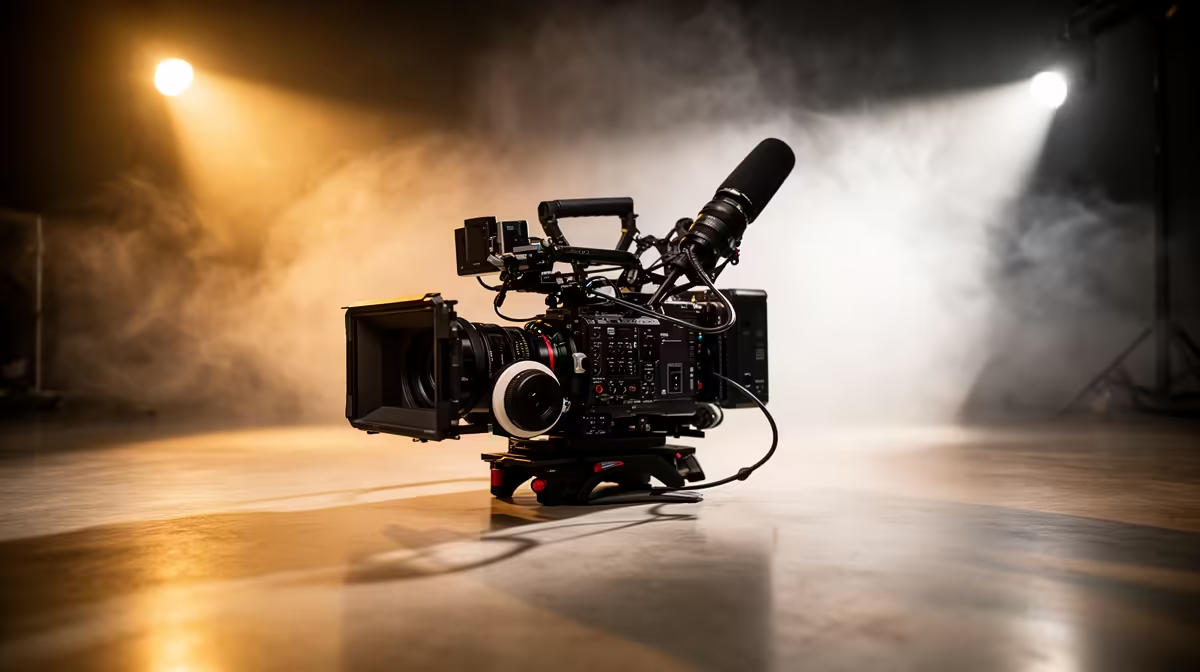
A WFH broadcast setup does not need separate devices for every job, and that instinct to buy the best of each category is where most budgets break down. Maximising your Rand on a work-from-home broadcast setup means choosing gear that earns its place twice, spending what you save on the components that genuinely shift how you look and sound to viewers. One smart decision about which slot to compromise and which to protect can lift an R8,000 spend to results that feel twice that.
Quick Answer
Prioritise a hybrid camera that handles both video calls and streaming, then redirect the saving into audio and lighting. Microphone quality lifts viewer retention more than the jump from a good camera to a great one, and a single key light fixes a dim home office image faster than any lens upgrade.
🎯 The Case for a Hybrid Camera as Your Starting Point
A dedicated webcam and a dedicated streaming camera serve similar physical functions from the same position. Owning both means paying for two sensors, two mounts, two sets of software, and two cables routing back to your PC, all to produce one video output at a time. A modern hybrid camera collapses that into a single body.
Smart hybrids output clean 1080p or 4K over USB for video calls on Teams, Zoom, or Google Meet, and can switch into a streaming mode with preset framing, higher bitrate output, and scene-optimised settings. The two modes are often mappable to different profiles, so the camera you used for a client call at 9am becomes your broadcast cam by midday without touching the mount.
The financial argument is straightforward: instead of R5,000 on a webcam and R6,000 on a stream cam, a R7,000 hybrid frees R4,000 for the rest of your kit. That freed budget is where the real quality gains live.
🎙️ Why Audio Deserves the Largest Share of Your Attention
Viewers tolerate imperfect video far more gracefully than imperfect audio. A slightly soft camera image reads as style or lighting. A hollow, echo-heavy voice with background noise causes viewers to reduce volume, tune out, or leave. The reason is practical: audio fatigue sets in within a few minutes of strained listening, but your eyes adjust to a slightly dim image without conscious effort.
Roughly 35 percent of a balanced broadcast budget should point toward the microphone. On an R8,000 total spend, that is around R2,800. At that range you can access USB cardioid microphones with physical gain control, built-in headphone monitoring, and low self-noise that produce clean, full-bodied voice recordings in a treated home office. If you have a quiet room and sit close to the mic, a cardioid pattern focuses on you and ignores most of the ambient signal behind and beside it.
The biggest mistake is treating audio as the place to save Rand. Dropping to a R500 headset mic to spend more on the camera is the trade-off with the worst return on the listener experience.
Pro Tip ⚡
Before buying any microphone, test your room with a phone recording. Clap once and listen to how long the echo rings. If it fades in under half a second, your room is workable and a cardioid mic will sound clean. If the echo lingers, add a rug and heavy curtain before spending on a better mic.
💰 Lighting Punches Well Above Its Price in a Home Office
A R600 to R900 LED ring light or a small softbox key light is the highest-return upgrade on a constrained budget because it solves a problem most home offices share: overhead lighting from above flattens faces, creates harsh shadows under the eyes, and makes skin tones look uneven on camera.
Positioning a single key light slightly above eye level and at roughly 45 degrees to the side creates dimension and lifts a dull background image without touching anything else. The camera sensor has an easier job in better light, which means lower digital noise and cleaner autofocus even on a mid-range camera body.
Spending more than R1,500 to R2,000 on lighting in a home office context rarely pays off unless you are building a dedicated studio with multiple subjects or a green screen. A single good key light handles the vast majority of WFH and streaming scenarios.
🔧 Allocating Your Budget Across the Three Pillars
A practical split for an R8,000 total:
The camera takes around 40 percent, roughly R3,200. A hybrid that handles both call and stream duties at 1080p sits comfortably in that range. Moving up to 4K output pushes closer to R5,000, which adjusts the other allocations accordingly.
Audio claims 35 percent, around R2,800. A USB cardioid microphone with a basic boom mount is attainable at this level and delivers significantly more value than the headset you are likely replacing.
Lighting receives the remaining 25 percent, roughly R2,000. A key light and a simple backdrop or wall-mounted diffuser fill that allocation easily, with change left for cable management.
The hierarchy matters more than the exact split. Camera quality ranks lowest among the three because it has the most diminishing returns beyond a reasonable threshold. Audio quality is the last thing you should trim.
🧠 What Not to Spend On
Avoid a standalone capture card until you have a camera that outputs uncompressed HDMI and a genuine reason to use it. Most hybrid cameras with USB output produce video that streaming software handles directly, and a capture card adds cost, a cable, and setup complexity without improving the viewing experience at 1080p.
A second monitor is useful for managing chat but not a broadcast quality item. A boom arm is worth including from the start because repositioning a desk-stand microphone between calls and streams is frustrating enough to affect how consistently you use the equipment.
Frequently Asked Questions
Can a hybrid camera genuinely replace a dedicated webcam?
Yes, provided the camera supports clean USB output with universal video class drivers. Most modern hybrids do, and your computer recognises them immediately as a webcam-class device. The only practical difference is that switching between call and stream modes may require a button press or a software preset change rather than being fully automatic.
Is a boom arm worth the spend on a limited budget?
At around R400 to R700 for a reliable clamping arm, yes. A boom arm removes the microphone from the desk surface, which eliminates vibration from typing and lets you position the capsule closer to your mouth without placing it in the camera frame. That placement improvement alone is worth more than the small cost.
Does 4K matter for WFH video calls?
For the call itself, no. Video conferencing platforms cap streams well below 4K, and most recipients receive 720p or 1080p regardless of your camera's native resolution. Where 4K earns its value is in content clips you record and edit later, allowing you to reframe and crop without losing resolution in the export.
What is the minimum budget for a decent broadcast setup in SA?
Around R5,000 to R6,000 covers a functional 1080p hybrid camera, a basic USB cardioid microphone, and a ring light. Below that range the compromises compound quickly. The priority order when squeezing further is: microphone first, lighting second, camera last, since audio quality degrades the viewer experience faster than any other component when it falls short.
Why does cheap audio hurt retention more than a budget camera?
Listening requires active cognitive effort when audio quality is poor. Viewers unconsciously compensate for a slightly soft or dark image but cannot tune out echo, hiss, or a thin voice the same way. Streaming platforms show this pattern consistently: channels that improve audio first see the largest retention gains per Rand spent compared to camera or background upgrades.
Ready to build a broadcast setup that earns every Rand?
Browse the range of hybrid cameras, USB microphones, and studio lighting available for South African creators and put together a setup that performs well above its price.