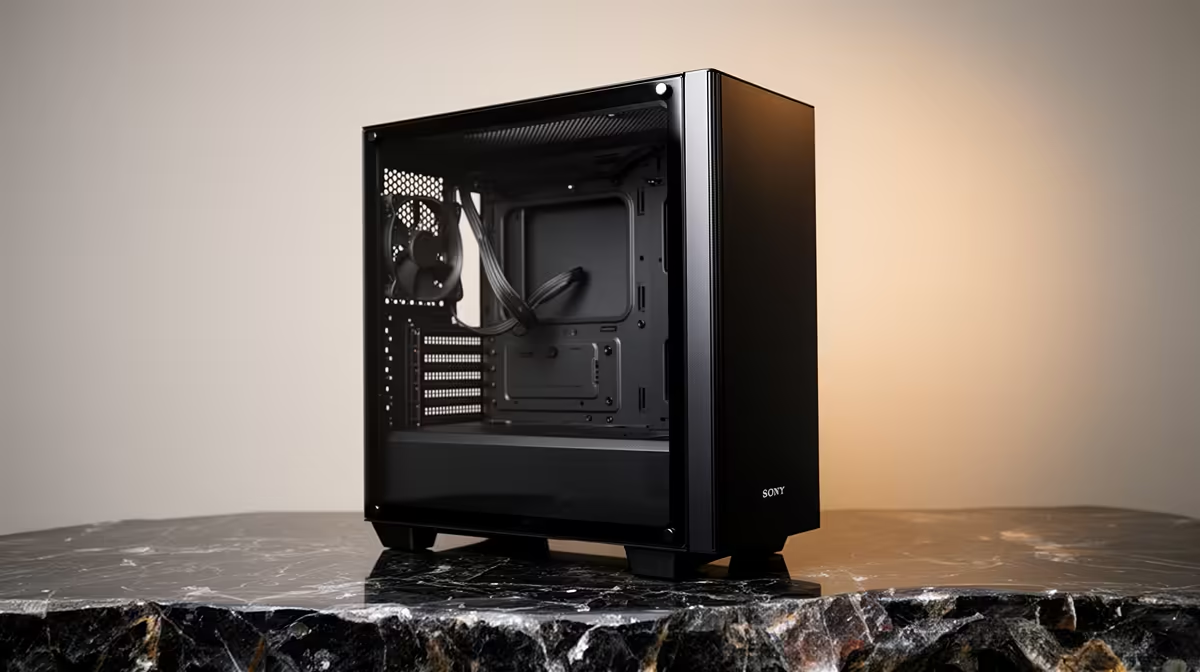
The Ryzen 5 5500 at R1,100 suits a coding bootcamp student who wants a practical gaming pc that can handle coursework, browser tabs, light databases, and after-hours play without turning the desk into a cramped upgrade trap.
Why a mid-tower makes sense for bootcamp work
A mid-tower is worth considering when the build is not only for lessons, but also for the messy reality of study life. The MSI A520M-A Pro at R700 base gives you a sensible motherboard foundation, while the Ryzen 5 5500 at R1,100 keeps the CPU choice grounded for everyday coding, testing, notes, and video calls.
For a student who also wants proper graphics performance, the ASUS RX 7600 8GB at R4,650 is the useful step up. That 8GB graphics spec matters when the same machine has to cover class projects, a second screen, and gaming after assignments are done, without pretending that a tiny office box is the best long-term answer.
Student desk space in a shared SA room
On a student desk, the case size is less about showing off and more about access. A mid-tower gives breathing room for the Palit RTX 5060 at R4,800, so cable routing, cleaning, and later part changes are not a fight in a tight corner. The Ryzen 7 7800X3D at R4,800 is the stronger CPU option if that workload grows into heavier projects, game dev practice, or a more serious creator desk.
A compact tower can look neat at first, but a mid-tower is usually easier to live with once real study habits start. The ASUS RX 7600 8GB at R4,650 gives the graphics side enough headroom for a balanced student setup, while still leaving the desk workflow focused on work, not constant hardware compromises.
Ready to choose the right gaming pc?
Use Ryzen 5 5500 at R1,100 as the gaming pc shortlist benchmark, then check whether its listed spec matches the space, workload, and upgrade path.