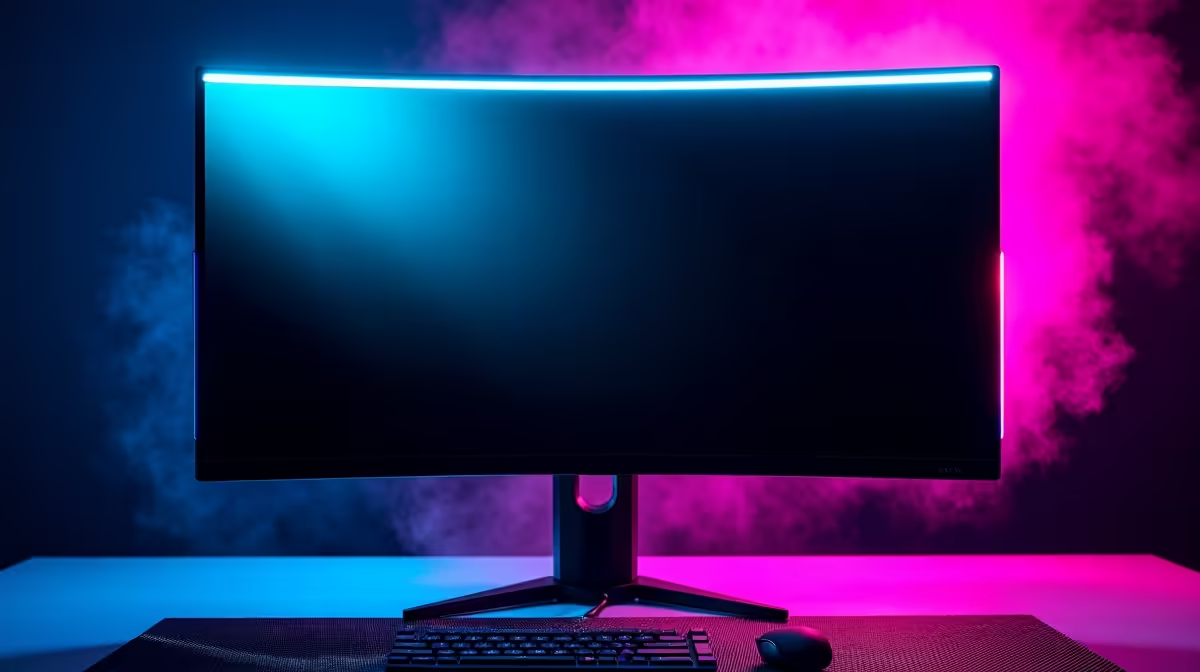
You’ve just dropped some serious ZAR on a shiny new Mini-LED gaming monitor. You’re dreaming of those inky blacks in Alan Wake 2 and the blindingly bright HDR in Cyberpunk 2077. But hold on... is that a weird glow in the corner? Are the colours looking a bit patchy? Before you panic, you need to run a simple Mini-LED uniformity test. This quick check can reveal hidden flaws and save you from a disappointing gaming experience. ✨
Why Screen Uniformity Matters for Mini-LEDs
Screen uniformity is all about consistency. In a perfect world, your monitor would display a single, solid colour with the exact same brightness and hue across every inch of the panel. Mini-LED technology, with its hundreds or thousands of local dimming zones, aims for incredible contrast but can sometimes struggle with this.
When it's done right, the results are breathtaking. But when it's not, you might notice annoying issues like blooming (halos around bright objects on a dark background) or blotchy patches. Performing a Mini-LED uniformity test is crucial because it helps you spot these immersion-breaking problems right out of the box, ensuring the premium display you paid for is one of the best all-gaming monitors available.
How to Perform a Monitor Uniformity Test at Home 💡
You don't need fancy lab equipment to check your screen. Just a few minutes and a dark room are all it takes to spot potential flaws in your gaming monitor.
Step 1: Set the Scene
First, kill the lights. Ambient light can easily hide subtle uniformity issues like backlight bleed. You want your room as dark as possible to give your monitor’s backlight nowhere to hide. This is especially important when testing for black levels.
Step 2: Use Test Patterns
Open a web browser in full-screen mode (usually by pressing F11). You’ll need to display a few solid colour backgrounds to properly assess the panel. The most important ones are:
- Pure Black: This is the ultimate test for backlight bleed and blooming.
- Pure White: This will reveal any colour temperature shifts, where parts of the screen look warmer (yellowish) or cooler (bluish) than others.
- 50% Grey: This is the best colour for spotting the "dirty screen effect" (DSE), which looks like faint, splotchy patches.
Easy Testing Tools 🔧
No need to create your own images. Websites like EIZO Monitor Test or Dead Pixel Buddy provide a full suite of test patterns with a single click. They cycle through different colours and patterns, making it simple to run a thorough monitor uniformity test.
Step 3: Know What to Look For
As you cycle through the colours, view the screen from your normal seating distance. Look for:
- Glows or bright spots along the edges on the black screen (backlight bleed).
- Halos or auras around your mouse cursor on the black screen (blooming).
- Uneven blotches or bands on the grey screen (DSE).
- Any noticeable colour tinting on the white screen.
While many high-end 5K & 4K monitors have excellent quality control, no panel is perfect. The goal is to identify if the flaws are distracting enough to affect your enjoyment.
Is Some Imperfection Normal?
Yes, to a degree. Minor backlight glow in the corners of an IPS-type panel is very common and often unnoticeable during actual use. The real question is: does it bother you? If you're constantly distracted by a bright spot during a dark cutscene or a weird tint while editing photos, then it's a problem. From our wide selection of PC monitors, we've seen thousands of panels, and the best ones keep these issues to an absolute minimum.
Whether you're looking at ultra-immersive curved monitors or even compact portable monitors for your setup on the go, running a quick check is always a smart move.
Your Next Steps: From Testing to Perfection 🚀
If your Mini-LED uniformity test reveals a serious issue, don't just live with it. A premium monitor is a big investment. This is why buying locally from a trusted retailer is so important—it gives you a clear path for support and warranty claims. Finding the best monitor deals in South Africa is great, but post-purchase peace of mind is priceless.
Once you have a panel you're happy with, consider optimising your setup with the right monitor accessories like a quality stand or arm. Proper positioning can improve perceived uniformity by ensuring you're always viewing the screen from the optimal angle.
Ready to Find Your Perfect Panel?
A flawless display makes all the difference. Don't leave your visual experience to chance. Explore our massive range of PC monitor deals and find the perfect screen to dominate the competition.