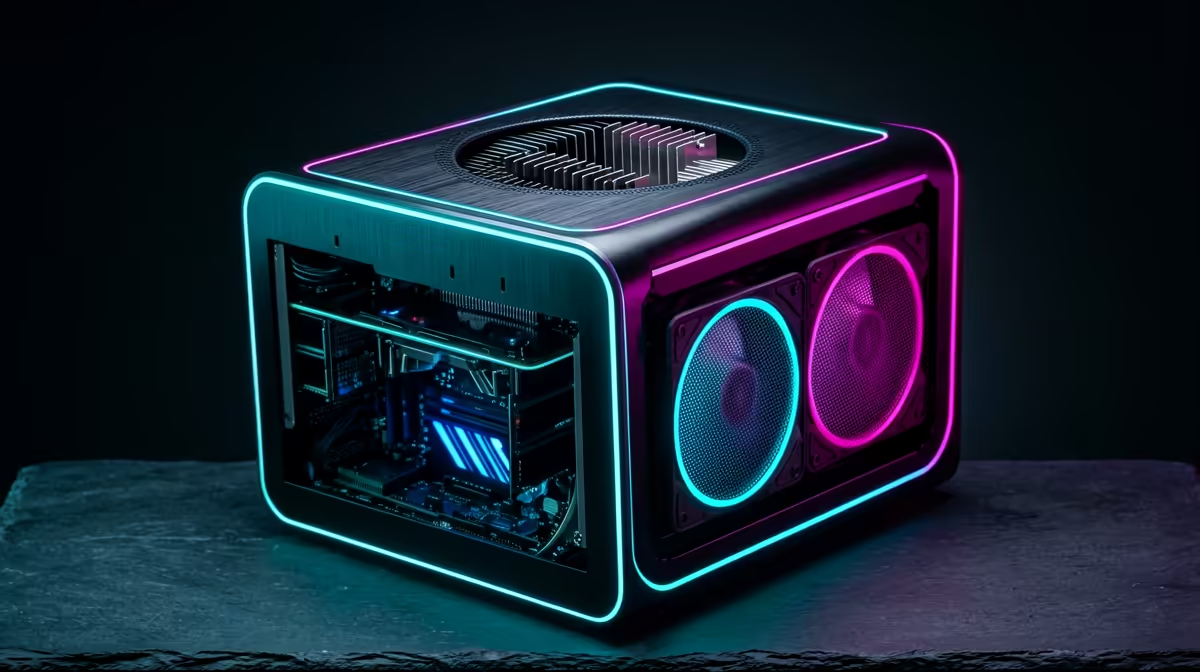
The NINKEAR M8 16GB/1TB at R8,350 suits SA players who want a compact mini pc for everyday gaming space, fast storage, and a cleaner path to an external graphics setup through Oculink. It makes sense when the desk is tight, the monitor is already sorted, and the goal is a small machine that can handle normal PC use while leaving room for a stronger gaming configuration later.
Best mini PC starting point
The UM750L 16GB/1TB at R4,600 is the value pick if you care more about storage headroom than premium extras. Its 1TB drive gives enough space for Windows, launchers, school files, clips, and a few large game installs without turning the desk setup into a cable-heavy tower arrangement.
The Minisforum NAB6 Lite i5 8GB/512GB at R4,150 is the lower-cost route for a learner, casual player, or home office user who wants the format first. The i5 chip and 512GB storage make it sensible for browsing, streaming, esports clients, and lighter play, but 8GB memory is the tradeoff to notice before treating it as a serious multitasking rig.
SA gaming room reality
For a shared bedroom, res room, or lounge TV unit, the NINKEAR L12 PRO i9 at R8,150 is appealing because the i9 label gives it more CPU ambition while still keeping the box small. Competitive esports needs stable frame pacing, low-latency peripherals, and a tidy screen position more than a flashy chassis, so Oculink is useful when the graphics side needs to grow later.
The GEEKOM A8 Max 32GB/1TB at R12,900 is the premium compact option here, with 32GB memory for heavier multitasking, capture tools, browser tabs, and content work around play. By comparison, the HP AIO 22 at R10,036 puts the screen into the purchase, which saves monitor hunting but fixes your display choice and desk layout more tightly.
Ready to choose the right mini pc?
Use Minisforum NAB6 Lite i5 8GB/512GB at R4,150 as the gaming room benchmark, then check whether its listed spec matches the space, workload, and upgrade path.