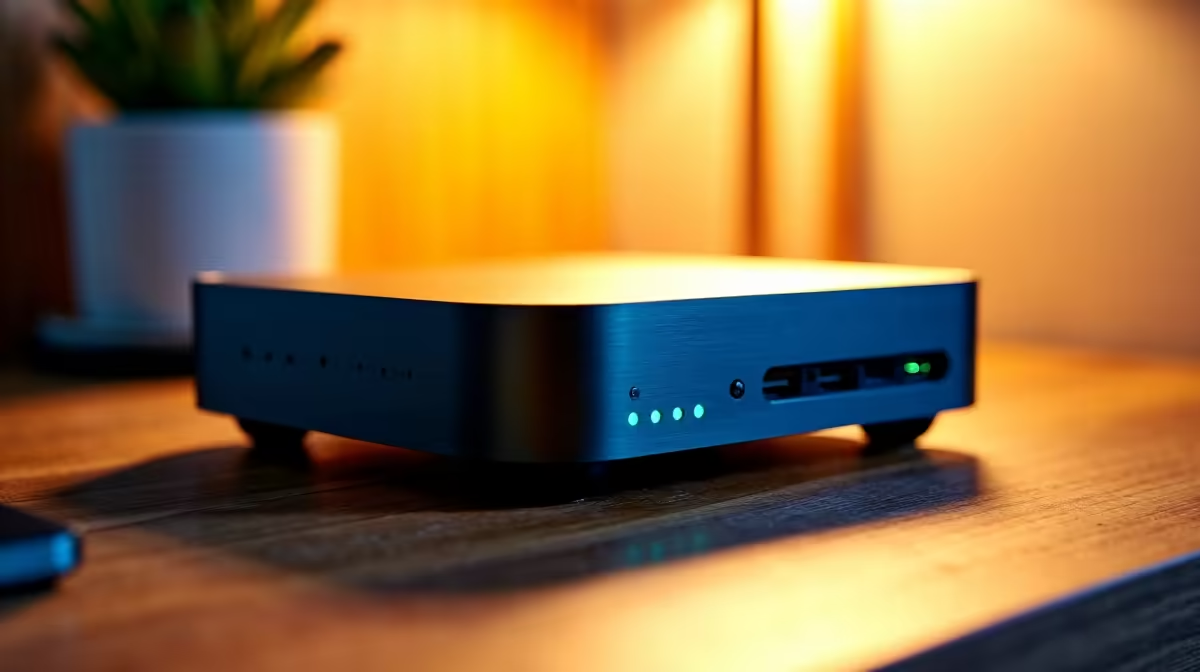
The UM750L 16GB/1TB at R4,600 suits a homeschooling family that wants a compact mini pc for lessons, browser tabs, documents, video calls, and shared study storage without chasing external GPU features. Oculink is useful for specialist graphics expansion, but for schoolwork at home it is usually more capability than the family desk needs.
Practical homeschool desktop choice
The UM750L 16GB/1TB at R4,600 is the strongest value starting point here because its 16GB memory gives enough breathing room for multiple learners switching between research, worksheets, and online classes, while the 1TB storage is useful for PDFs, projects, and downloaded learning material.
The Minisforum NAB6 Lite i5 8GB/512GB at R4,150 is the cheaper route for a single learner or a parent-managed study station. Its 8GB memory and 512GB storage are sensible for document work and web-based lessons, but a busy household with several profiles will appreciate the extra headroom of the UM750L.
Homeschool desk in a South African family home
A compact study corner often has to share space with books, stationery, a printer, and a router nearby. The NINKEAR M7 16GB/512GB at R4,650 works well where desk footprint matters more than huge storage, while the NINKEAR M8 16GB/1TB at R8,350 gives the same 16GB memory with more built-in space for saved class videos and family files.
The HP AIO 22 at R10,036 solves the screen and computer in one purchase, but it also fixes the display size and takes over more desk presence. A small box like the NINKEAR L12 PRO i9 at R8,150 keeps the computer separate, which is cleaner when the family already prefers a specific monitor height or wants the machine tucked away.
Ready to choose the right mini pc?
Use Minisforum NAB6 Lite i5 8GB/512GB at R4,150 as the family desk benchmark, then check whether its listed spec matches the space, workload, and upgrade path.