


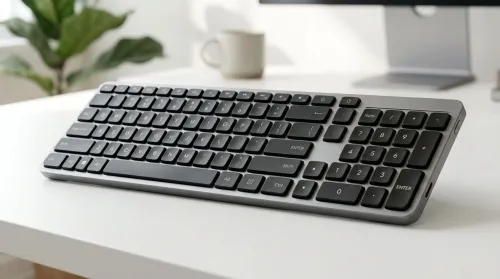
Compact Keyboard with Dedicated Numeric Keypad: Ultimate Guide
Looking for a compact keyboard with dedicated numeric keypad? This guide helps you pick the best layout, switches, connectivity, and key feel for faster spreadsheets. ✅⌨️
Read moreEnhance your viewing experience with ideal monitor brightness settings. 🌟 Elevate screen clarity and eye comfort in any light.
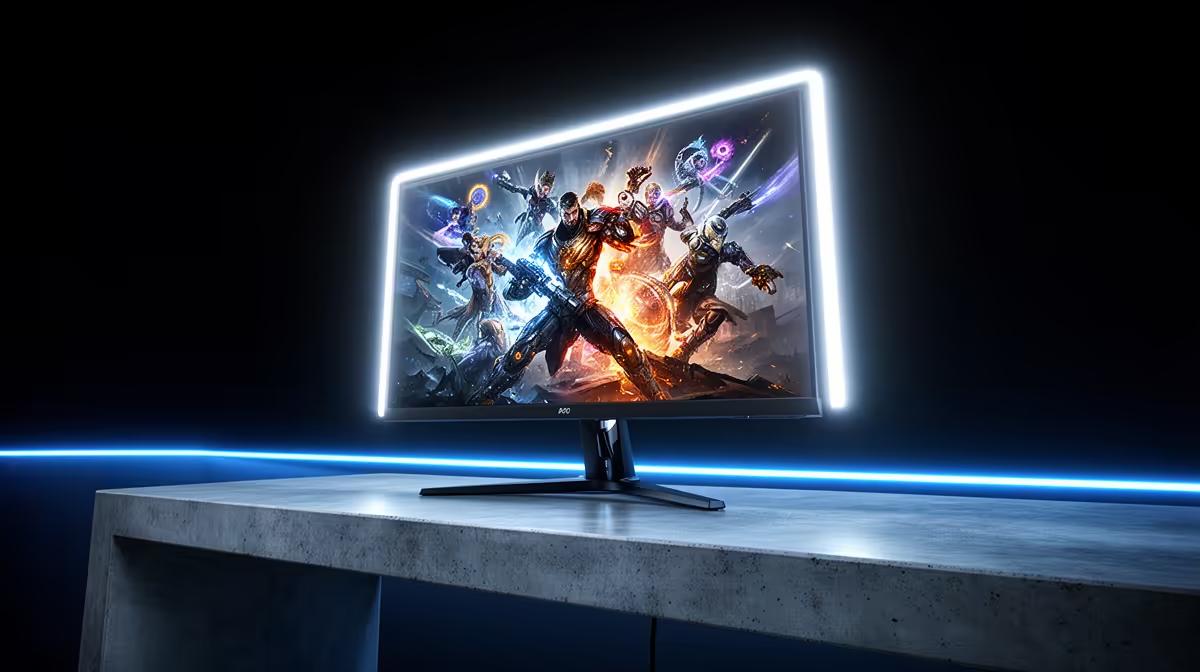
Staring at your screen after a long session, eyes burning like you've just stared into the Highveld sun? Ja, we've all been there. Getting your monitor brightness settings just right isn't just about comfort; it's about seeing that enemy hiding in the shadows before they see you. Dialling in the perfect brightness for your room's lighting can reduce eye strain, improve colour accuracy, and give you a real competitive edge. Let’s get it sorted.
Straight out of the box, most monitors are set to "torch mode"—way too bright for the average room. Manufacturers do this to make the display look vibrant in a brightly lit retail store. But in your gaming cave or home office? It leads to washed-out blacks, eye fatigue, and even headaches.
The goal is to match your screen's light output to the ambient light in your room. A single setting just won't work for both a sunny Saturday afternoon and a late-night ranked grind. Customising your monitor brightness settings is the first step towards visual perfection.
When the South African sun is streaming through your window, you need to fight back against glare. For brightly lit rooms, you'll need to crank up the brightness.
This ensures the details on your screen aren't lost in reflections. It's a bit like how modern cameras adjust to bright light; many of today's high-quality webcams have sensors that automatically compensate for harsh lighting to keep the picture clear.
Once the sun goes down, your screen becomes the primary light source in the room. If it's too bright, it's like a lamp shining directly into your face. This is where you need to dial things back significantly to protect your eyes.
Getting this balance right is crucial, especially for streamers who need to manage screen glare against their key lights. Even with a simple setup, you can find great options under R1000 that help you present a clear image without having to blast your monitor's brightness.
Open a blank white document and make it full-screen. Does it feel like you're looking at a lightbulb? Your brightness is too high. Does it look dull and grey? It's too low. Adjust your monitor brightness settings until it comfortably resembles a piece of paper in your room's current lighting.
What about a typical room that has both natural and artificial light? This is the trickiest scenario. You need a balanced setting that works without constant tweaking. A good starting point is around 50-60% brightness.
From there, use the "White Page Test" above to fine-tune it. The goal is comfort and clarity. You shouldn't be squinting, nor should you feel eye strain after an hour. If you're creating content, this balance is key. You can step up your quality for under R2000 with a webcam that handles these mixed lighting conditions beautifully, ensuring your audience sees you clearly.
Perfecting your monitor brightness settings is a huge win, but it's only one piece of the puzzle. For the ultimate visual experience, you'll also want to look at:
Tuning these alongside your brightness will make your games and content pop with incredible detail and accuracy. 🚀
Complete Your Pro Setup A perfectly calibrated monitor deserves a high-fidelity camera to match. Capture every detail with premium webcams up to R3000 and show them you mean business.
Adjust your display brightness to match ambient light. 150-250 cd/m² works best for daytime visibility.
Use monitor brightness optimization settings to reduce glare. Consider anti-reflective display coatings for improved readability.
For dark environments, set screen brightness between 30-70 cd/m² to minimize eye strain and maintain viewing comfort.
Use a colorimeter device or built-in calibration tools. Follow on-screen prompts to set brightness to match ambient lighting conditions.
Boost brightness to 200-300 cd/m² for better visibility in dark game scenes while playing in controlled lighting environments.
Adjust monitor brightness settings according to ambient light. Bright environments require higher brightness while low-light situations need dimmer displays for optimal viewing.
Maintain screen brightness at similar levels as your surroundings. Eye-friendly monitor settings reduce strain during prolonged usage sessions.
Looking for a compact keyboard with dedicated numeric keypad? This guide helps you pick the best layout, switches, connectivity, and key feel for faster spreadsheets. ✅⌨️
Read more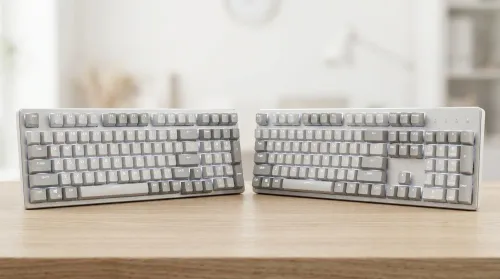
Choosing between 96-key vs 104-key layouts? Compare desk space, key coverage, and usability so you can pick the best balance of function and comfort. ⌨️📏
Read more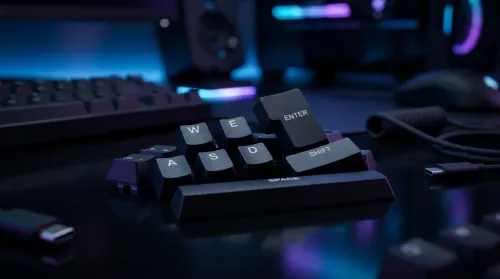
Learn how to clean and maintain double-injection keycaps safely for long-lasting shine and smooth typing. Avoid common damage mistakes and keep legends crisp. 🧼✨
Read more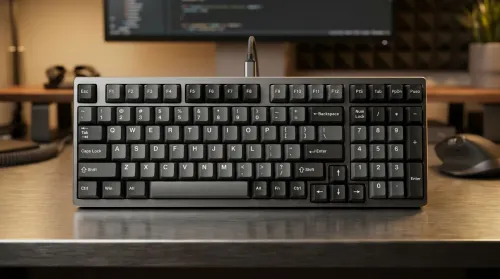
Want a 96-key mechanical keyboard layout with numpad that feels fast and tidy on your desk? Learn key placement habits, layer tips, and layout choices to maximize efficiency ⚡🧠.
Read more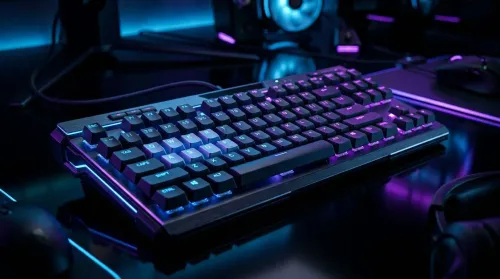
Wondering if full-key anti-ghosting improves gaming accuracy? We break down how full-key anti-ghosting works, real-world latency and input behavior, and when it matters—🎮✅
Read more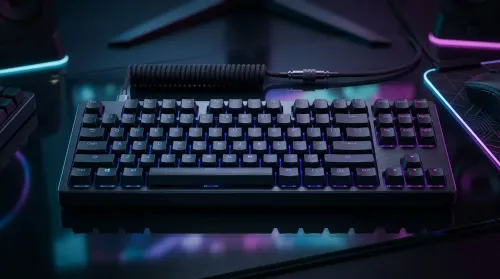
Choosing between wired vs wireless mechanical keyboards in South Africa? Compare latency, battery life, and real value in ZAR, with practical picks for gaming and work. Faster response, less hassle ⚡🔋
Read more
AI-Powered CAD Tools for Engineering Students. Comprehensive coverage with SA insights, Rand pricing & practical recommendations for local buyers.
Use Microsoft Copilot for Small Business. Step-by-step instructions with SA-specific tips, common pitfalls to avoid & expert recommendations.
Should You Buy Ryzen 9 9950X at Launch Week?. Comprehensive coverage with SA insights, Rand pricing & practical recommendations for local buyers.
Ryzen 9 10900X Price Prediction & Launch Window pricing in South Africa. Current cost tiers, budget alternatives & where to find the best local deals.
Samsung Keyboard Prices Across : Q3. Current stock data & price tracking for SA buyers. See what is available and where prices are heading.
Headset Technology: 2020-2023 Evolution in Gaming. SA-focused analysis with local pricing data, real-world insights & actionable buying advice.
Storage Stock Levels in Nelspruit: February Report. Current stock data & price tracking for SA buyers. See what is available and where prices are heading.
Cyberpunk 2077 Low FPS: Power Supply Bottleneck. Real-world benchmark data, FPS numbers & performance analysis. What SA gamers can actually expect.

Wondering if a TKL wireless mechanical keyboard is worth it for everyday productivity? We break down latency, battery life, comfort, and workflow gains for real work. ⚡⌨️

Maximise battery life on a fanless 15-inch laptop using efficiency core architecture. Cut idle drain, tune power profiles, and improve thermals for longer runtime. 🔋⚙️

Yes—spatial audio and Dolby Atmos can work with South African content platforms, but it depends on your device, app, and source. Here’s what to check for better surround sound 🎧🌍
South African Minecraft peripherals demand is rising fast as communities build themed setups for streams and LAN nights 🎮🇿🇦. Here’s what that means for buyers: better features, smarter buying, and standout aesthetics.