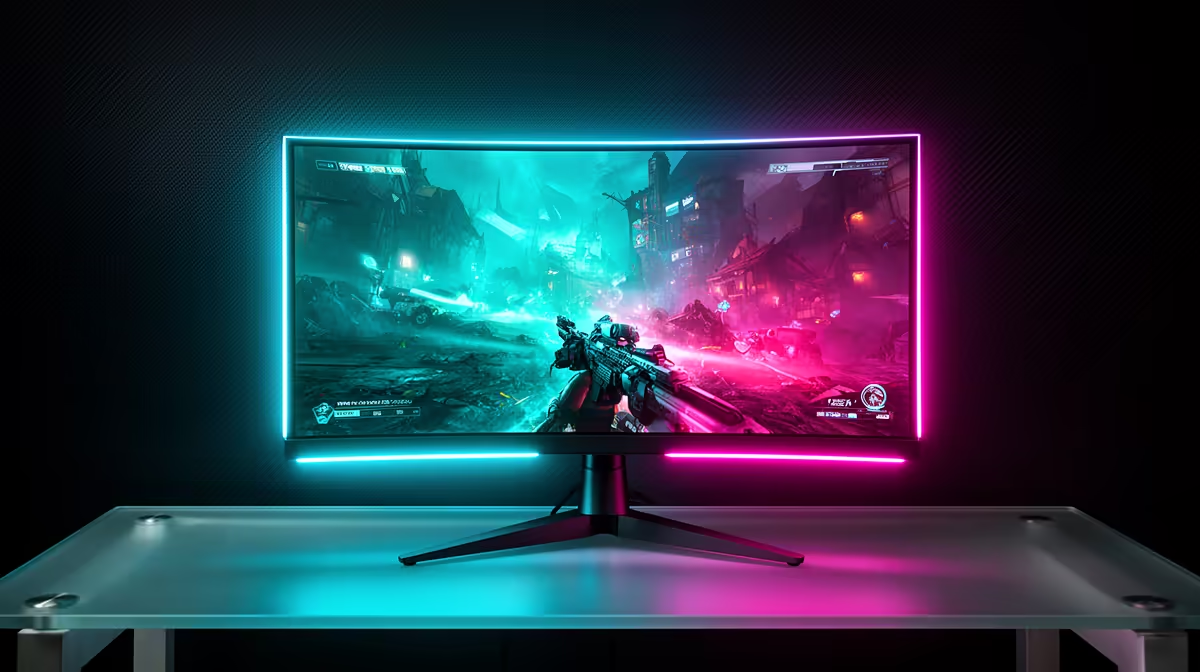
An RTX 5070 Ti can feed two very different monitors well. A 1440p 240Hz panel serves the player who wants fast, clear motion. A 4K 144Hz screen serves the player who slows down to look at the world. Choose the side of that fork that matches your library, then let variable refresh handle the titles in between.
Quick Answer
Pick 27-inch 1440p at 240Hz for competitive games and consistently high frame rates. Choose 27-inch or 32-inch 4K at 144Hz for sharper single-player games, accepting that demanding settings may need upscaling and tuning. A 34-inch 3440x1440 ultrawide is the immersion option. Evetech's in-stock gaming-monitor range showed a R4,499 median in July 2026; use that only as a dated category baseline because each of these premium formats can sit well above it.
🏎️ Choose 1440p 240Hz for speed you can use
At 1440p, the RTX 5070 Ti has more room to produce high real frame rates than it does at 4K. That matters in shooters, racing games and competitive titles where each frame arrives under your hand rather than through a cinematic camera.
Do not buy 240Hz from the GPU name alone. Run your main games at the settings you expect to keep. A player comfortable with competitive Low settings can use more of the ceiling than someone who insists on maximum ray tracing.
At 27 inches, 1440p offers a clean pixel density without demanding aggressive desktop scaling. A good 240Hz OLED adds near-instant pixel response and deep contrast; a fast IPS model can deliver strong motion at a lower price.
Use Evetech's monitor range to compare current 1440p sizes, panel types and refresh rates.
🏙️ Choose 4K 144Hz for detail and workspace
4K sharpens distant game detail, text and creative work. The RTX 5070 Ti can make good use of it, especially when you tune heavy settings and use a quality upscaler. New AAA games at their harshest presets will not fill 144Hz, and they do not need to for the monitor to be worthwhile.
Variable refresh lets a 70fps story-driven game sit comfortably on the same screen that runs an older title above 120fps. The 144Hz ceiling also improves desktop motion and leaves headroom for future GPUs.
Choose 27 inches for a compact sharp display or 32 inches for scale and easier text. Measure the desk. The better resolution cannot rescue a screen placed too close for comfort.
🛣️ Use ultrawide when the wider view changes the game
A 34-inch 3440x1440 monitor sits between standard 1440p and 4K in pixel load. It gives racing, flight, strategy and exploration games a wider field while leaving more performance headroom than 4K.
Check support in the titles you play. Some competitive games restrict the field of view, and cutscenes may show side bars. Streaming and screen capture also need an aspect-ratio plan.
Curvature helps keep the edges at a similar viewing distance. Panel speed and dark-level smearing still matter, especially on VA ultrawides. Read model-level tests rather than buying from curvature alone.
🖼️ Match panel type to the room
OLED is the premium choice for dark blacks, HDR contrast and clean motion. Its care features and static-content habits matter on a work-heavy desk. Mini-LED can push bright highlights and suit a sunny room, with some blooming around small bright objects. IPS offers consistent colour and straightforward text rendering, while dark scenes look greyer.
Budget for the behaviour you notice. A strong 1440p OLED may create a larger visible upgrade than a basic 4K IPS, even though the latter has more pixels. A photographer or programmer may reach the opposite conclusion.
Check the dead-pixel policy, warranty and stand adjustment on the exact model. Keep the box through the first week while you test bright desktop pages, dark games and repeated sleep-wake cycles. A panel flaw in the centre of your view matters more than a small specification win on paper.
Evetech's monitor best-sellers provide local shopping context, but the final call belongs to your light, distance and daily content.
🎚️ Use settings to keep the chosen monitor fed
At 4K, start with the game's High preset rather than assuming Ultra is sacred. Reduce ray tracing, volumetrics and heavy shadows first when their visual return is small. Use a quality upscaling mode that remains sharp on your screen.
At 1440p 240Hz, look at CPU limits and base frame rate. Lowering graphics does little once the processor sets the pace. Frame generation can increase displayed smoothness in supported games, though competitive response still follows the real frames.
Set variable refresh and confirm the game's cap. A monitor is a range of useful rates, not a pass-or-fail target at its maximum number.
🔌 Confirm ports and the full signal mode
The RTX 5070 Ti supports DisplayPort 2.1b and HDMI 2.1b output. The monitor and cable decide which input carries the target resolution, refresh, HDR and colour depth. Some high-end modes use Display Stream Compression.
Check the exact monitor specification, use the correct cable and select native resolution in Windows. Test with one panel connected before adding adapters or capture devices.
The RTX 5070 Ti range at Evetech gives you current card context as you build the display around the games it will run.
Frequently Asked Questions
Should I choose 1440p or 4K for the RTX 5070 Ti?
Choose 1440p for higher frame rates and 4K for sharper detail. Your most-played games should settle the decision.
Can the RTX 5070 Ti handle 4K gaming well?
Yes with sensible settings and upscaling where needed. The heaviest games will run below a 144Hz ceiling.
Is 1440p 240Hz achievable with this card?
Yes in esports and lighter titles, while demanding games will use a lower part of the monitor's VRR range.
Does the RTX 5070 Ti support DisplayPort 2.1?
Yes. Check the monitor and cable for the exact high-resolution mode you want.
Is an ultrawide monitor a good match here?
Yes. 3440x1440 combines immersion with a pixel load below 4K, provided your games support the aspect ratio.
Should I prioritise refresh rate or resolution?
Prioritise refresh for competitive motion and resolution for detail, text and slower visual games.
Does Evetech stock both monitor types in South Africa?
Evetech's monitor range covers 1440p high-refresh and 4K categories. Confirm exact models and dated availability before buying.
Deciding which side of the RTX 5070 Ti split fits you?
Compare 1440p 240Hz, 4K and ultrawide monitors at Evetech, then choose from the games that will fill the screen.