Reclaiming Your Workspace with Integrated Audio
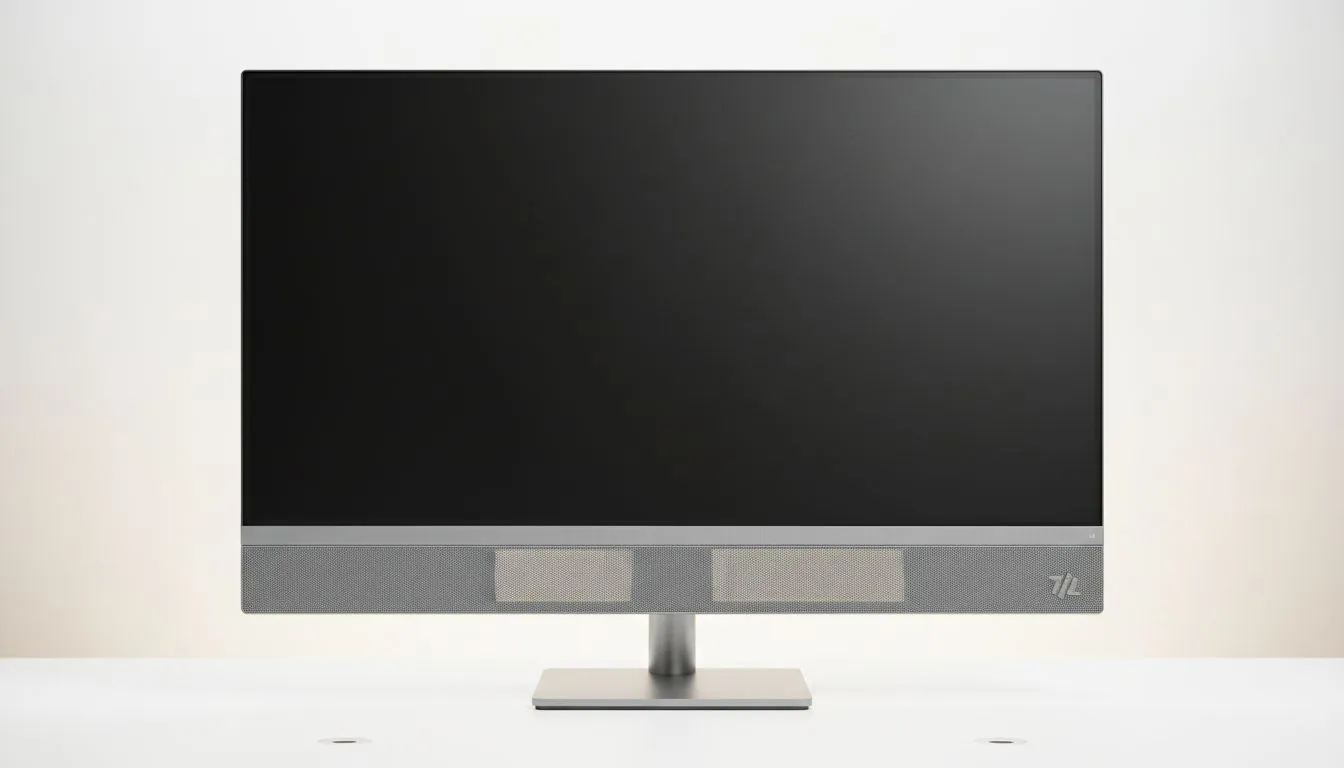
Let’s be honest... South African desks are often a chaotic mess of cables and peripherals. Between load-shedding lamps and charging docks... finding room for bulky speakers is a challenge. Choosing a monitor with built-in speakers allows you to save desk space and simplify setup instantly. It is the smartest way to declutter your environment while enjoying crisp audio for your daily tasks and entertainment. 🔧
Integrating audio into your display isn't just about sound. It is about reclaiming your workspace for what matters. When you browse the full range of pc monitors at Evetech... you will notice how sleek modern designs have become. Removing external speakers frees up room for your mousepad or a much-needed cup of coffee. It also means fewer power bricks taking up space on your multi-plug.
Choosing the Right Panel for Your Needs
Many users prefer the traditional look of flat monitors for productivity and design work. These screens often feature high-quality IPS panels that offer incredible colour accuracy and wide viewing angles. Combining these visuals with built-in sound creates a streamlined hub for both professional work and casual streaming. ⚡
Audio Management Tip ⚡
On Windows, you can quickly switch audio output by clicking the speaker icon in the taskbar. This allows you to toggle between your monitor speakers for casual YouTube watching and your headset for intense gaming sessions without unplugging a single cable.
Performance Features That Matter for Gamers
Gamers often worry that integrated speakers mean sacrificing performance. However... many modern displays include them alongside premium features. You can find immersive curved monitors that wrap around your field of view while providing clear audio for Discord pings or background music. These setups are perfect for those who want a minimalist look without losing the competitive edge.
To keep your gameplay smooth... look for displays with specific sync technologies. If you use an AMD card... check out FreeSync monitors to eliminate screen tearing. NVIDIA users should opt for G-Sync compatible displays for the best results. For those who want broad compatibility across different hardware... Adaptive Sync options provide a great middle ground. 🚀
Simplify Your Setup Today
By choosing a monitor with built-in speakers... you reduce the number of cables running behind your desk. This makes cleaning easier and reduces the risk of cable failure over time. You might even save a few hundred ZAR by not needing to purchase separate entry-level speakers. It is a win for your wallet and your aesthetic. ✨
Ready to Find Your Perfect Match?
A clean desk leads to a clear mind. Whether you need a high-refresh gaming beast or a colour-accurate professional display... we have the right fit for your South African setup. Explore our massive range of monitor specials and find the perfect machine to simplify your life.