


Complete Gaming Setup Guide for the SA Esports Athlete in SA 2026
Complete Gaming Setup Guide for the Esports. Clear setup instructions with SA-specific considerations, troubleshooting tips & recommended components.
Read moreMaster multi-camera streaming with our expert tips and gear guides. 🎥 Boost your live content quality today with Evetech! 🎥
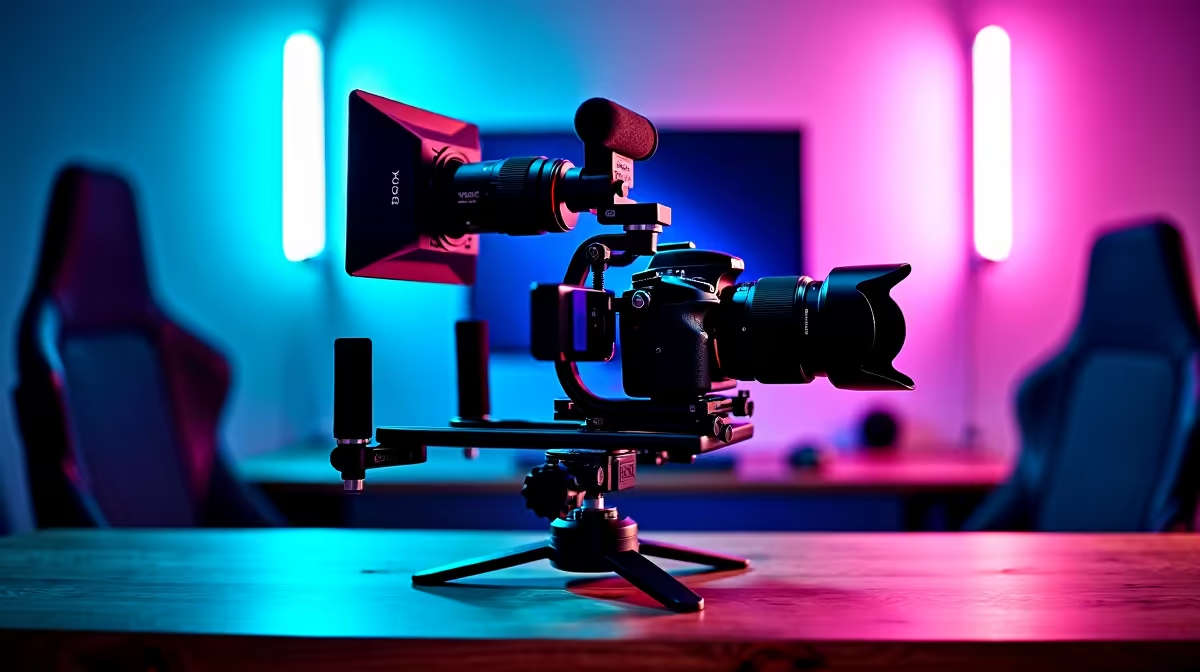
Stuck with a single, static webcam? Your gameplay might be top-tier, but if your stream looks flat, you're leaving views on the table. The biggest names on Twitch and YouTube don't just use one camera… they create an experience. A multi-camera streaming setup isn't just for millionaire streamers anymore. It’s the single most powerful upgrade you can make to look professional, keep your audience hooked, and stand out in a crowded space. 🚀
Think about the last pro stream you watched. Did they cut to a close-up of their keyboard during a frantic build battle? Or switch to a different angle for a heart-to-heart with the chat? That’s the magic of a multi-cam stream. It’s not just about looking flashy; it’s about telling a better story.
A professional streaming setup with multiple angles allows you to:
Building a multi-camera streaming setup sounds complex, but it boils down to a few key pieces of hardware. You don't need to drop R50,000 overnight. You can start small and upgrade as your channel grows.
First, the cameras. You can mix and match! Use your high-quality webcam as your main shot and add a second, more affordable camera for a secondary angle. Many streamers even use their smartphones with specific apps.
Next, you'll need a way to get the video from those cameras to your PC. That's where capture cards come in. Each camera (unless it's a USB webcam) will need its own capture card to translate its signal.
Finally, you need to control the chaos. While you can click between scenes in OBS, nothing beats the tactile feel of a dedicated switcher. This is where tools like the Elgato Stream Deck shine, giving you one-touch control over your entire production. You can find incredible control hardware from brands like Corsair that integrate seamlessly with your software.
For a seamless look when switching, try to manually set the white balance, exposure, and focus on all your cameras. Leaving them on 'auto' can cause jarring shifts in colour and brightness between your scenes. Consistency is key!
Amazing cameras are useless in a poorly lit room. Good lighting is non-negotiable. A simple three-point lighting setup (key light, fill light, and backlight) will make any camera look ten times better. You can even add some personality to your background with ambient lighting from specialists like Cololight to make your setup pop.
Audio is just as crucial. A crisp, clear microphone ensures your audience hears your every word, cheer, and tactical callout. Your viewers might forgive grainy video, but they will click away instantly for bad audio. Investing in all the streaming essentials you'll need is the foundation of any great stream.
Getting started with a multi-camera streaming setup doesn't have to drain your wallet. The key is to build incrementally. Start with two cameras, master the workflow, and then consider adding a third or fourth when you're ready.
For South African streamers, building a quality setup is more accessible than ever. You can find excellent streaming gear for under R6000 at Evetech, from sharp webcams to microphones and lighting kits. Plan your budget, identify the one or two pieces of gear that will make the biggest impact, and build from there. Remember, a well-lit stream with two camera angles is far more impressive than a poorly executed four-camera setup.
Ready to Build Your Pro Setup? Stop streaming like a beginner and start broadcasting like a pro. Evetech has all the gear you need to build a multi-camera setup that will wow your audience. Shop our full range of streaming essentials and take your channel to the next level today.
You'll need cameras, capture devices, streaming software like OBS, and a strong computer. Check our guide for detailed recommendations!
It requires practice, but with the right tools and knowledge, anyone can master it. Our step-by-step guide helps you succeed.
OBS Studio, Streamlabs, and vMix are popular choices. Choose based on your workflow and streaming goals for best results.
Yes, but ensure compatibility with your capture hardware/software for smooth transitions and professional output in live streams.
Use streaming software features like hotkeys, scenes, or external switchers to manage camera angles seamlessly in real-time.
A good CPU and GPU are essential to handle multiple video feeds. Lower-end systems may struggle with more than 2 cameras.
Begin with 2 cameras—one for your face and one for gameplay or product focus. Expand as you gain experience.
Complete Gaming Setup Guide for the Esports. Clear setup instructions with SA-specific considerations, troubleshooting tips & recommended components.
Read more
AIO Liquid 360mm Installation Guide for Your PC. Clear setup instructions with SA-specific considerations, troubleshooting tips & recommended components.
Read more
MacBook Display Colour Looks Wrong? Calibration. Everything you need to know with SA pricing, step-by-step instructions & expert recommendations.
Read more
Printer Terminology Guide. Everything you need to know with SA pricing, step-by-step instructions & expert recommendations.
Read more
Git on Mac: Complete Setup Guide for Beginners. Clear setup instructions with SA-specific considerations, troubleshooting tips & recommended components.
Read more
Ryzen 9 9900X Thermal Paste Dry: Reapplication. Everything you need to know with SA pricing, step-by-step instructions & expert recommendations.
Read more
AMD RX 9050 XT: Rumoured Specs, Price & Release. SA-focused analysis with local pricing data, real-world insights & actionable buying advice.

Can RTX 4080 Super Run AI Workloads for SA Developers Detailed answer with SA data, expert analysis & practical recommendations for local buyers.

Can RTX 4090 Run AI Workloads for SA Developers Detailed answer with SA data, expert analysis & practical recommendations for local buyers.

Top Settings for Intel Arc B580 at Ultrawide 1440p picks evaluated on performance, value & SA availability with current Rand pricing from Evetech.

RTX 4060 CS2 Low Settings at 1080p: FPS Results. Real-world benchmark data, FPS numbers & performance analysis. What SA gamers can actually expect.

Visual Artifacts: Possible GPU Issue Issue #1. Diagnosis steps, proven fixes & when to seek professional help. SA-specific support info included.

Can the RTX 4090 Handle 1440p 144Hz Gaming. Performance testing verdict with real data & practical recommendations for SA buyers.

Top ASUS GPU Under R15000 picks evaluated on performance, value & SA availability with current Rand pricing from Evetech.

GTA 6 Max Settings on RTX 5070. Tested & verified settings for best FPS and visual quality on SA hardware budgets.

Cyberpunk 2077 Max Settings on RTX 5080. Tested & verified settings for best FPS and visual quality on SA hardware budgets.

Starfield Max Settings on RTX 5070 Ti. Tested & verified settings for best FPS and visual quality on SA hardware budgets.

Top RTX 5090 Under R5000 picks evaluated on performance, value & SA availability with current Rand pricing from Evetech.