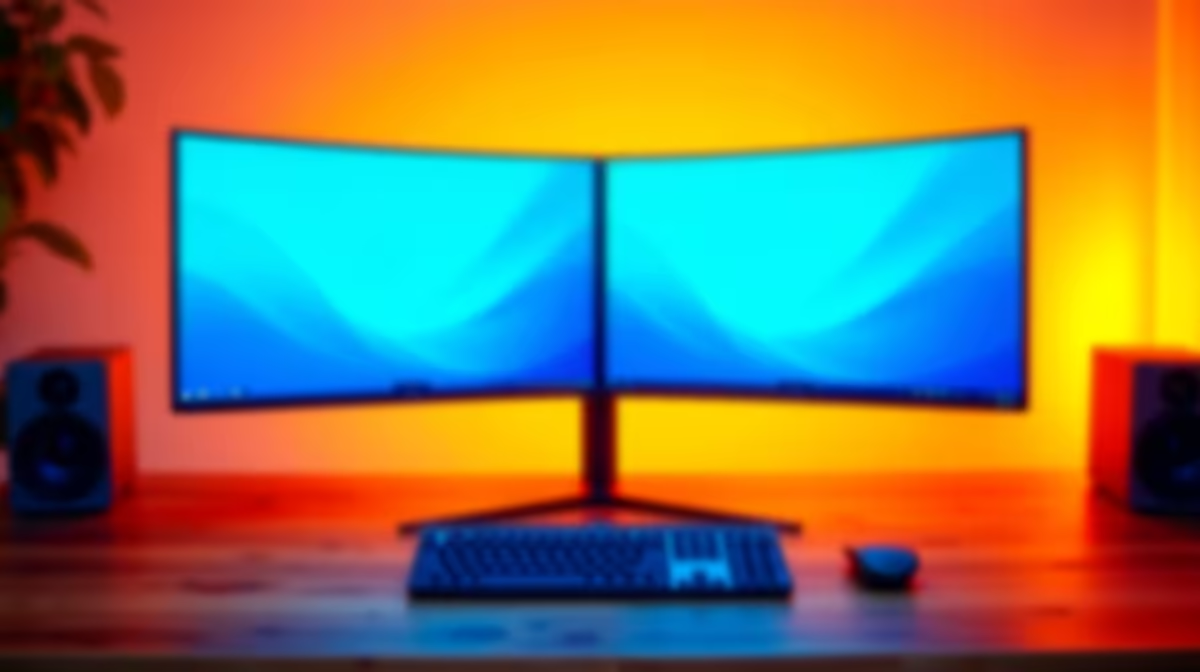
South African desk space is finite and so is the budget. The question of whether to run multi-monitor versus a single display sounds like a luxury problem until you realise that two 24-inch panels can land at roughly the same total cost as one premium 27-inch QHD screen. At that point the choice becomes genuinely strategic, and the right answer depends on what you actually do at the desk rather than which configuration looks better in a setup photo.
Quick Answer
Two 24-inch 1080p panels and one 27-inch QHD can both come in near R6,000 in SA. A single display keeps the game clean and avoids the bezel seam. Dual screens give genuine multitasking separation. Your primary use case should decide: pure gaming favours single, streaming and productivity favour dual.
🖥️ The Single Display Case: Clean, Sharp, and Simpler
A single monitor forces everything onto one screen, which sounds like a limitation until you think about what that means for gaming specifically. There is no bezel seam running down the middle of your field of view. The GPU sends all its output to one panel, which means no split attention and no visual interruption at the centre where game action tends to concentrate.
At 27 inches and QHD resolution, a single screen near R6,000 to R7,000 gives you 109 pixels per inch of clarity. The image is crisp enough that fine in-game detail, distant targets, and map textures resolve cleanly without needing to lean forward. That density on a single coherent surface is something a dual 1080p setup cannot match, because each 24-inch panel runs at 92 PPI and the two images are physically separated.
For pure gaming, especially competitive titles where your eyes need to track smoothly across the horizontal, a single display eliminates one source of visual distraction entirely. Professional esports players almost universally use a single screen for competition even when dual setups are available. The logic holds at every level.
A single premium display also simplifies your GPU workload. Running one 1440p panel at 144Hz is less demanding than driving two 1080p panels simultaneously, particularly if the second display is showing a live chat, a streaming dashboard, or video content at the same time.
🎯 The Dual Screen Case: Multitasking Without Compromise
The genuine case for dual monitors is separation, not spectacle. When you are streaming on Twitch or YouTube, your game occupies one screen and OBS, chat, and alerts live on the other. There is no alt-tab, no minimising, no moment where you have to leave the game to check whether a viewer question needs a response.
The same logic applies to content creators who reference footage or documents while building something, to students writing assignments while keeping notes or a lecture recording visible, and to anyone who needs to maintain a persistent secondary context alongside their primary task. In those scenarios a second screen is not extra; it is the tool that makes the workflow coherent.
In South Africa's university residence environment, where a student might be working on an assignment while on a video call with a study group or keeping tutorial content visible alongside their IDE, dual screens can halve the time lost to switching between windows. The productivity benefit is not theoretical.
Pro Tip ⚡
If you run dual monitors, set each panel to an independent colour profile and refresh rate rather than extending them as a mirrored pair. Your secondary screen running at 60Hz for chat and your main panel at 144Hz for gaming puts less total load on the GPU than running both at 144Hz, and chat and messaging software does not benefit from high refresh anyway.
💰 The ZAR Cost Comparison in Practice
Two 24-inch 1080p 144Hz IPS panels at roughly R3,000 each put you at R6,000 total, matching the lower end of the 27-inch QHD 144Hz range. At that price parity the decision becomes about what you value more: the single sharp QHD surface or the dual-screen workflow.
The costs diverge when you factor in the desk and arm hardware. Two monitors on a dual arm, which significantly reduces footprint and allows precise positioning, adds R800 to R1,500 to the dual setup. A quality single monitor stand upgrade is cheaper, typically R400 to R800. If desk space is constrained, the dual arm cost narrows the budget gap further.
The GPU cost implication is modest but real. Running two 1080p panels simultaneously increases the GPU's desktop rendering load, though in practice the second screen running static content like chat or a browser adds very little. The meaningful load difference only appears if you are running video or a game on both screens at once.
🌗 The Ultrawide as a Middle Path
A 34-inch ultrawide at 21:9 aspect ratio sits between the two setups in both price and function. Priced around R8,000 to R10,000 locally, it provides a wide working surface without a physical seam, at a resolution of 3,440 by 1,440 pixels. That is wider than a standard 27-inch QHD panel but narrower than two 24-inch screens side by side.
For gaming, ultrawide provides the expanded horizontal view without the bezel break. Supported games fill the extra width with visible scene, which adds to immersion in racing, flight, and open-world titles. For multitasking, the same desktop can run two applications side by side at a comfortable width.
The trade-off is that fewer games fully support the ultrawide aspect ratio without stretching or black bars, and the panel costs more than either of the two configurations below it. For a buyer who finds both gaming and productivity use cases compelling and has the budget, ultrawide resolves the either-or choice. For most it adds cost without clearly winning either use case.
Frequently Asked Questions
Can two 24-inch panels actually match the cost of one 27-inch QHD?
Yes, at current SA pricing. Two 24-inch 1080p 144Hz IPS panels at around R3,000 each land at R6,000, which matches the lower end of the 27-inch QHD 144Hz range. The cost parity makes this a genuine configuration choice rather than a simple budget question, and the right answer depends on your use case rather than the price difference.
Why do competitive players prefer a single screen?
A single display removes the visual seam at the centre of the horizontal field and keeps the player's attention on one surface. In fast-paced competitive titles where tracking targets across the screen is critical, there is no momentary break in the image as the eye crosses from one panel to the other. The setup also simplifies the GPU output and reduces potential frame timing irregularities.
How much desk width does a dual 24-inch setup actually need?
Two 24-inch panels with standard stands take up approximately 110 to 115cm of horizontal desk space. A single 27-inch monitor needs around 65cm. If the desk is less than 120cm wide, a dual setup can feel cramped and the screens may be angled awkwardly. A dual monitor arm helps by reducing the stand footprint and allowing the panels to be positioned closer together.
Is an ultrawide better than dual screens for streaming?
It depends on the content. An ultrawide keeps everything on a seamless surface, which suits gaming and wide productivity workflows. Streamers who need to see chat clearly while monitoring a game in full view often find dual screens more practical, since the game can fill one panel entirely while OBS and chat occupy the other. An ultrawide splits that width between two windows instead.
Should streamers always choose dual over single?
For active streaming where chat monitoring and scene management are happening in real time, dual screens are the more practical choice. For a streamer who primarily interacts with chat between rounds or in low-intensity moments, a single larger screen with a corner overlay is manageable. The more actively the streamer references off-game content mid-session, the stronger the case for the second display.
Ready to build the setup that actually fits how you use your desk?
Browse the gaming monitor range, whether single QHD, dual 1080p, or ultrawide, and configure the layout that matches your workflow and space.