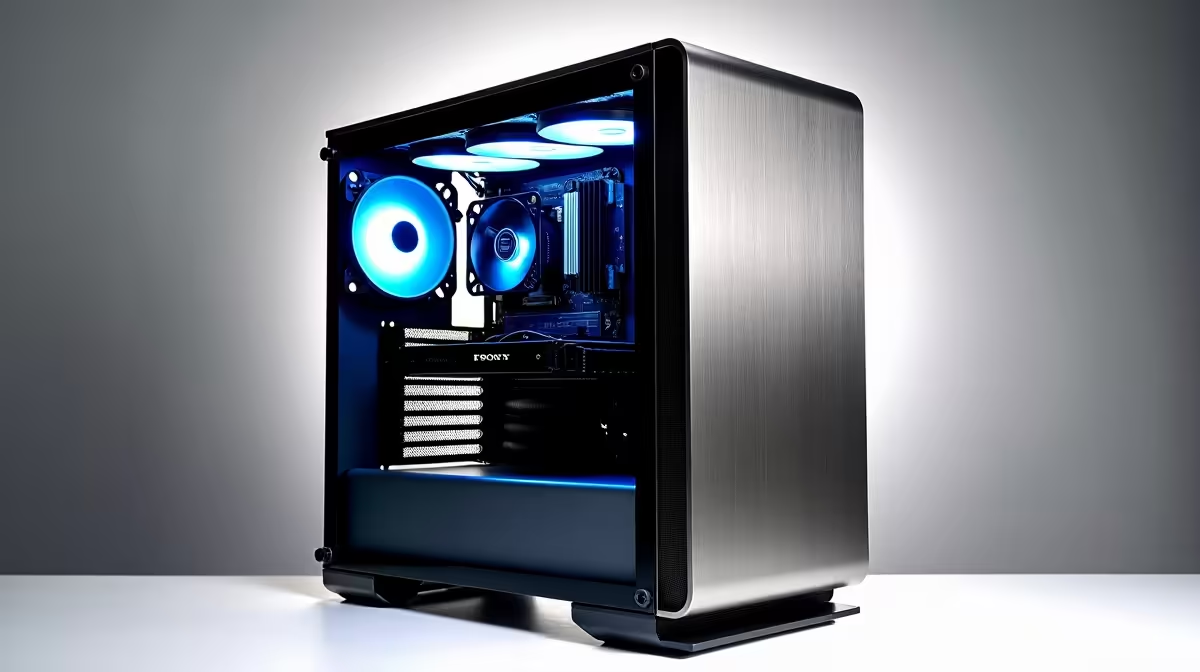
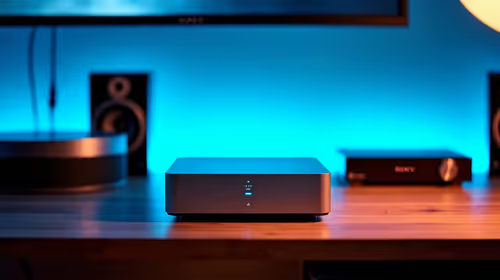
A music-production PC can double as a home media server when quiet operation, storage, networking and software support fit both jobs. Within the stated ceiling, leave room for drives and backups rather than spending everything on audio or compute that media playback does not need.
Test the studio and household clients
Open the normal music session, then stream the hardest representative media file to each expected client. Check CPU, memory, buffering, fan noise and whether server activity interrupts low-latency audio. Decide whether the machine must remain available while studio work is offline.
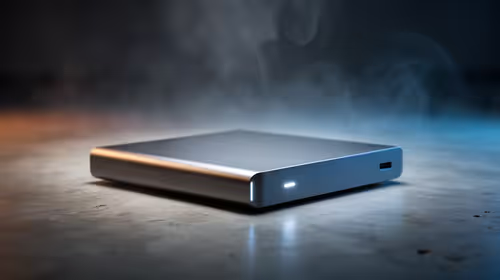
The Minisforum UM750L with Ryzen 5 7545U, 16GB RAM and 1TB storage is verified at R4,600. The Seagate Expansion 4TB external drive at R2,057 and NearStream USB/XLR microphone at R676 are separate storage and audio references. These do not form a validated server or studio. Confirm current media-software support, codecs, audio drivers, ports, network and warranties.
Secure accounts, expose no unnecessary services and keep music sessions, server metadata and irreplaceable media in independent backups. Use legal media and licensed music. Document a recovery route before combining household access with production work.
Choose one PC when both tests pass without noise or scheduling conflict. Separate devices can protect studio reliability if the family expects continuous media availability.
Combining studio and media duties? > Compare Evetech mini PCs and external storage after both tests.