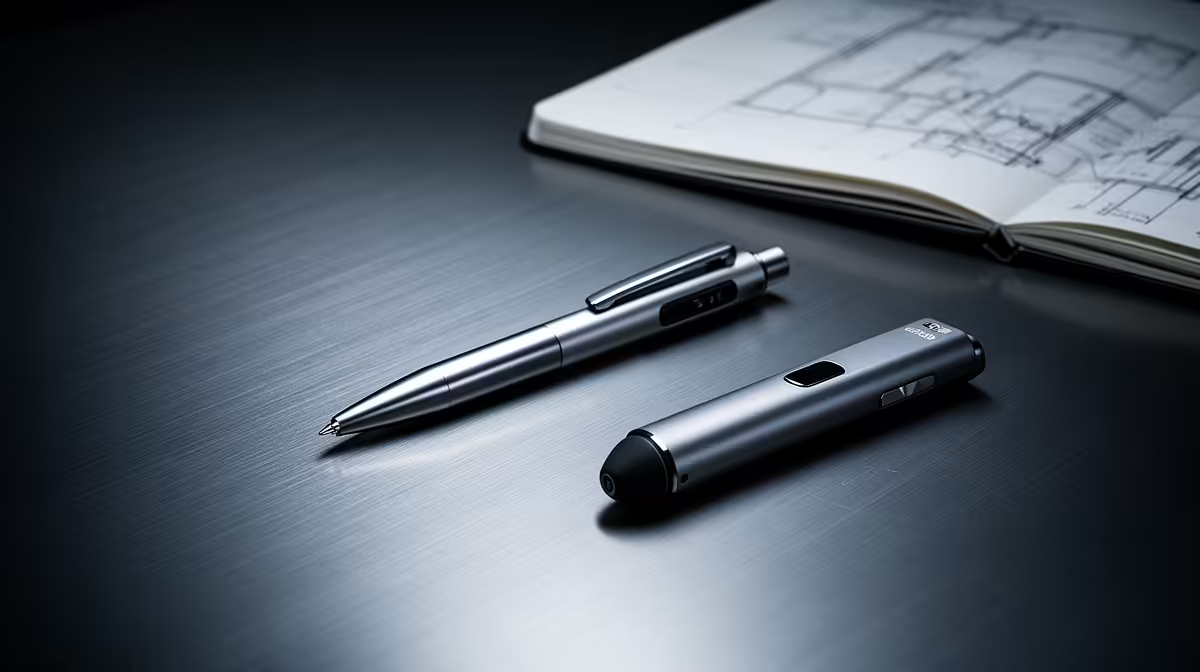
A note-taking tablet at a very tight budget is not a CAD workstation. It may annotate drawings, mark review notes or sketch concepts, but full modelling needs supported software, precise input, enough memory and capable graphics. Choose the tablet only for a defined companion role.
Test one complete drawing-review cycle before spending
Export a representative drawing or model view, annotate dimensions, add comments and return the file to the CAD workflow. Check screen size, pen accuracy, file compatibility, cloud permissions, offline access and whether collaborators can read every mark. Confirm that the proposed device runs required viewing software.
No note-taking tablet model with a dependable selling price appears in the factpacks. The ASUS ExpertBook P1503 at R9,858 is a verified laptop reference, not a guaranteed CAD workstation or pen tablet. Confirm live application, graphics, memory, display and port requirements independently.
Budget for a compatible pen and case if separate. Preserve native CAD files, neutral exports and annotated copies in tested backups. Avoid locking reviews into an app that cannot export standard formats, and protect confidential client drawings appropriately.
Buy after the review trial proves the companion device saves time. Put the limited budget toward the main CAD computer when modelling performance remains the actual need.
Test dimension markup accuracy before sharing the annotated drawing.
Planning a CAD workflow? > Compare Evetech laptops against the actual models, software and input needs.