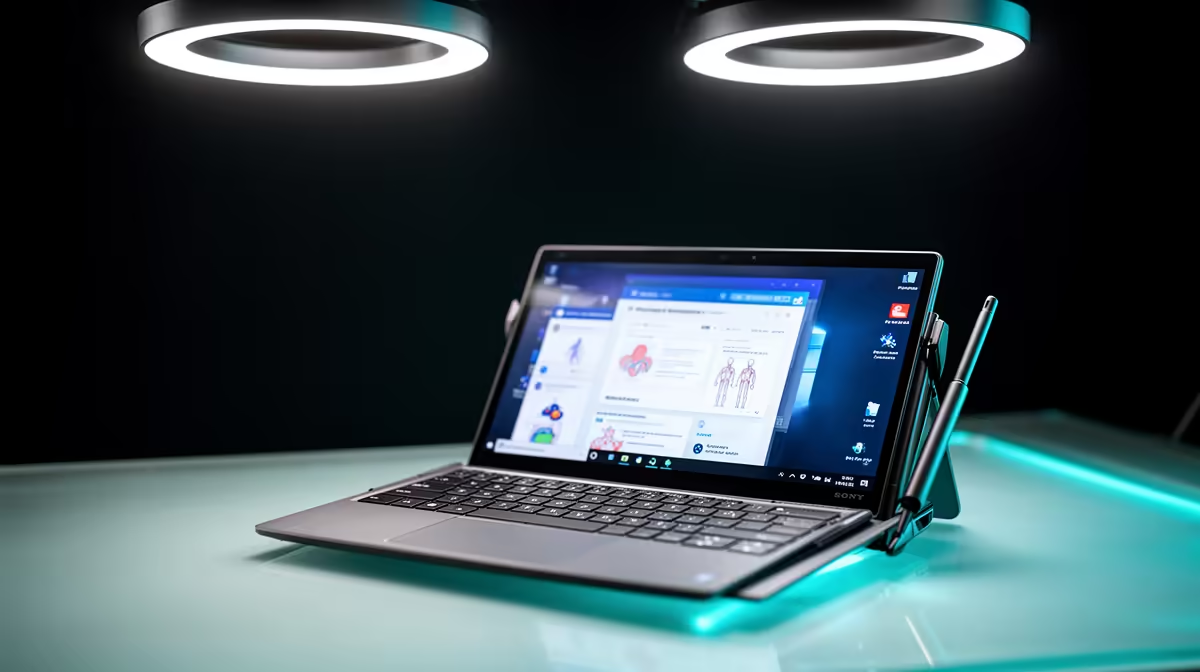
A nursing student should choose a 2-in-1 tablet only after confirming course platforms, clinical-placement policies and required desktop software. Pen input can help annotate diagrams and readings, but portability does not excuse weak typing, missing applications or insecure handling of sensitive information.
Follow a module from lecture to placement
Open the learning portal, annotate a representative document, join a video class and submit a practice assignment. Test the keyboard on a long care-plan exercise and verify whether required assessment tools support the operating system. Ask what devices are permitted in clinical settings.
No convertible tablet has confirmed pricing in the supplied facts. The ASUS ExpertBook P1503 at R9,858 is a verified conventional laptop reference, not a pen-enabled device or course guarantee. The Promate TransHub-Lite at R305 is a separate USB-C hub option. Check current software support, memory, storage, stylus inclusion, keyboard stability, ports, updates and warranty.
Use a standard account, stronger sign-in protection and automatic locking. Never store identifiable patient details on an unauthorised personal device. Keep assignments and permitted notes in approved versioned backups, and confirm exports work outside the note application.
Buy the flexible form when pen work repeats and all required software passes. Otherwise, a conventional laptop may offer a stronger keyboard and longer useful course life.
Choosing a nursing-study computer? > Compare Evetech laptops and hubs after checking placement and software rules.