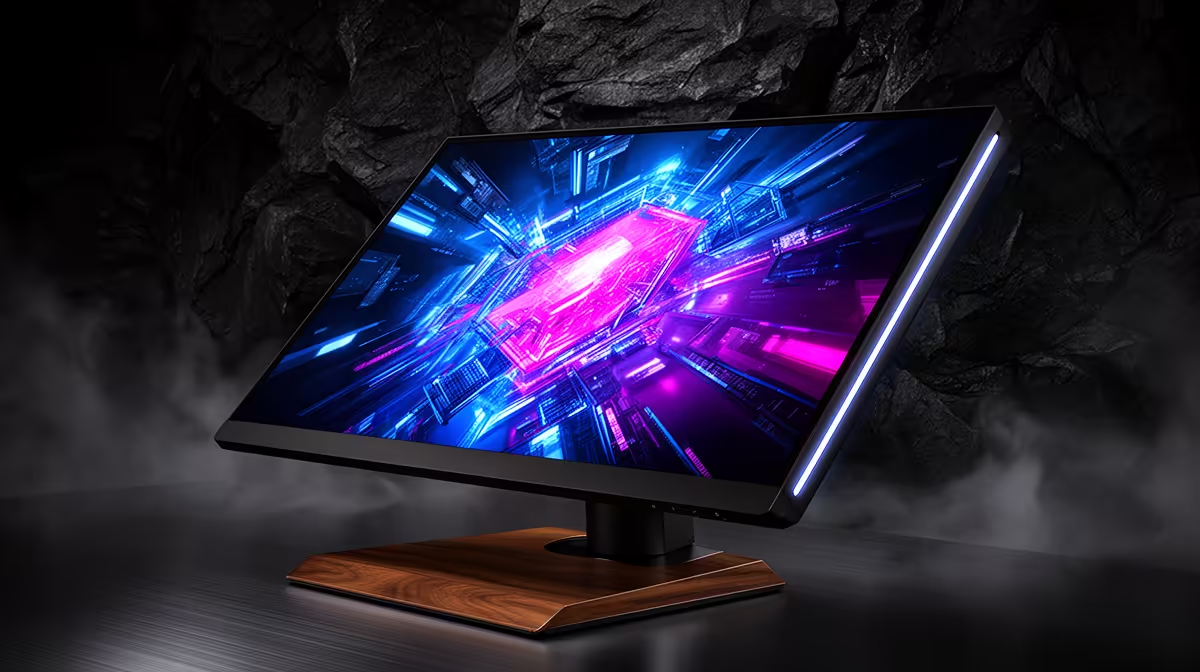
ASUS ROG Swift OLED PG27UCDM 26.5-inch 3840 x 2160p 4K UHD 16:9 240Hz 0.03 at R19300 suits a South African creator or engineering desk that needs sharp detail for SolidWorks without going near the the stated budget ceiling. It is the strongest OLED gaming monitor pick here because the 4K UHD panel gives fine line work, toolbars, and dense drawings more room than a lower-resolution screen.
Best OLED monitor picks for detailed desk work
The Alienware 27 240Hz QD-OLED Gaming Monitor AW2726DM at R6731 is the value surprise if the brief is a clean OLED upgrade with 240Hz motion and 3 units in stock. It makes sense for a mixed work-and-play setup where gaming responsiveness matters after hours, but you still want QD-OLED contrast on a 27-inch class screen.
The Asus ROG Strix OLED XG27AQDMG gaming monitor at R8721 gives another 27-inch route, with a 26.5-inch viewable size and 6 units in stock. That viewable size is practical on a standard desk because it keeps the screen large enough for panels and timelines without forcing the user too far back.
SA creator desk under the stated budget
For a local creator desk, the MSI MAG 272QP QD-OLED X50 MONITOR at R14400 is a tidy mid-range option when 1 unit in stock is enough and QD-OLED is the priority. The LG UltraGear 27" QHD OLED Gaming 480Hz 0,03ms Monitor at R14000 is the faster choice, with 480Hz and 0,03ms listed for users who split time between detailed work and high-refresh gaming.
Ready to choose the right oled monitor?
For smart oled gaming monitor running, put Alienware 27 240Hz QD-OLED Gaming Monitor- AW2726DM at R6,731 first and judge the setup around (3 in stock).