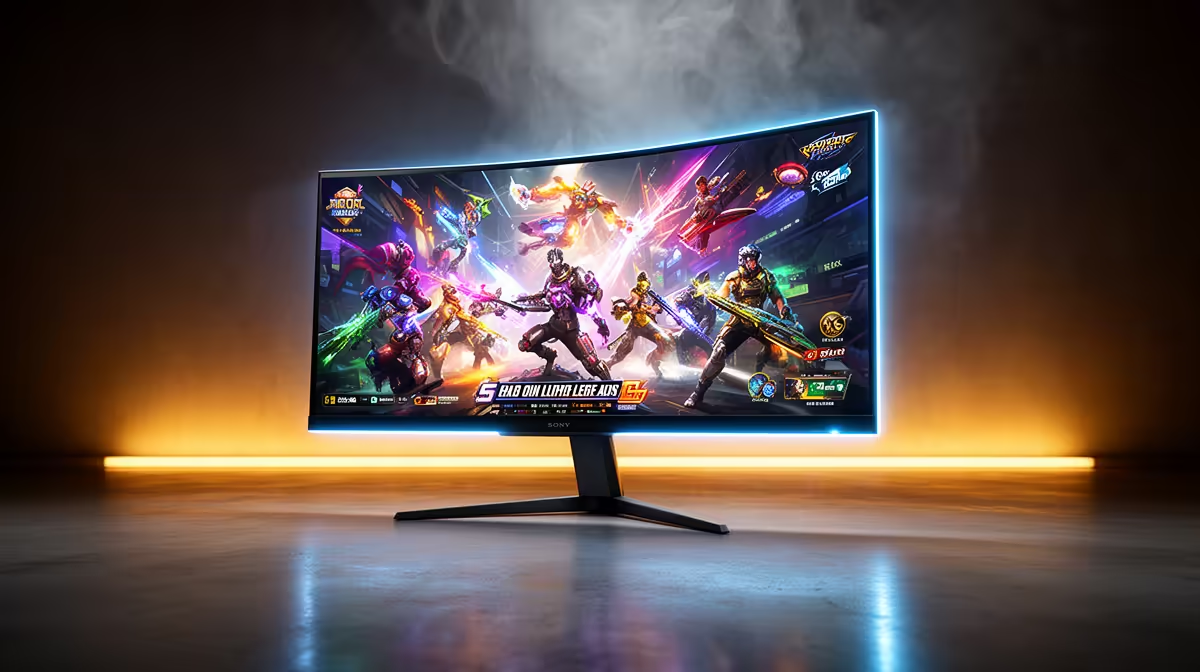
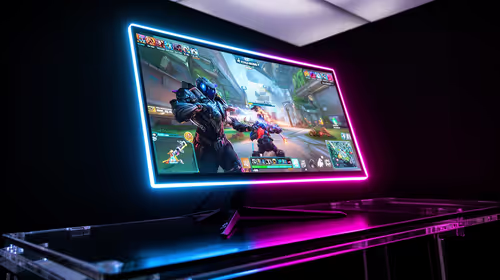
OLED, Mini-LED and IPS do not form three neat boxes. OLED is a self-emissive display technology. Mini-LED describes a dense backlight behind an LCD panel, often IPS. A conventional IPS gaming monitor uses a simpler backlight without hundreds or thousands of local-dimming zones. Once that wrinkle is clear, the OLED vs Mini-LED vs IPS decision becomes much easier to make from your room and routine.
Quick Answer
Choose OLED for the deepest blacks, fastest pixel transitions and dark-room gaming. Choose a Mini-LED LCD when bright HDR impact and long static desktop sessions matter more than perfect control around tiny highlights. Choose conventional IPS for dependable mixed use and broad value. There is no universal winner. Evetech's July 2026 in-stock gaming-monitor sample carried a R4,499 median, a dated category midpoint from which premium OLED and Mini-LED features can be judged.
🌑 OLED owns black levels and motion
Each OLED pixel produces its own light and can switch off for black. A bright object against a dark scene does not need a large backlight zone, so stars, cave entrances and dark HUD elements can sit beside one another with excellent local contrast.
Pixel transitions are also very fast. Motion stays clean at high refresh without relying on aggressive LCD overdrive. That combination makes OLED feel immediate in shooters and wonderfully rich in darker single-player games.
The trade-offs arrive in a bright room and on a static desktop. Full-screen brightness can be lower than on strong LCDs, and automatic limiting may change luminance with large bright windows. Uneven wear remains possible over long periods, so fixed taskbars and app chrome deserve sensible care.
Evetech's OLED monitor category gives you a direct view of current local models and their stated protection features.
☀️ Mini-LED brings HDR brightness to LCD
A Mini-LED monitor uses many small backlight zones, dimming dark areas while pushing highlights brighter. It can deliver convincing HDR in a sunlit room and sustain bright productivity screens without OLED's same wear mechanism.
Zones are still larger than pixels. A white subtitle over black may create a glow around the letters, and a small cursor can change brightness as it crosses dim regions. More zones and better algorithms can reduce blooming without eliminating the basic limitation.
Response depends on the underlying LCD panel and overdrive. A good model can be fast; the Mini-LED label by itself says little about motion clarity.
🖥️ Conventional IPS remains the easy all-round buy
IPS gives stable viewing angles, useful colour and a wide choice of resolutions and refresh rates. It handles static work without special routines and usually offers more options at mainstream prices.
Dark-room contrast is its obvious weakness. Black can look grey, especially near the corners, and edge backlights cannot isolate small highlights for dramatic HDR. Some IPS displays carry an entry HDR badge yet lack the contrast or brightness control for a convincing result.
That does not make IPS a consolation prize. On a bright mixed-use desk, a responsive QHD IPS panel with a good stand may improve every hour you spend at the PC while costing far less than premium alternatives.
Browse Evetech's complete gaming-monitor range to compare all three buying routes by resolution and refresh.
🎮 Choose from the scenes you actually play
For a dark horror game at night, OLED's pixel-level blacks are difficult to beat. A bright racing game in a sunny room may let Mini-LED show its sustained punch. Competitive play can work beautifully on OLED or a genuinely fast LCD, provided the monitor's lag and response are proven.
Ask how often the screen shows games at all. Eight hours of spreadsheets followed by one match points towards LCD for a low-maintenance routine. An entertainment-first desk with varied content makes OLED care much easier.
🔆 Treat HDR as contrast control plus brightness
Peak brightness alone does not create HDR. The monitor must place bright highlights beside dark content without washing out the scene. OLED controls each pixel but may limit large bright areas. Mini-LED can push highlights harder yet reveal zones around small objects.
Check full-screen and small-window brightness measurements, local-dimming behaviour and supported HDR modes. Then play familiar content rather than judging a vivid showroom loop.
🧑💻 Build the workday into the comparison
OLED text can look slightly different because its subpixel layout may not match what Windows expects. Many users adapt; others notice coloured edges on fine text. View the exact model at your normal scaling if reading and code fill the day.
Mini-LED local dimming can be distracting on desktop windows, so some owners disable it for SDR work and enable it for HDR games. IPS usually asks for the least profile switching.
Evetech's monitor best-sellers provide a current local shortlist after you decide which daily compromise is easiest to live with.
🛡️ Think about ageing without inventing a guarantee
OLED protection cycles, pixel shifting and sensible idle settings reduce risk; they cannot promise identical wear forever. Mini-LED and conventional IPS avoid burn-in in the OLED sense, although their backlights and electronics can still age or fail.
Warranty terms vary by model, region and the type of fault. Read the written South African coverage before treating a panel category as a guarantee. Keep proof of purchase and follow the manufacturer's care process.
Frequently Asked Questions
Which panel type has the fastest response time?
OLED usually has the quickest pixel transitions. Fast LCD models can still deliver strong competitive motion at high refresh.
Which panel gets the brightest for HDR gaming?
Mini-LED LCDs often sustain higher bright scenes, while OLED controls small highlights and black levels more precisely.
Is IPS still worth buying next to OLED and Mini-LED?
Yes. It offers broad value, good viewing angles and a simple mixed work-and-gaming routine.
Does Mini-LED avoid the burn-in concerns of OLED?
It uses an LCD panel and backlight, so it does not share OLED's uneven emissive-pixel wear mechanism.
Which panel is best for a mixed work-and-gaming setup?
IPS is the easiest default. Mini-LED adds stronger HDR, while OLED suits users comfortable managing long static content.
Is OLED's contrast advantage worth the extra cost in 2026?
It can be for dark-room gaming and media. The value falls when bright office work dominates the screen.
Which panel type ages best for long-term ownership?
LCD avoids OLED burn-in risk, but no technology is immune to ageing or component failure. Model quality and warranty matter.
Choosing the screen you will stare at for work and disappear into after hours?
Compare IPS, Mini-LED and OLED monitors at Evetech with your room brightness, static-screen hours and favourite game scenes written beside the shortlist.