

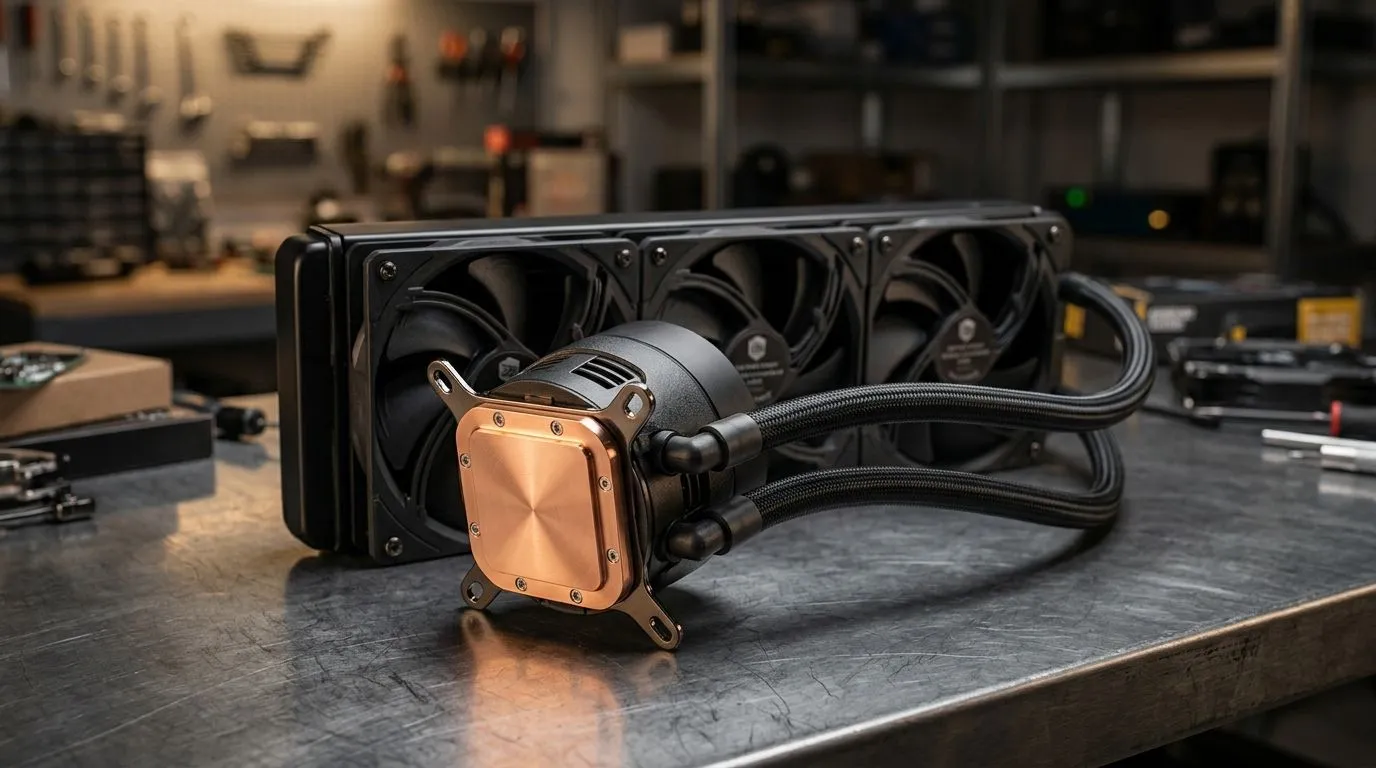
Copper-base liquid cooling for optimising CPU temps
South African gamers know heat kills performance and silence matters. If you’re overclocking an AMD or Intel rig, optimising CPU temperatures with a copper base liquid cooler can shave degrees and keep boost clocks stable. This guide shows practical setup tips, fan pairing advice and maintenance habits that actually help... no fluff, just local-tested logic. 🔧
Why a copper base matters when optimising CPU temperatures
Copper mates well with heat spreader surfaces because it conducts heat faster than aluminium. That faster transfer between CPU IHS and the cooler’s cold plate reduces hotspots and improves overall thermal headroom. Pairing a copper-base block with good case airflow multiplies gains.
Check your intake and exhaust balance by browsing suitable case fans; pick between options like this collection for variety: https://www.evetech.co.za/PC-Components/case-fans-97.aspx
Pairing fans for ultimate airflow and silence
A quality closed-loop cooler still needs case fans. For branded choices, Corsair’s reliable lineup is a safe bet when matching PWM curves: https://www.evetech.co.za/PC-Components/case-fans-97.aspx?brands=CORSAIR
If you prefer value cooling kits, Deepcool often offers competitive fan options designed for mid-range builds: https://www.evetech.co.za/PC-Components/case-fans-97.aspx?brands=Deepcool
For systems that show off, RGB fans add flair while delivering airflow; make sure lighting doesn’t compromise static pressure: https://www.evetech.co.za/PC-Components/case-fans-97.aspx?attributes-lightingeffects=RGB
If you’re chasing a minimalist look, non-RGB fans can be quieter and cheaper: https://www.evetech.co.za/PC-Components/case-fans-97.aspx?attributes-lightingeffects=None
Size matters. 120mm fans are versatile for tight radiators and compact cases: https://www.evetech.co.za/PC-Components/case-fans-97.aspx?attributes-size=120mm
For larger rads and lower RPMs, 140mm fans push more air at less noise: https://www.evetech.co.za/PC-Components/case-fans-97.aspx?attributes-size=140mm 🚀
Setup Pro Tip ⚡
When mounting a copper-base AIO, clean both the CPU IHS and copper plate with isopropyl alcohol, use a thin, even smear of high-quality thermal paste, and tighten screws in a diagonal pattern. This prevents uneven pressure and maximises contact.
Maintenance and measurement to keep temps low
Measure temperatures with reliable software and log after each tweak. If idle or load temps sit high, re-check mounting, fan orientation and radiator placement. Don’t forget dust; a clogged radiator negates a copper base’s advantage. Periodic cleaning and fresh paste every 12–18 months keeps performance predictable.
Real-world tip from local builders
A Cape Town builder I mentor swapped an aluminium block for a copper-base AIO and dropped 5°C under load by improving fan curves and reversing a rear intake. Small steps add up... and that 5°C often means fewer fan kicks during long Siege sessions.
Final practical checklist before you tune
Optimising CPU temperatures with a copper base liquid cooler is about systems thinking: block material, fan choice, airflow and upkeep. Start with the right fans, set a sensible fan curve, and keep hardware clean for lasting gains ✨
Ready your toolkit: quality thermal paste, lint-free wipes, a torque-limited screwdriver, spare fans, and lightweight, locally available monitoring software for daily temperature checks and logging on-site maintenance.
Ready to Find Your Perfect Match? The Mac vs Windows debate is complex, but for maximum power, choice, and value in South Africa, Windows is hard to beat. Explore our massive range of laptop specials and find the perfect machine to conquer your world.











