There’s nothing worse. You’re in a 1v3 clutch, the whole squad is watching, and your stream decides to throw a digital tantrum. Dropped frames, stuttering audio… your viewers see a slideshow, not your skills. For South African gamers wanting to build an audience, learning to optimize streaming for lag-free gaming is non-negotiable. It’s the difference between gaining a subscriber and getting a “buffering…” comment. Let's get your stream running smoothly.
🔧 Fine-Tuning Your Software for a Lag-Free Stream
Before you even think about new hardware, let's look at the free fixes. Your streaming software, like OBS or Streamlabs, is command central. Getting the settings right is the first step to optimising your stream.
Start with your bitrate. This determines the quality of your video. A higher bitrate looks better but demands more from your internet connection. For most SA fibre lines, a bitrate between 4,500 and 6,000 Kbps for a 1080p 60fps stream is a solid starting point. Next, check your encoder. If you have a modern NVIDIA graphics card, always choose NVENC (New). It uses a dedicated chip on your GPU, leaving your CPU free to focus on the game itself. This single tweak can drastically improve performance.
Quick OBS Pro-Tip
"Run the Auto-Configuration Wizard in OBS (Tools > Auto-Configuration Wizard). It tests your hardware and internet to suggest baseline settings. It's not perfect, but it's a fantastic starting point to then tweak for that perfect, lag-free streaming experience."
🚀 The Hardware That Powers Smooth Gaming and Streaming
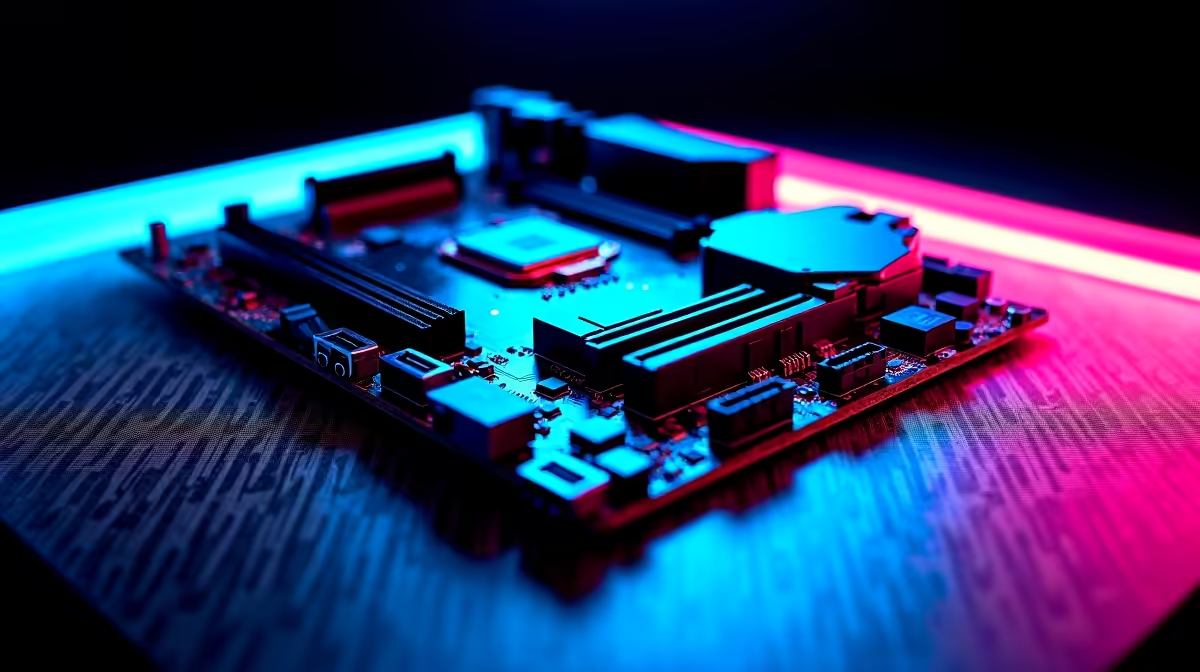
Software tweaks can only take you so far. At some point, your hardware becomes the bottleneck. Optimising your stream for lag-free gaming is a two-part job: running the game smoothly and encoding the video feed without a hitch. This is where your PC's core components come into play.
Your CPU and GPU work in tandem. While NVENC helps, a capable CPU is still vital for running the game, Discord, and other background apps. Similarly, more RAM means smoother multitasking. But don't forget your audio! Your viewers need to hear the action as clearly as you do. While a headset is king for competitive play, creating an immersive room vibe with powerful 2.0 or 2.1 speakers can make your personal gaming sessions more epic, and your mic can capture that clean game audio for your stream.
✨ Crystal-Clear Audio: The Final Piece of the Puzzle
You can have the most buttery-smooth visuals on Twitch, but if your audio is a mess of keyboard clacks and distorted comms, viewers will click away. Great audio signals a professional stream.
This is where your choice of headset or microphone makes a huge impact. Many streamers love the freedom of wireless audio. For a super clean, minimalist setup, a pair of TWS earbuds can deliver fantastic in-game sound without the bulk. For longer sessions where comfort and mic quality are paramount, a dedicated Bluetooth headset is often the better choice, letting you communicate clearly with your team and your audience. Remember to use audio filters in OBS like a Noise Gate to block out background noise for that polished, studio-quality sound.