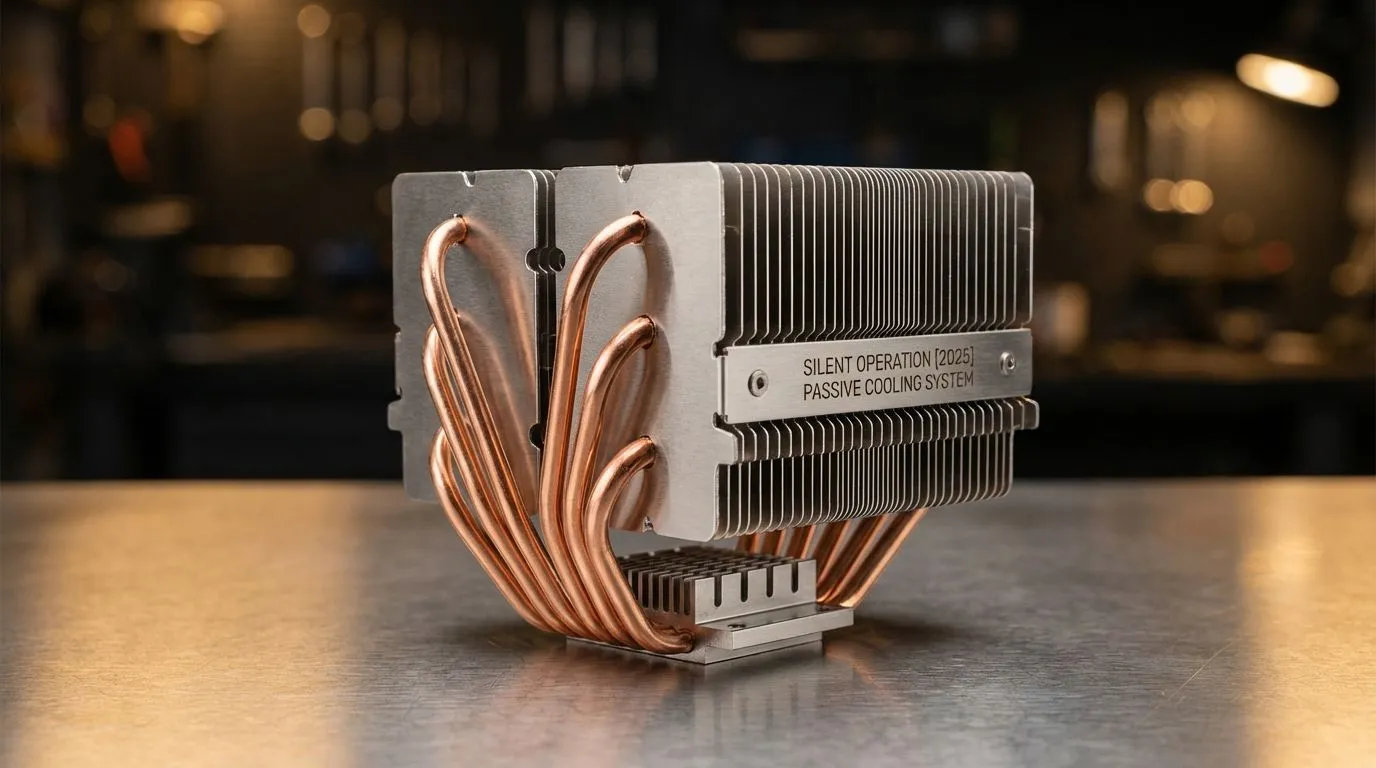
Tired of your PC sounding like a jet engine during a tense Warzone match? Imagine pure, uninterrupted gaming immersion… no whirring fans, just the crisp audio of your game. This isn't a fantasy; it's the promise of a passive cooling PC. As we look toward 2025, building for silence and efficiency is more achievable than ever. This deep dive explores how fanless, low-power cooling works and whether it’s the right move for your next South African build.
Understanding the Silent Power of a Passive Cooling PC
So, what exactly is a passive cooling PC? In short, it’s a computer that gets rid of heat without using any fans. Instead of actively blowing air over hot components, it relies on clever engineering.
Think massive, finned heatsinks and components with low thermal design power (TDP). These heatsinks absorb heat from your CPU or GPU and dissipate it into the surrounding air through a natural process called convection. Hot air rises, cool air sinks to replace it, and voilà… silent cooling. 🤫
This is a stark contrast to the active cooling solutions most gamers are familiar with. While a good set of case fans and a quality CPU cooler are essential for high-performance rigs, the goal of a passive build is to eliminate those moving parts entirely.
The Pros and Cons of Going Completely Fanless
Building a completely passive cooling PC has some incredible benefits, but it’s not for everyone. You need to weigh the trade-offs carefully before committing.
The Upside: Why Go Silent?
- Absolute Silence: This is the main drawcard. With zero fans, your PC makes no noise. This is perfect for audiophiles, recording artists, or anyone who craves a zen-like computing environment.
- Enhanced Reliability: Fewer moving parts means fewer points of failure. Fans can wear out and die, but a solid block of aluminium is built to last.
- Zero Dust Buildup: Fans are dust magnets, pulling dust from your room and clogging up your components. A fanless PC stays significantly cleaner, requiring far less maintenance.
The Downside: What's the Catch?
- Limited Power: Passive cooling can only handle so much heat. This means you’re generally limited to lower-power CPUs and GPUs. Don't expect to passively cool a new Core i9 or RTX 4090 for intense gaming.
- Higher Component Cost: Specialised passive heatsinks and fanless power supplies can be more expensive than their traditional counterparts.
- Case and Airflow are Critical: You need a case with excellent ventilation (often mesh-heavy) to allow convection to work its magic. A cramped, closed-off case will quickly turn into an oven.
Optimise Your Airflow 🔧
Whether you're building a passive PC or just want a quieter rig, case airflow is king. Ensure you have a clear path for air to travel from a low intake point to a high exhaust point. Keep cables tidy and avoid obstructing large heatsinks. This allows natural convection to assist your cooling, even in a system with fans.
The Hybrid Approach: Near-Silent Performance for 2025
For most South African gamers, a fully passive cooling PC might be a step too far, especially if you want to play the latest AAA titles at high settings. But here’s the good news: you can get 99% of the way there with a near-silent build. ✨
This strategy combines the best of both worlds. It uses ultra-quiet, high-quality components that only make noise when absolutely necessary. Instead of a huge, specialised passive heatsink, you can use one of the many excellent CPU coolers available today.
Modern options are incredibly efficient. Large tower air coolers with massive heatsinks can keep powerful CPUs cool with their fans spinning at barely audible speeds. Likewise, a high-end liquid cooler (AIO) with a big radiator allows for very low fan speeds. Choosing a model with a 360mm radiator, for instance, provides a huge surface area, meaning its fans can spin much slower (and quieter) than those on a smaller radiator to achieve the same cooling.
By pairing these with a quiet power supply and setting custom fan curves, you can build a PC that’s dead silent during everyday tasks and only whispers during heavy gaming. Top brands like Corsair have invested heavily in low-noise fan technology, giving you powerful cooling without the racket. This "quiet-first" approach offers the perfect balance of performance and peace for your 2025 build. 🚀
Ready for a Quieter PC Experience?
Whether you're aiming for a fully passive build or a powerful yet whisper-quiet gaming rig, the right cooler is the heart of your system. Explore our massive range of CPU coolers and find the perfect silent solution for your PC.