You’re in the final circle, squadmates down, victory just a few clicks away… and then darkness. The power’s out. For South African gamers and professionals, this isn't just an annoyance; it's a direct threat to your hardware and your progress. Effective PC power outage protection in South Africa isn't a luxury anymore—it's an essential part of any serious setup. This guide will walk you through securing your rig against our country's unique power challenges. ⚡
Why PC Power Outage Protection is Essential in SA
It’s about more than just losing your game. Sudden power cuts and the unstable surges that follow (when the power returns) can wreak havoc on your PC's sensitive components. Your Power Supply Unit (PSU), motherboard, and even your SSDs are at risk. A sudden shutdown can corrupt your operating system files or the project you were working on, leading to hours of frustrating troubleshooting.
Think of it as insurance for your investment. Protecting the delicate hardware inside one of the best gaming PC deals you can find is just common sense. In a country with a scheduled power outage system, preparing for the inevitable is the only smart move.
Understanding Your Main Defence: The UPS
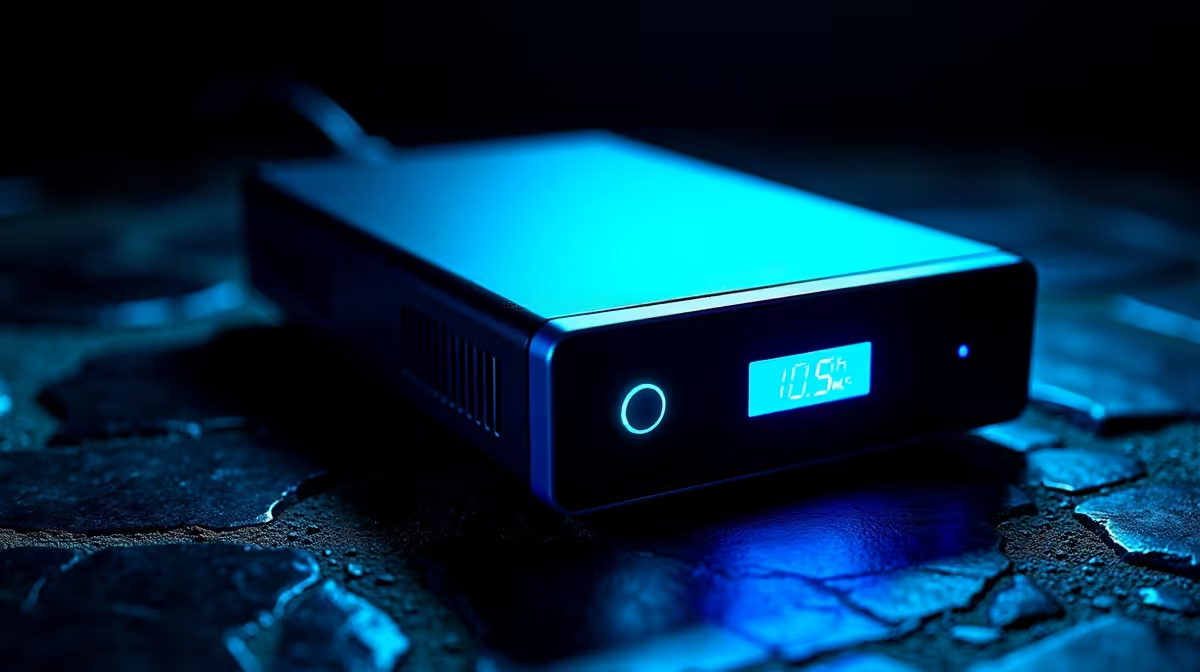
Your number one tool in the fight against power cuts is an Uninterruptible Power Supply (UPS). So, what is it? Simply put, a UPS is a device with a large battery that sits between the wall socket and your PC. When the power from Eskom cuts out, the UPS battery kicks in instantly, giving you a seamless supply of electricity.
This gives you a crucial window of time—anywhere from a few minutes to over an hour, depending on the model—to save your work, log off your game safely, and shut down your computer properly. It's a critical add-on for any of our excellent pre-built PC deals, ensuring your new machine is safe from day one.
How to Choose the Right UPS for Your Rig 🔧
Picking the right UPS can seem confusing, but it boils down to one main thing: its power capacity, measured in Volt-Amperes (VA). You need a UPS that can handle the load of your PC and monitor.
Calculate Your Power Needs
A simple way to estimate is to look at your PC’s PSU wattage. A rig with a 750W PSU and a 50W monitor needs at least an 800W output. To convert this to the VA rating you see on UPS boxes, a safe rule of thumb is to multiply your total wattage by 1.6.
- Example: (750W PC + 50W Monitor) * 1.6 = 1280 VA.
- In this case, a 1500VA UPS would be a safe and solid choice.
Going bigger is always better, as it gives you more runtime (more minutes to shut down) and a healthier safety margin. This is especially true if you've invested in one of the powerful PCs above R20k, as their high-end components draw more power.
Check Your Real-World Power Draw 💡
Don't just rely on the max PSU wattage! Your PC rarely uses its full power. To get a more accurate number, you can buy a simple plug-in watt meter for a few hundred Rand. Alternatively, software like HWiNFO64 can give you a good estimate of component power draw while you're gaming or working. This helps you buy the right size UPS without overspending.
Beyond the UPS: A Complete Protection Strategy
While a UPS is your best defence against a complete outage, a multi-layered approach offers the best PC power outage protection.
First, ensure all your electronics are plugged into a high-quality surge protector. This device's primary job is to absorb the dangerous voltage spikes that can occur when power is restored after an outage. A UPS has surge protection built-in, but having a dedicated surge protector for your less critical peripherals (like printers or speakers) is a wise move.
Second, don't forget backups! A UPS protects your hardware, but regular backups protect your data from everything else. Whether you use a cloud service or an external hard drive, make sure your important files and game saves are copied regularly. Even for affordable budget gaming PCs, this is a vital step. Ultimately, a good power protection strategy is crucial for all builds, including great value PCs under R20k, to ensure they last.
Ready to Protect Your Rig?
Data loss and hardware damage don't have to be your reality. Investing in the right power protection is as important as choosing the right graphics card. Explore our range of UPS solutions and give your PC the protection it deserves.