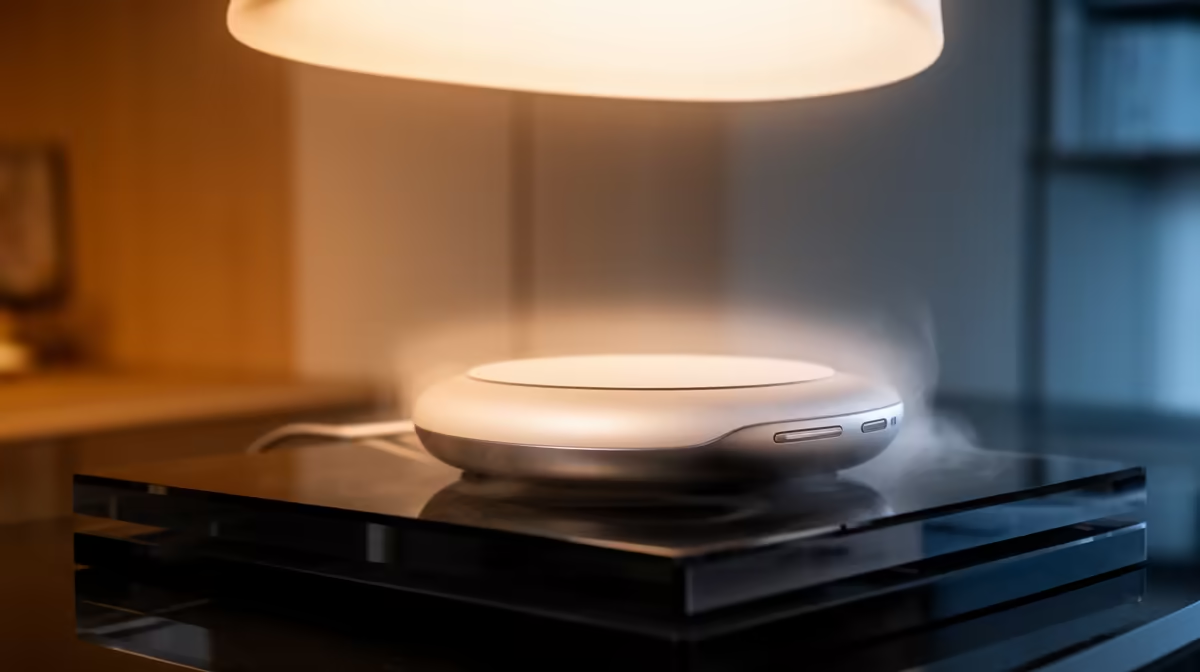
A home-office smart light kit should provide comfortable task lighting, useful manual control and schedules that support work without creating account or network clutter. The verified facts contain no smart-light SKU, so source one elsewhere after checking socket type, voltage, app support, hub requirements and privacy. Start with glare and shadows at the actual desk.
Light the worker, screen and page
Place the task light so hands do not cast a shadow across documents and the bulb does not reflect from the display. For calls, light the face from the front or side rather than placing a bright window behind it. A Dell SE2225HM 21.5-inch Full HD monitor at R1,336 provides a verified compact display option, but lighting and display fit need separate checks.
Keep control dependable
Choose a kit that still works from a switch or physical control when the app or internet is unavailable. Protect the account, limit permissions and update firmware. Test work, video-call and evening scenes for a week before adding bulbs to more rooms. Avoid automations that switch off during a live meeting. Keep cables and plug-in controllers away from feet, and do not exceed socket ratings. A standard dimmable lamp may solve one desk with less configuration.
Store one manual lamp nearby for urgent calls during an app outage.
Improving a home-office desk? > Ask Evetech about verified monitors, webcams and computer hardware for the space.