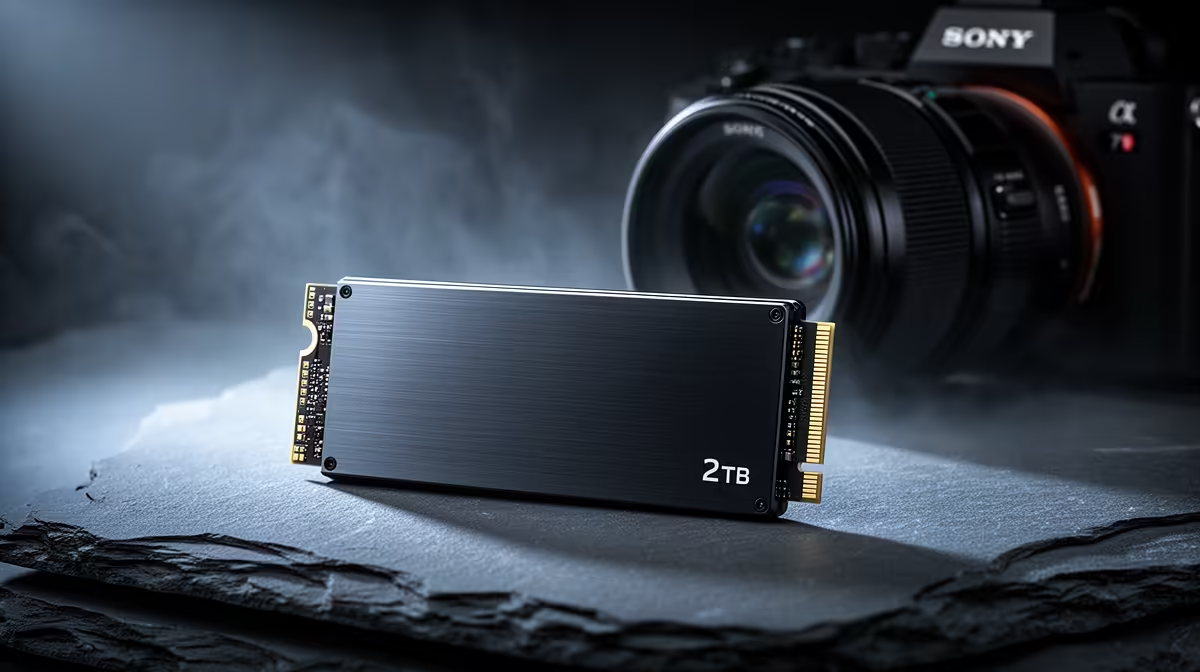
WD Blue SN5000 NVMe at R998 suits a postgraduate researcher who needs a fast, sensible nvme ssd for thesis files, datasets, reference libraries, and daily laptop work without jumping straight to premium pricing.
Start with capacity planning, then pick the drive
For a 2TB target, first confirm the laptop or desktop has an open M.2 NVMe slot, then use the WD Blue SN5000 NVMe at R998 as the value reference point. Its listed spec is NVMe, which is the right storage type for quick boot times, large PDF folders, citation databases, and project exports.
The ADATA LEGEND 900 1TB NVMe at R948 is useful when the budget is tight but speed still matters. Its listed 1TB capacity makes it better as a working drive for current research material, while older raw data, recordings, or archived drafts can sit on external storage until needed.
The Samsung 990 PRO at R4,648 is the premium choice when the machine handles heavier project folders, local analysis outputs, or frequent large file transfers. It is still an NVMe drive, but the price makes it easier to justify when storage responsiveness is part of the daily workflow rather than an occasional convenience.
Research desk storage in South Africa
A good local setup should separate active work from backup movement. The ORICO NVMe M.2 enclosure at R160 gives an M.2 enclosure option for moving files between a university lab machine, home desk, and supervisor review setup without relying only on cloud folders.
Ready to choose the right SSD?
Use WD Blue SN5000 NVMe at R998 as the nvme ssd shortlist benchmark, then check whether its listed spec matches the space, workload, and upgrade path.