A postgraduate researcher should choose a 4K editing rig from the footage, analysis tools and delivery deadlines attached to the research. Interviews, microscopy captures, field recordings and visualisation projects place different demands on the computer. Begin with ethics, storage and software requirements before selecting performance parts.
Benchmark a representative research project
Import the actual camera codec, build a normal timeline, apply required captions or analysis overlays and export the final format. Record dropped frames, peak memory, graphics-memory use and export time. Confirm whether specialist plugins or transcription tools use the GPU and whether institutional software supports the intended operating system.
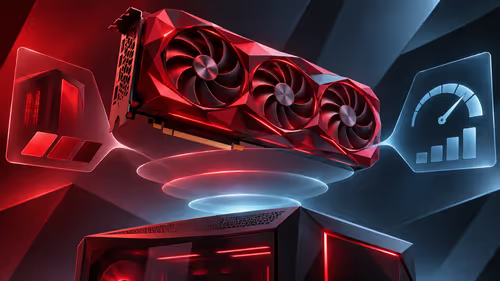
The Palit GeForce RTX 5060 8GB graphics card is a verified reference at R4,800. The Palit GeForce RTX 5070 Ti with 16GB is verified at R12,700 for heavier graphics-memory demand. TEAMGROUP VULCAN 32GB DDR5-6000 memory is verified at R1,460. The WD Blue SN5000 1TB NVMe SSD is verified at R998. These individual parts still require complete compatibility verification.
Plan separate working, backup and archival copies according to institutional policy. Protect participant data with approved encryption, access control and retention rules. Check monitor resolution and calibration needs when visual evidence depends on colour. Ask for a full build covering motherboard, processor, cooling, power and ports, then run the representative project. Choose the least costly configuration that completes it with safe headroom, leaving budget for approved storage and a second copy of irreplaceable research material.
Building a research editing rig? > Ask Evetech to balance verified components around software, footage and data policy.