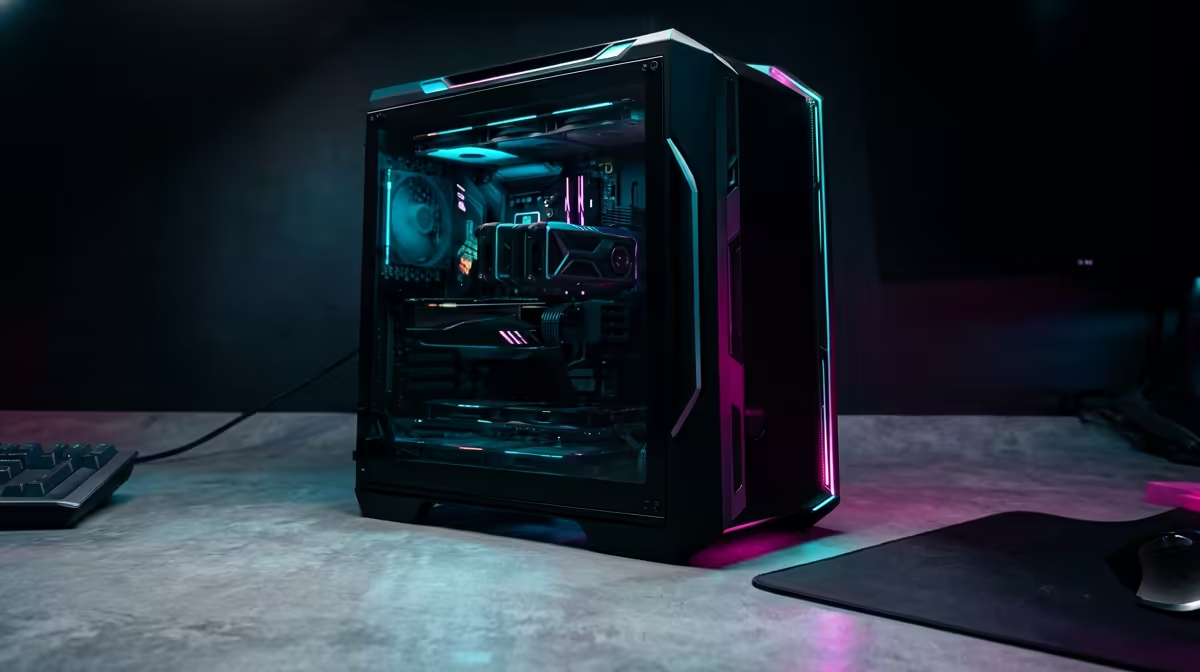
A prebuilt PC decision tree saves time when you would rather buy a tested system than source parts. The branches are use case, budget tier, and how much you plan to upgrade later.
Quick Answer
Choose a prebuilt by matching its GPU and CPU to your target resolution, then checking the case and PSU allow future upgrades. Entry gaming prebuilts in SA start near R12,000 for 1080p play; expect R20,000 to R30,000 for strong 1440p systems with room to grow.
Following The Branches
Branch one is what you play and at what resolution; this sets the GPU tier you need. Branch two is budget, which decides whether you target solid 1080p, comfortable 1440p, or 4K. Branch three is upgradeability: a standard ATX case and a quality, adequately rated PSU mean you can swap the GPU later instead of replacing the whole machine.
Always read the full spec, not just the GPU name. RAM amount, SSD size, and PSU wattage separate a balanced prebuilt from one cut to hit a price.
Spotting A Well-Balanced Build
The best-value prebuilts pair the GPU with a CPU that will not throttle it, at least 16GB of RAM, and a 1TB or larger NVMe drive. A generous PSU and a roomy case signal headroom for upgrades. A strong GPU bolted to a weak everything-else is a red flag.
FAQ
Is a prebuilt worth it over building myself?
For buyers who value a tested, warrantied system and want to skip parts sourcing, yes. Self-building can save money but takes time and know-how.
What budget gets a solid 1440p prebuilt?
A balanced 1440p prebuilt typically lands in the R20,000 to R30,000 range, with the GPU as the main cost driver.
Can I upgrade a prebuilt later?
If it uses a standard ATX case and a quality PSU with headroom, yes. Tightly packed small builds with minimal PSU margin are harder to upgrade.
Match the prebuilt's GPU to your resolution, confirm 16GB RAM and a healthy PSU, then check the case allows a future GPU swap.