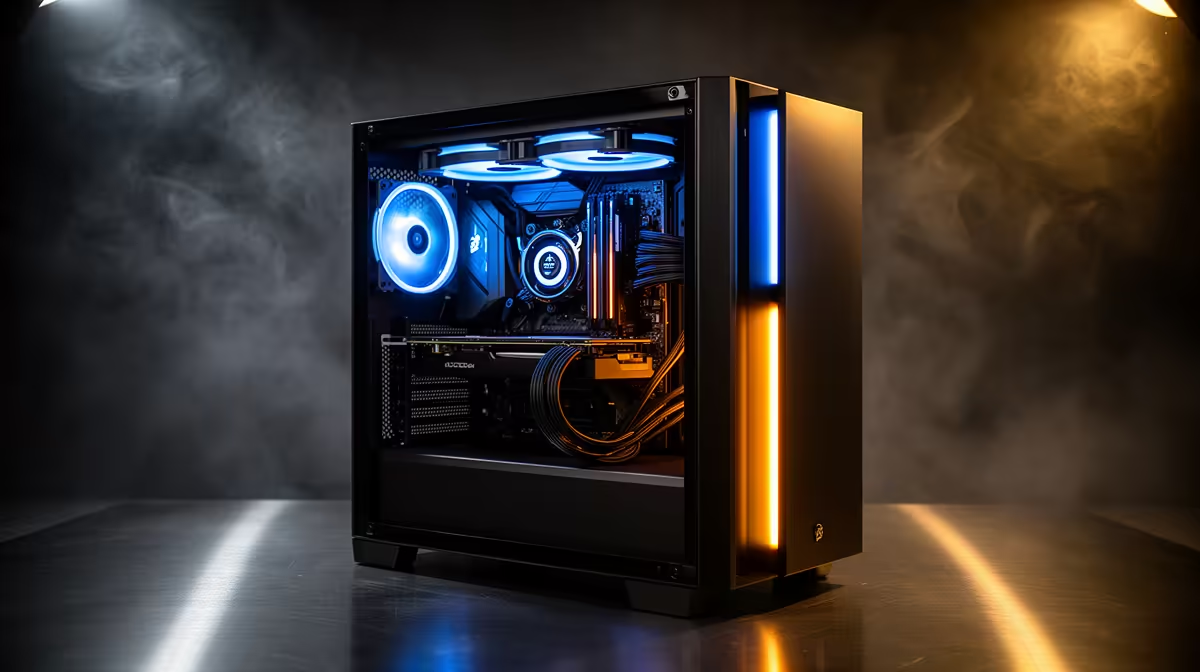
When the prebuilt-vs-custom price gap is small, put the remaining budget into the weakest part of the complete setup rather than adding decorative specifications. Compare warranty, assembly quality, exact power supply, cooling and upgrade access first. The best extra purchase depends on the workload and what the user already owns.
Audit the whole desk
List the monitor, keyboard, mouse, headset, network connection, backup storage and software. Benchmark the intended games or applications. If the PC already reaches the display target, a clearer monitor or dependable backup may improve daily use more than a slightly faster processor. If temperatures or power quality are poor, correct the foundation.
The ASUS TUF VG27AQM5A QHD 300Hz monitor is factpack-verified at R5,900. The Dell S2725QC 4K USB-C monitor appears at R6,128. The WD Blue SN5000 1TB NVMe SSD is listed at R998, while the Corsair RM850e power supply appears at R1,900. These are separate references with different roles. Confirm compatibility and workload before choosing.
Keep personal files and saves in approved backups. Preserve enough budget for a suitable operating system, assembly support and any required peripherals. Spend the spare amount where a measured limitation exists: display, storage, memory, acoustics or recovery. If no bottleneck is visible, keep the simpler configuration and use the remainder for future maintenance rather than forcing one more component into the build.
Comparing prebuilt and custom PCs? > Ask Evetech to review the complete setup, warranty and upgrade path.