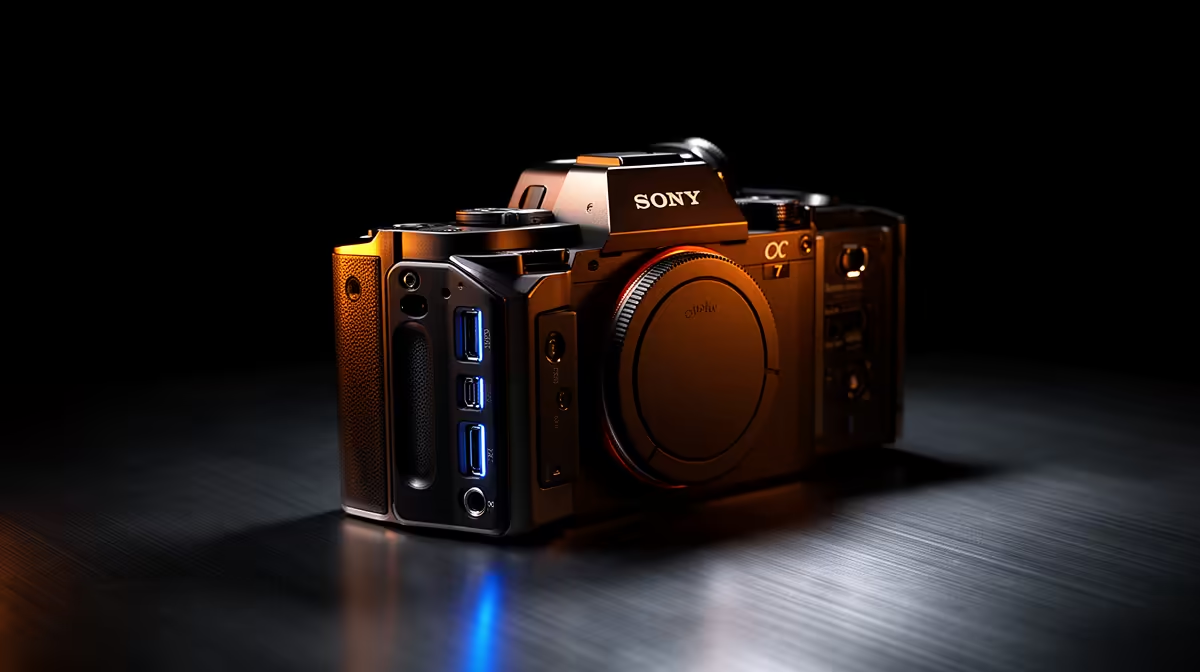
Buying a pro-grade camera only to discover the output port on the back does not match anything in your setup is an expensive lesson in connectivity. Pro-grade camera connectivity spans clean HDMI out, USB-C webcam mode, and SDI for long permanent runs, and each of those ports serves a different production context. Getting the match right from the start saves you both a wasted adapter order and the frustration of a feed dropping out mid-broadcast.
Quick Answer
Pro-grade cameras offer clean HDMI for high-quality capture, USB-C for direct webcam use with no capture card, and SDI for long cable runs in fixed broadcast environments. Clean HDMI sends a pure image without on-screen menus. Match the port to your cable distance, hardware chain, and software setup.
📺 Clean HDMI Output: What It Is and Why It Matters
The word "clean" in clean HDMI output is doing important work. Many cameras designed for photography first display overlays on the HDMI feed: battery indicators, focus confirmation boxes, recording timecodes, and white balance readouts. When you connect that camera to a capture card or a streaming switcher, those overlays bake themselves into your scene. The feed looks like a settings menu rather than a broadcast.
A camera with clean HDMI out strips all of that. The signal leaving the HDMI port carries only the image, at the full native resolution and frame rate the sensor is producing. What the capture device receives is a pristine visual source, with no post-processing needed to remove interface clutter.
For a South African creator building a studio-quality stream, this distinction is the reason enthusiast cameras with HDMI out are treated as legitimate broadcast sources. The quality difference between a compressed webcam feed and an uncompressed signal from a clean HDMI source is visible on screen at 1080p, and stark at 4K.
HDMI Versions and What They Carry
HDMI version determines the ceiling on resolution and frame rate. HDMI 1.4 handles 1080p60 and 4K at lower frame rates. HDMI 2.0 moves 4K at 60fps. Check both ends: the camera's HDMI version and the capture device's input spec. Mismatching them caps output at the lower of the two.
Physical connector size also varies. Full-size HDMI is the most robust option. Micro-HDMI, used on smaller mirrorless bodies to save space, is fragile. If your camera uses micro-HDMI, a locking adapter or a cage with a port anchor should be on the shopping list alongside the camera.
🔌 USB-C Webcam Mode: One Cable, Zero Setup
USB-C webcam mode removes the capture device from the equation entirely. The camera plugs directly into a laptop or desktop via USB-C, and modern operating systems recognise it as a video input without any additional software or drivers. Open Zoom, Teams, OBS or any conferencing platform, select the camera from the video source list, and the feed appears.
A single cable carries both video and power on many USB-C implementations, so the camera stays charged through a long session without a separate adapter.
USB-C webcam mode is typically capped at 1080p30 on most current cameras -- excellent for calls and standard HD recording, though it falls short of what clean HDMI delivers for a 4K studio setup. For the majority of South African home office calls, 1080p30 over USB-C is more than sufficient.
Power Delivery Over USB-C
Many pro-grade cameras draw up to 15 watts over the same USB-C cable carrying the video signal. Check the camera's rated power draw against your laptop's USB-C port output. A thin ultrabook with a 7.5-watt port may not keep pace with a mirrorless sensor during a long session. A powered hub or wall adapter resolves this.
🎯 SDI: The Professional Broadcast Standard
SDI, Serial Digital Interface, is the port that signals a camera built for broadcast use. The BNC twist-lock connector cannot be accidentally pulled loose, which matters when an accidental disconnect during a live broadcast ends the transmission.
SDI maintains a clean signal over 30 metres on standard coaxial cable, where passive HDMI starts degrading between five and ten metres. For a South African broadcaster mounting a camera on a gantry or running cables through a venue, SDI is the only practical choice without adding active extenders to the chain.
Pro Tip ⚡
Before committing to a camera placement, measure the cable run you will need between the camera and the capture device or switcher. If that distance is under five metres and you have a solid HDMI cable, clean HDMI works well. Beyond that, seriously price a short SDI setup, because the locked connector and the signal reliability over longer runs are worth the modest cost of an SDI capture card.
🔧 Multi-Camera and Switcher Setups
When two or more cameras feed a production simultaneously, the connectivity strategy needs to account for the full signal path.
For two or three cameras on a compact desk setup, HDMI into a hardware switcher or multi-input capture device is workable and cost-effective. Once camera counts grow or the space requires cameras in different rooms, SDI scales far more gracefully over long runs without the signal integrity problems that HDMI cables face through walls.
USB-C webcam mode does not fit into a multi-camera switcher. It presents the camera to the operating system as a direct USB device rather than a clean video signal, and is best treated as a single-camera, direct-to-PC connection.
🌐 Choosing the Right Output for Your Tier
A solo creator in a home studio gets the most value from clean HDMI into a capture device: highest image quality, simple setup, and upgrading to 4K is a matter of swapping the capture card later.
A professional who needs the camera for both daily calls and recording sessions benefits from a model offering both clean HDMI and USB-C modes. USB-C for weekday calls, HDMI for dedicated recording when quality is the priority.
A broadcaster or events producer building a permanent multi-camera room should price SDI from the start. The upfront cost is higher, but reliability and scalability over the life of the installation make it the lower long-term cost.
Frequently Asked Questions
What is clean HDMI output and why does it matter?
Clean HDMI output strips all on-screen overlays, such as battery indicators and recording timecodes, from the signal before it leaves the camera. What arrives at the capture card is a pure image at the camera's native resolution. Any overlay present on the HDMI feed appears in the final recording, and removing it in post is harder than enabling clean output in the camera settings.
Does USB-C let a camera work as a webcam?
On most current pro-grade cameras that include the feature, yes. Connecting via USB-C presents the camera to the operating system as a video input device, recognised automatically by conferencing and streaming software without additional drivers. The feed typically delivers 1080p at 30fps over this connection, which is sharper than a built-in laptop webcam and suitable for professional calls and recordings at standard broadcast HD.
When would I need SDI over HDMI?
SDI is the better choice when cable runs exceed five to ten metres, when the connection cannot be accidentally disconnected, or when the installation is permanent and multi-camera. The BNC locking connector physically cannot pull loose, and the signal travels reliably over 30 metres on standard coaxial cable.
Can I power and capture over one cable?
On cameras with USB-C webcam mode and USB-C power delivery, yes. A single USB-C cable from a powered port or hub carries the video signal and supplies up to 15 watts to keep the camera charged during a session. Check the camera's rated power consumption against the port's output capacity to confirm the single cable covers both requirements fully, particularly on a thin laptop where USB-C port wattage can be limited.
Is micro-HDMI a drawback on smaller cameras?
It is a practical concern worth planning around. The micro-HDMI connector is significantly more fragile than a full-size HDMI port and it is the connector most likely to be damaged by accidental cable pulls or repeated plugging in a busy production environment. A locking adapter that converts micro to full-size HDMI, or a camera cage with a port anchor that prevents side-loads on the connector, should be included in the build from the start.
Ready to connect your camera to a setup that actually matches your production?
Browse the camera accessories and capture card range to pair your output port with the right hardware chain for your home studio, broadcast desk, or multi-camera setup.