Quick Answer
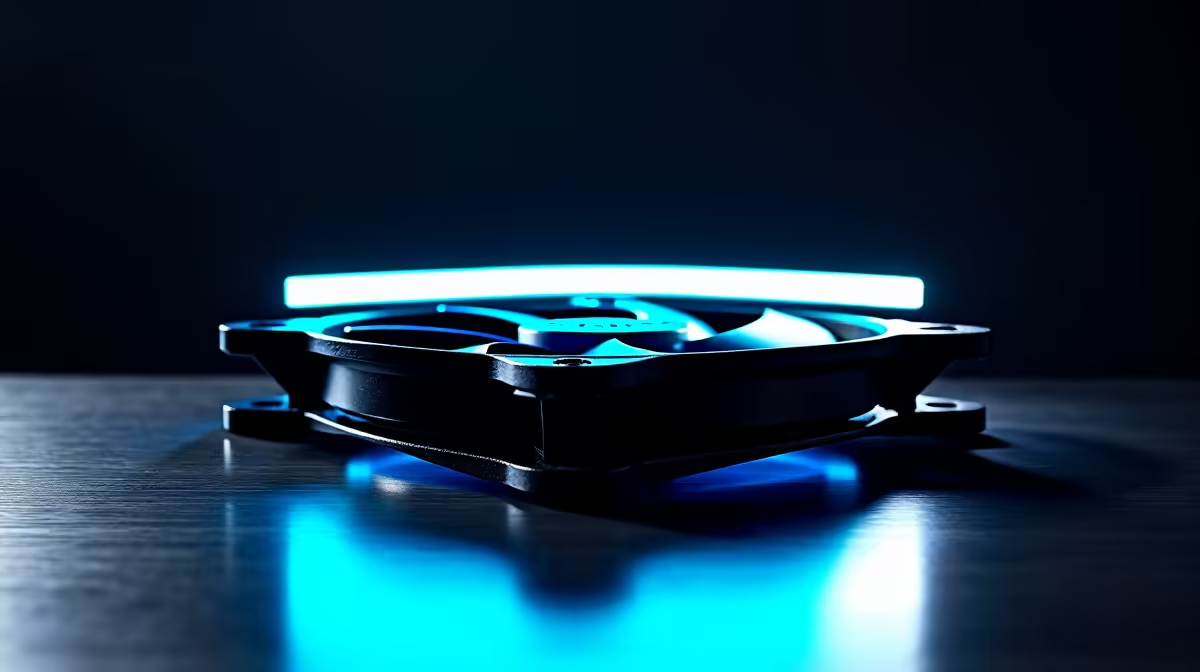
PWM-controlled fans are unambiguously better for workstations because they adjust speed dynamically based on thermal load, running silently during light processing tasks and ramping to full capacity under sustained CPU or GPU compute loads. Fixed-speed fans run at constant RPM regardless of thermal need, producing unnecessary noise during light work and offering no acoustic relief during focused sessions.
How PWM Control Works in a Workstation Context ⚙️
Pulse-width modulation fan control sends a 25 kHz signal to the fan motor that varies its duty cycle from 0 to 100%. At 30% duty cycle, a 1,800 RPM maximum fan spins at around 540 RPM, generating minimal noise. At 100% duty cycle under thermal stress, it delivers full airflow. The motherboard's fan controller reads CPU and system temperatures and adjusts the duty cycle to match your defined thermal curve.
Workstation Thermal Profiles and Fan Response 🌡️
Workstation compute tasks have distinct thermal profiles compared to gaming. A video render may run for 30 minutes at full CPU utilisation, then idle for five minutes while you review output, then render again. PWM control adapts: fans ramp during the render, drop to low speed during the review pause, then ramp again. A Ryzen 9 9950X or Intel Core Ultra 9 285K running professional workloads in a South African studio benefits from this responsiveness for both acoustic comfort and consistent thermal control across variable load cycles.
Three-Pin vs Four-Pin: Not the Same as DC vs PWM 🔌
A common misconception in SA builder communities is that four-pin fans are always PWM-controlled. Four-pin fans can operate in either PWM or DC voltage control mode, and most modern motherboards support both. Three-pin fans are always DC-controlled, providing speed control but with less precision and a higher minimum speed threshold than PWM. For workstations where acoustic performance matters, specify four-pin PWM fans and set the motherboard fan controller to PWM mode in BIOS, not auto-detect, to guarantee the precision control signal is used.
Set Different Curves for CPU and GPU Fans ⚡
benefit from independent thermal curves for CPU cooler and GPU cooler fans. CPU loads and GPU loads often do not occur simultaneously: a video render loads the CPU heavily while the GPU idles, while a 3D viewport preview reverses this. Setting each fan group to respond only to its own component's temperature prevents unnecessary fan noise from one component ramping while the other is cool.
FAQ
Can fixed-speed fans be added to a PWM-controlled system?
Yes, but they will always run at their fixed RPM regardless of the PWM signal. They do not respond to thermal curves and will generate constant noise. For a workstation where acoustic control matters, replacing fixed-speed fans with PWM units is the recommended approach.
How much quieter is a PWM fan during light workstation tasks versus fixed-speed?
At light load, a PWM fan running at 30 to 40% duty cycle (500 to 700 RPM for a typical 120mm fan) produces 20 to 25 dB, near-silent in a typical SA office. A fixed-speed fan at its rated RPM generates 30 to 38 dB continuously, a noticeable and fatiguing background noise during long focused work sessions.
Do PWM fans cost significantly more than fixed-speed fans in South Africa?
The price premium is minimal, typically R30 to R80 per fan at the 120mm and 140mm level. Given the acoustic and thermal management benefits over a workstation's life, the small additional cost is justified for any professional build. Evetech stocks both types with clear specification labelling.
Optimising your workstation for quiet operation under variable load?
Evetech stocks PWM case fans across 120mm and 140mm sizes from leading cooling brands. Visit the PC cooling section to find fans that give your workstation dynamic thermal control and near-silent idle performance.