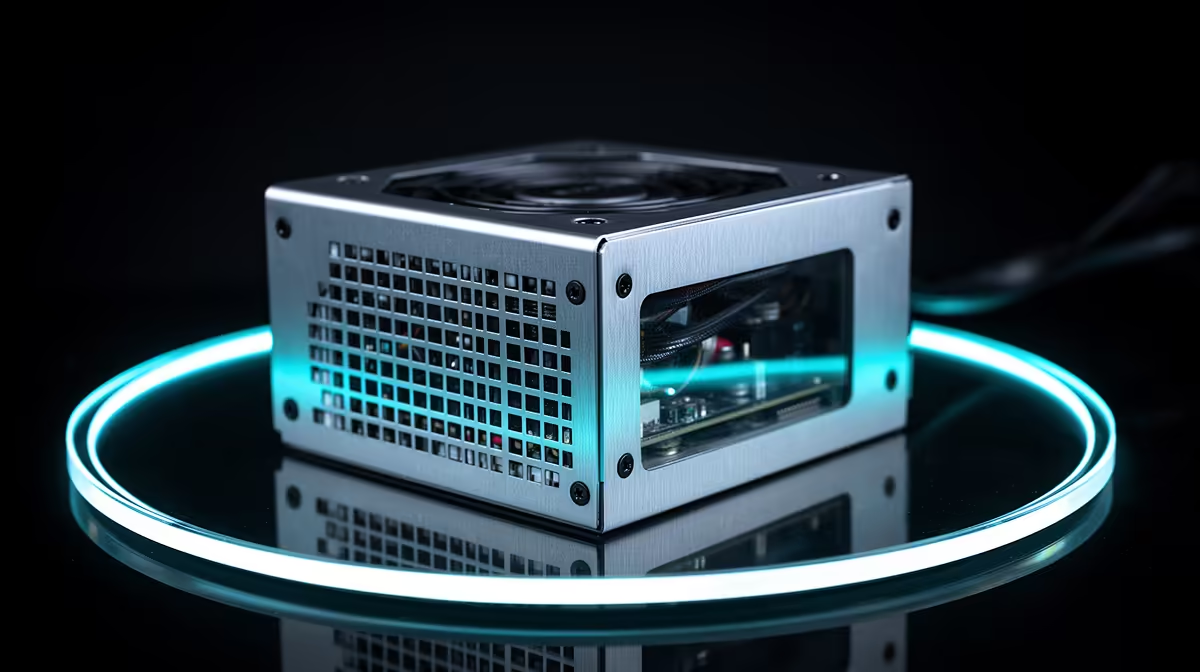
A quality power supply protects an entry streaming build from unstable delivery inside the PC and gives the graphics card the correct connectors. Choose it from the final component list, not the streaming label. A reliable unit supports long sessions, but external surge protection remains a separate electrical layer.
Size from the finished build
List the processor, graphics card, drives, fans and capture hardware. Check the GPU manufacturers wattage and connector guidance, then allow sensible headroom without buying capacity the system cannot use. Confirm case length, cable routing and motherboard connectors. Use only the modular cables supplied for that exact PSU model.
The Cooler Master 850W Elite 80 Plus Gold ATX 3.1 power supply costs a verified R930. The current factpack places the Corsair RM850e at a verified R1,900. Compare warranty, protections, connector set, fan behaviour and ATX support rather than choosing from wattage alone. An 80 Plus rating describes efficiency and does not replace surge protection.
Match the streaming hardware
The Palit RTX 5060 8GB graphics card costs a verified R4,800 as a current entry streaming reference. Confirm encoder support, processor pairing and complete system draw before settling on PSU capacity. A smaller build may need less than 850W, while future upgrades can justify more headroom.
Keep the PSU invoice, spare cables and component map together. Shut the machine down if it develops electrical smell, repeated power loss or connector damage, then use a qualified technician for inspection.
Building a first streaming PC? > Ask Evetech to match power capacity and connectors to every component.