



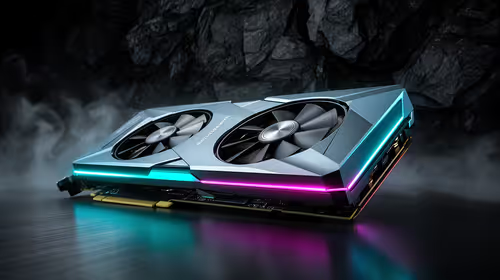
Value GPU planning for Balatro at 1440p ultrawide
Balatro at 1440p ultrawide on a R20,000 budget needs balanced GPU planning. Compare settings, CPU limits, monitor target, warranty support, and SA price movement before choosing.
Read moreA quantity surveying student should keep the build value-focused while still allowing enough VRAM for AI, render and large creator tasks. The given creator GPU band starts with RTX 5070 Ti 16GB at R12,700 and reaches RTX PRO 4000 24GB at R16,700, so the choice depends on workload size rather than a generic student label.
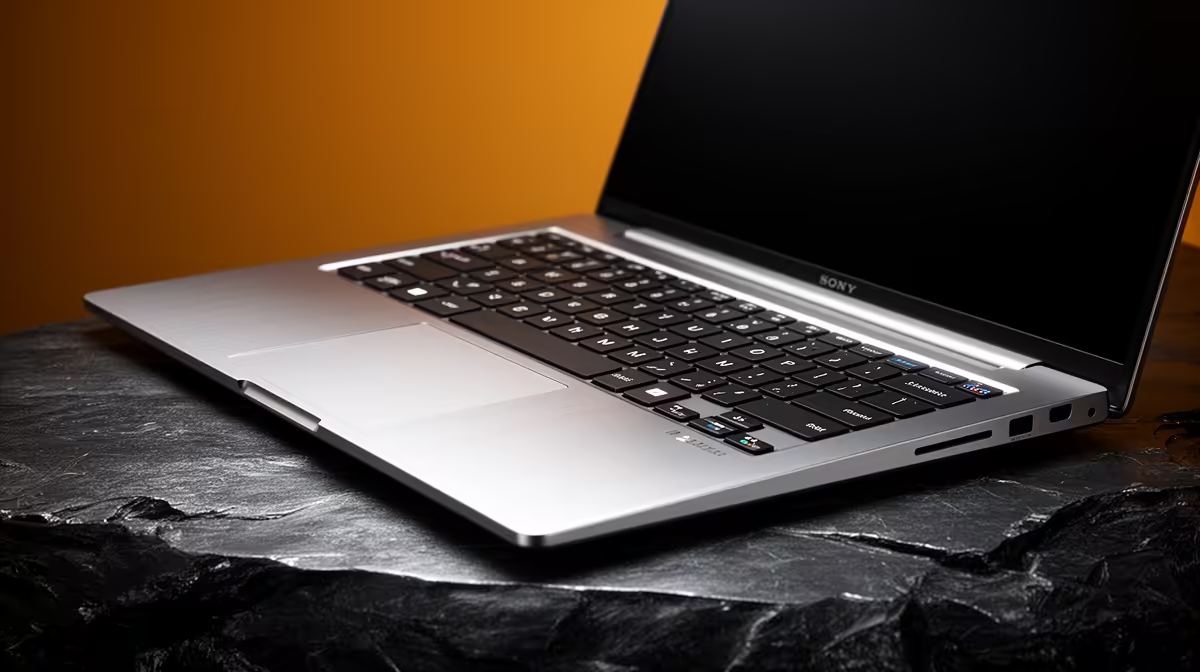
A quantity surveying student should choose an AI upscaling rig only when presentation images or scanned references genuinely need supported enhancement. It must never alter dimensions, quantities, annotations or authoritative drawings used for professional or academic decisions.
Test a representative low-resolution image through the intended software and compare it with the original at delivery size. Inspect text, edges, repeated patterns and linework for invented detail. Benchmark modelling, take-off and spreadsheet tasks independently.
The PNY RTX 2000 Blackwell 16GB GPU is verified at R12,000 and the PNY RTX PRO 4000 24GB at R16,700. These are components rather than complete rigs. Verify application and framework support, VRAM, motherboard, PSU, cooling, chassis clearance, drivers and warranties.
Keep the authoritative drawing, model and original image unchanged in versioned backups. Label enhanced presentation material clearly and obtain a qualified review before issue. Sensitive project files should not be uploaded to an online service without permission and appropriate protections.
Buy dedicated upscaling hardware only when repeated presentation work proves the time saving. A balanced CAD computer or access to institutional compute deserves priority when the slowdown occurs during core surveying tasks. Include display, keyboard and licensed application costs in the complete workstation plan instead of treating the graphics card as the entire rig.
Planning surveying visual work? > Compare Evetech professional GPUs after validating the application.
Yes, if the intended rig must support AI upscaling and rendering without drifting beyond the value-focused brief.
For quantity surveying study, choose enough VRAM for heavier visual files while keeping the overall build aligned with coursework needs.
The card choice should suit the planned workstation space and the applications used for estimates, drawings and presentation material.
The RTX 5070 Ti 16GB at R12,700 is the lower listed creator option, while RTX PRO 4000 24GB at R16,700 buys more VRAM.
Balance study workload and creator tasks, because quantity surveying files may not need the same spend as constant workstation rendering.
Move beyond the listed entry creator range only when the actual workload reaches high-end workstation use.
Balatro at 1440p ultrawide on a R20,000 budget needs balanced GPU planning. Compare settings, CPU limits, monitor target, warranty support, and SA price movement before choosing.
Read more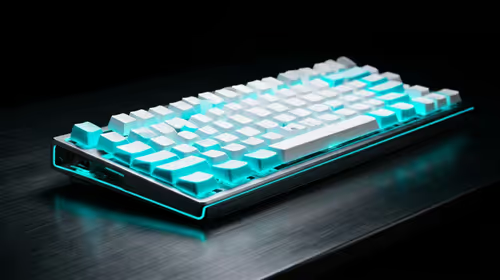
Every magnetic-switch keyboard in SA should be shortlisted around the job it must do. South African buyers should compare switch feel, latency, layout, and software, warranty path, and upgrade room before treating any pick as best.
Read more
Customs and warranty notes for gaming hardware in Makhanda should focus on proof of purchase, serial numbers, courier handling, and return steps. SA buyers should confirm policies before ordering costly parts.
Read more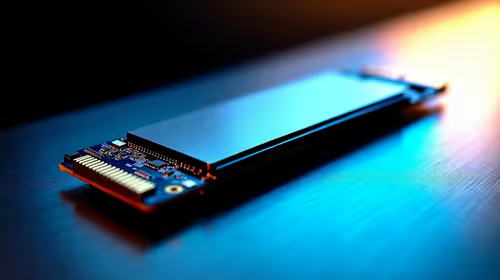
Can NVMe SSDs under R20,000 handle should be shortlisted around the job it must do. South African buyers should compare capacity, speed, thermals, and motherboard support, warranty path, and upgrade room before treating any pick as best.
Read more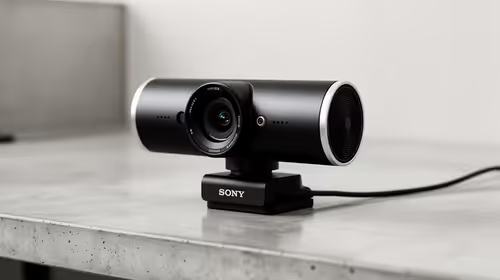
Buy now or upgrade later: webcams decisions should be shortlisted around the job it must do. South African buyers should compare fit, performance, compatibility, and upgrade room, warranty path, and upgrade room before treating any pick as best.
Read more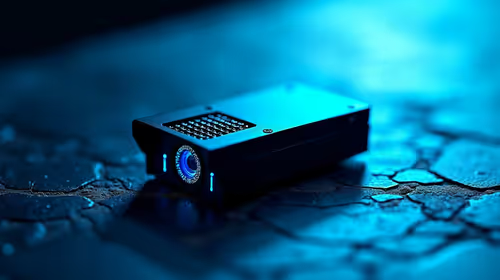
Frigate is free open-source NVR software running object detection locally on an Intel N100 mini-PC with a Coral TPU, versus cloud AI that requires a monthly plan. SA buyers get footage on-site with no fees and no reliance on uplink bandwidth. 📹
Read more
Chrome change search engine settings control ordinary address-bar searches. Check site shortcuts and managed-browser rules if the wrong provider keeps returning.
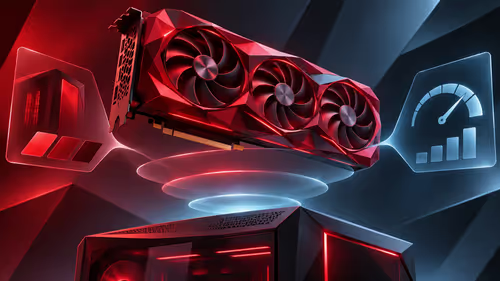
VASTARMOR RX 9070 XT red adds a matching red finish to the Super Alloy PRO family. Check its length, thickness and three power sockets before buying.

OLED edge rot is a panel-edge defect examined in new longevity research. Older TV results do not establish the failure rate of current gaming monitors.

Chrome translate not working often needs a page refresh or language-setting check. Test one foreign-language page before changing broader browser settings.
Chrome translate not working often needs a page refresh or language-setting check. Test one foreign-language page before changing broader browser settings.

Check when Chrome saves power, compare a repeatable task on battery and separate browser changes from battery health and Windows settings.

Find Chrome's caption control, check language and audio and bring back the floating bubble when captions disappear during playback.

Open the simplified Chrome reader, adjust type and spacing and check whether the page supports the view before changing your display setup.
Balatro at 1440p ultrawide on a R20,000 budget needs balanced GPU planning. Compare settings, CPU limits, monitor target, warranty support, and SA price movement before choosing.
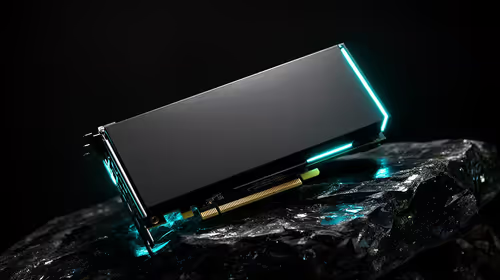
Should I spend more on the GPU or the CPU should be shortlisted around the job it must do. South African buyers should compare GPU tier, VRAM, cooling, and PSU headroom, warranty path, and upgrade room before treating any pick as best.
Every magnetic-switch keyboard in SA should be shortlisted around the job it must do. South African buyers should compare switch feel, latency, layout, and software, warranty path, and upgrade room before treating any pick as best.
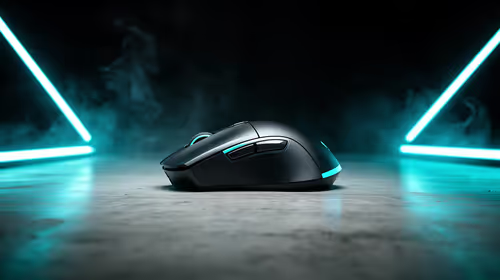
Optimal Balatro 144fps on RX 9070 needs frame cap, driver, display, and background load checks. SA gamers should tune one option at a time, retest the same scene, and treat the target as hardware, scene, and monitor dependent.