Quick Answer
The highest-return rand-conscious tech upgrades for an existing laptop are a USB-C dock or hub (R700 to R2,000), an external monitor (R2,500 to R5,000), and a mechanical keyboard plus wireless mouse combo (R600 to R1,200). These three upgrades cost far less than a new laptop and directly address the bottlenecks that slow most knowledge workers down.
External Monitor: the Biggest Single Upgrade 🖥️
Adding a second screen to any laptop increases usable screen real estate by 100%, allowing reference documents and communication apps to stay permanently visible alongside your active work. A 27-inch 1440p IPS monitor from Evetech costs R3,000 to R4,500 and connects via HDMI or USB-C. For SA remote workers, freelancers, and students dealing with dense academic PDFs or complex spreadsheets, this single purchase removes more friction from daily work than any other upgrade at the price. The laptop screen holds Slack and email while the external monitor shows the primary document. Research consistently shows 20 to 42% productivity gains for document-heavy workflows, directly relevant to SA content, finance, and professional services workers.
Dock and Keyboard: One Cable In, Everything Out 🔌
A USB-C dock in the R900 to R2,000 range at Evetech consolidates all peripheral connections through one cable to the laptop. This is especially valuable for laptop users who frequently dock and undock: one cable connects keyboard, mouse, monitor, and Ethernet simultaneously. A mechanical or quality membrane keyboard in the R400 to R700 range reduces typing fatigue during long work sessions and is more responsive than most laptop keyboards. These two purchases together for R1,300 to R2,700 transform a laptop into a full desktop replacement station that you pack away in seconds.
Lower-Cost Upgrades With High Return 💡
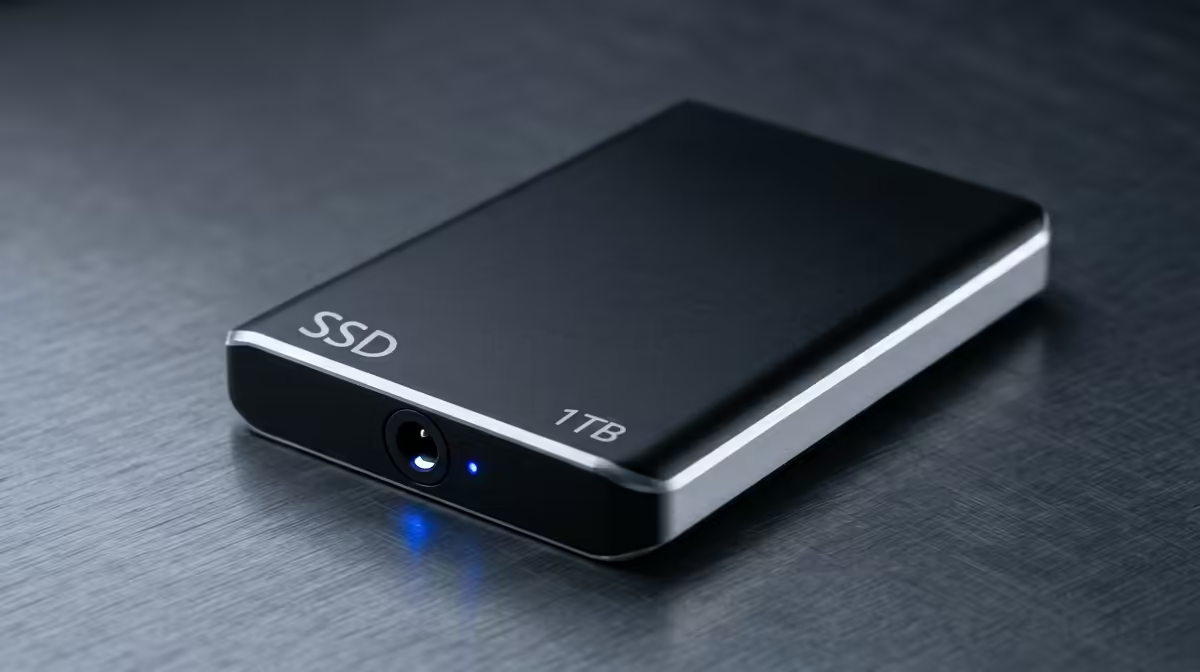
An NVMe SSD upgrade for a laptop with a slow 5,400 RPM HDD costs R800 to R1,500 for a 1TB drive and reduces boot time from 60 to 90 seconds down to 10 to 15 seconds. App launch times, file open times, and system responsiveness all improve dramatically. RAM upgrades from 8GB to 16GB cost R600 to R1,200 and eliminate browser tab crashes and application freezing on older laptops that were specified at 8GB in an era of lighter software. Both upgrades preserve the laptop's full capability and extend its useful life by two to four years, making them highly rand-conscious for SA students and professionals.
Upgrade RAM or SSD Before Buying a New Laptop ⚡
Before concluding your laptop is too slow, check in Task Manager whether CPU, RAM, or disk usage is the bottleneck. If disk usage sits at 100% consistently, an SSD upgrade fixes the bottleneck for R800 to R1,500 and the laptop performs like new. If RAM usage is consistently above 85%, a RAM upgrade solves the problem for under R1,200. New hardware is rarely the answer to old bottlenecks.
FAQ
Is it worth upgrading a laptop that is four years old?
For most SA users, yes. A four-year-old laptop with an i7 or Ryzen 7 processor upgraded to 16GB RAM and a 1TB NVMe SSD runs modern productivity applications smoothly. The processor does not need replacing for email, web, document, and video call workloads that represent 80% of knowledge worker tasks.
Which upgrade should I do first if I can only afford one?
For a slow laptop, an SSD upgrade is the highest-impact first step if the machine still runs a spinning drive. For a functional but cramped workflow, an external monitor is the best first upgrade. For typing and input discomfort, a keyboard-and-mouse combo delivers immediate daily relief.
Do USB-C docks work with all South African laptop brands?
USB-C docks are compatible with any laptop (HP, Dell, Lenovo, Asus, or local assembly brands) that has a USB-C port supporting DisplayPort Alt Mode. Confirm this on your specific model's spec sheet before purchasing a dock with display output.
Want to stretch your existing laptop further without replacing it?
Browse monitors, docks, keyboards, and internal upgrade options at Evetech to build the highest-return setup for your rand.