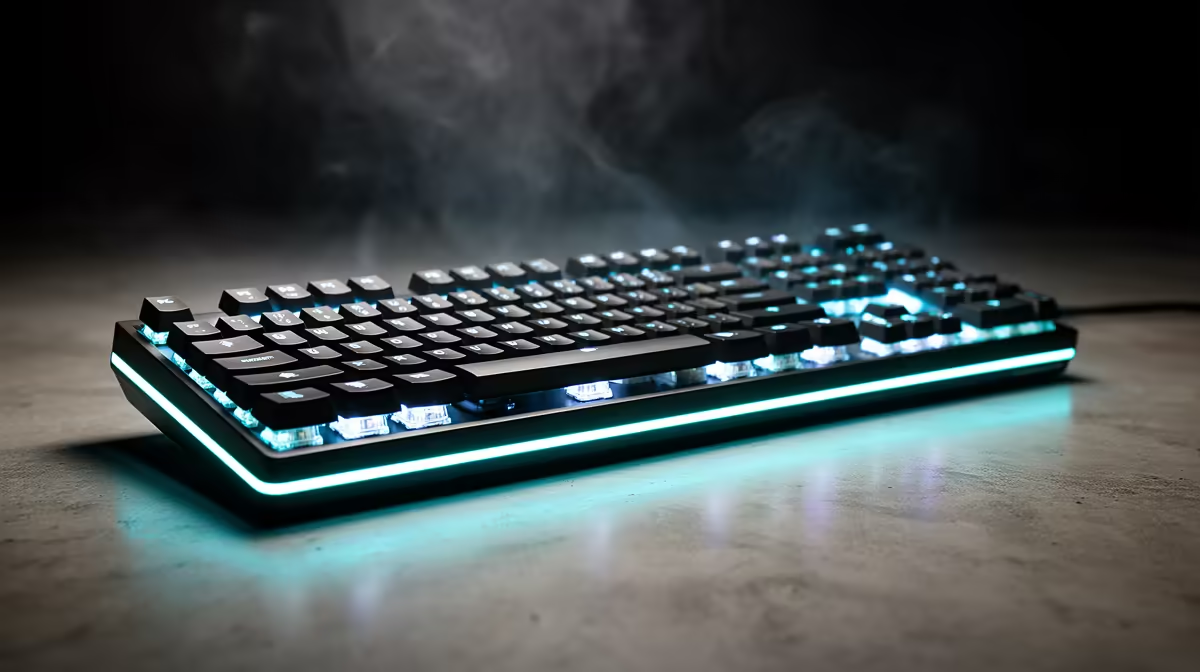
Rapid trigger is a switch-sensitivity feature, and that distinction matters in tournament rules. It tracks the movement of one key and can reset it before a conventional switch returns to a fixed point. Opposing-input automation and macros add another layer that events may prohibit.
Quick Answer
Do not rely on a universal claim that rapid trigger is legal in every 2026 tournament. Check the current publisher policy and event-specific rulebook for the game you will play. Keep Snap Tap, SOCD priority, multi-action binds and macros off unless the rules approve the exact behaviour.
For CS2, Valve's official guidance tells players to disable Snap Tap-style input automation. Basic one-key rapid trigger is a separate mechanism. Riot's 2026 rules library provides global and event documents for VCT; use the document for your event rather than treating general ranked play as tournament approval.
Compare current peripheral best sellers and gaming accessories by profile transparency, onboard memory and the ability to disable features cleanly.
Define the Feature Before Discussing Legality
On a magnetic keyboard, a sensor follows key position. Fixed actuation chooses a depth at which the press registers. Rapid trigger can activate after a selected downward movement and reset after a selected upward movement.
The firmware watches that key's own travel. It does not need to press another key, choose between opposing directions or run a timed sequence. That one-key behaviour is the useful baseline definition.
Vendors can bundle rapid trigger with other features in one menu. A tournament official will care about the output and competitive effect, not the colour of the toggle.
Keep Opposing-Input Automation Separate
Snap Tap-style modes resolve overlapping A and D inputs under a priority rule. Last-input priority can suppress the held direction when the newer one is pressed. That reduces the release coordination normally required from the player.
Valve's CS2 notice addresses automation that combines player actions from a single input and names Snap Tap Mode. It tells players to disable the feature before a match on Valve official servers.
A keyboard can run rapid trigger with that opposing-input mode disabled. Verify both settings because one vendor may put them under a shared performance page.
Ranked Rules and Tournament Rules Are Different
Public matchmaking is governed by the game's service rules and anti-cheat policy. A tournament adds an event rulebook, equipment process and officials. A feature that produces no automated enforcement in ranked play can still be restricted at an event.
Publishers can also update rules during a season. Riot's competitive-operations library lists 2026 VCT global and event-specific documents. Regional leagues and community tournaments can have their own applicable rules.
Read the latest version shown by the organiser. Search for equipment, peripherals, macros, scripts, input automation and competitive integrity. If rapid trigger is not named, ask an official and describe exactly how your setting works.
Ask a Question an Official Can Answer
Avoid sending "Is my keyboard legal?" with no detail. Provide the model, firmware version and feature description. State that one physical key reports its own press and release according to travel, and confirm that opposing-input priority and macros are disabled.
Ask whether the board and profile may be used for the named stage of the event. Some tournaments supply keyboards, require inspection or prohibit configuration software on competition PCs.
Keep the reply with your registration information. An informal comment from a player or old event does not replace the current organiser's ruling.
Build a Clean Competition Profile
Reset a spare profile to defaults. Set actuation and one-key rapid trigger at conservative values allowed by the event. Disable macros, turbo, multi-action keys, last-input priority and any SOCD mode that changes opposing directions.
Save the profile onboard if permitted. Close the software, reconnect the keyboard and test it again. Check that it boots into the correct slot and does not depend on a background app the competition machine will lack.
Use a key event viewer to press each movement key, overlap A and D, and release them in both orders. Record the ordinary output you expect. Repeat after firmware updates.
Make the Hardware Easy to Inspect
Clear profile names and a visible onboard slot help. Keep the manual or vendor feature page available without relying on an account login. Remove unused macro profiles from onboard memory when the rules demand it.
Bring the supplied cable and avoid unapproved adapters or hubs. Set lighting to a simple mode if it helps officials see the active profile. Do not install configuration tools on an event PC without permission.
A conventional backup keyboard can save the day when an organiser cannot approve an unfamiliar feature in time. Check the event's equipment rules before packing it.
Test Performance Without Chasing Minimums
Tournament legality does not make the most sensitive setting a good setting. A tiny reset distance can produce accidental movements from a resting finger or desk vibration.
Practise on the competition profile for several days. Test chat, buy menus, movement and ability keys. Keep movement sensitive where it helps and use deeper thresholds for commands you must hit once.
Stable input beats a laboratory minimum that fails under pressure. Calibration, firmware and approved switch compatibility matter as much as the numerical actuation step.
Avoid Claims Anti-Cheat Cannot Guarantee
Anti-cheat systems inspect a broad mix of software and gameplay signals. A keyboard manufacturer or retailer cannot promise how every future enforcement system will classify an undisclosed automation feature.
Use publisher-supported hardware behaviour, avoid scripts and disclose unusual configurations to the organiser. If an account receives an enforcement action, use the publisher's official appeal route rather than trying to hide the setup.
A Practical Game-by-Game Checklist
For CS2, disable Snap Tap-style automation and multi-action binds, then check current Valve notices. For VALORANT, use Riot's current support guidance for ranked and the applicable VCT or event rulebook for competition. For another title, start again with that publisher.
Check the matchmaking service as well as the game when a third party runs the ladder. Review the rules before each event, after keyboard firmware changes and at the start of a new competitive season.
FAQ
Is rapid trigger legal in every esport?
No universal answer applies. Basic one-key actuation tuning is distinct from automation, but the current publisher and event rules have the final say.
Does CS2 ban Hall Effect keyboards?
Valve's official guidance targets Snap Tap-style input automation. Use the keyboard with that feature disabled and follow any newer rule.
Can a tournament inspect my onboard profiles?
An event can set equipment and inspection procedures. Remove prohibited macros, declare the device and cooperate with officials under the current rulebook.
Build a one-key competition profile, verify it against the current event rules, and choose a keyboard whose settings you can show an official.