Quick Answer
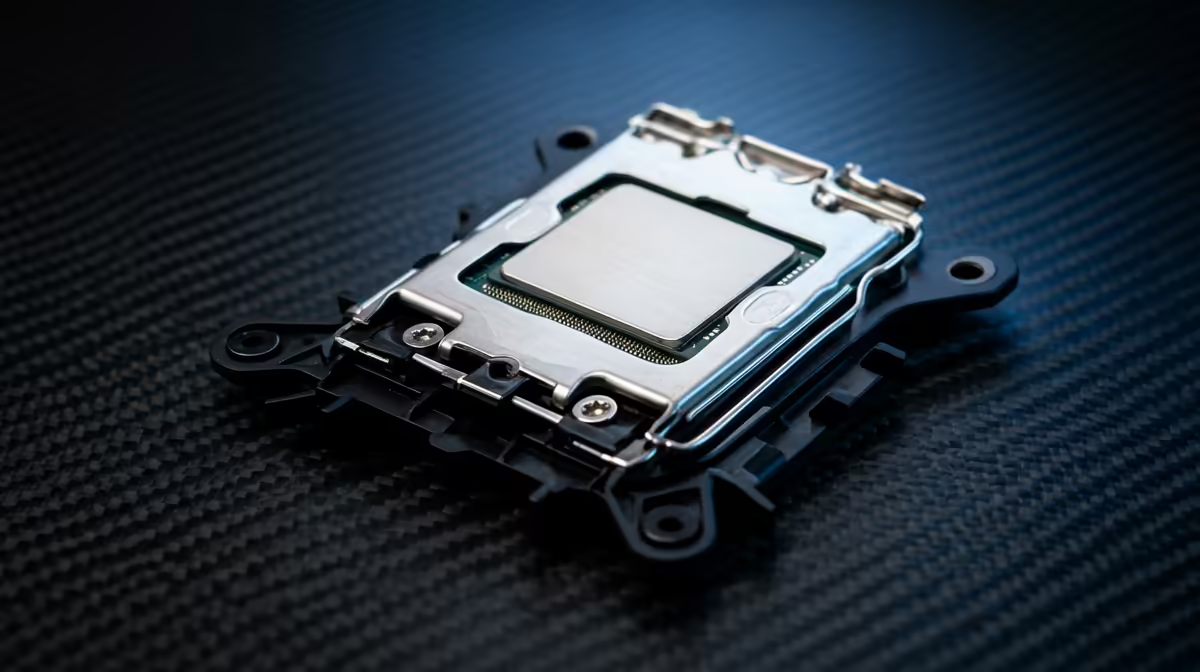
LGA 1851 is the newer Intel platform for MMO and live-service games; LGA 1700 is the mature value option when a 12th, 13th, or 14th Gen bundle is priced well. Z890-class LGA 1851 boards suit Core Ultra builds, while B760 or Z790 boards pair with CPUs such as Core i5-14600K or Core i7-14700K. SA board pricing can span broad bands from about R2,000-R8,000+.
What Actually Changes
The socket decides CPU compatibility, board generation, memory support, and platform direction. LGA 1851 is cleaner for a new Intel build. LGA 1700 still works when the total CPU, board, and memory basket saves enough to protect the GPU or monitor budget.
Where SA Buyers Should Spend First
Price the complete basket before choosing the socket. SA players on shared fibre, fixed LTE, or home WiFi should not blame the PC for every ping spike. For MMO and live-service games, focus on long-session stability, patch storage, CPU headroom, and quiet cooling. A cheaper LGA 1700 basket can be strong if it funds a better graphics card, while LGA 1851 is better for a clean new Intel platform.
Specs To Check Before Checkout
Confirm CPU generation, chipset, BIOS state, RAM type, cooler bracket, storage layout, and board size. A Core Ultra CPU does not fit LGA 1700, and older LGA 1700 chips do not fit LGA 1851. Wrong socket choices mean rebuilds.
FAQ
Will this reduce lag in MMOs?
Not by itself. The socket enables a CPU family; FPS comes from the final CPU, GPU, memory, cooling, and settings.
What should I check for live-service games?
Compare CPU, motherboard, RAM, cooler, and graphics card as one purchase. The best deal leaves enough budget for 60-144 fps.
Is the premium option worth it for long sessions?
Choose LGA 1851 for a fresh Intel build with newer board features. Choose LGA 1700 only when the total saving improves the rest of the PC.
Buying Tip
Check the socket label before adding the CPU and motherboard to the same basket. LGA 1851 and LGA 1700 are not interchangeable.