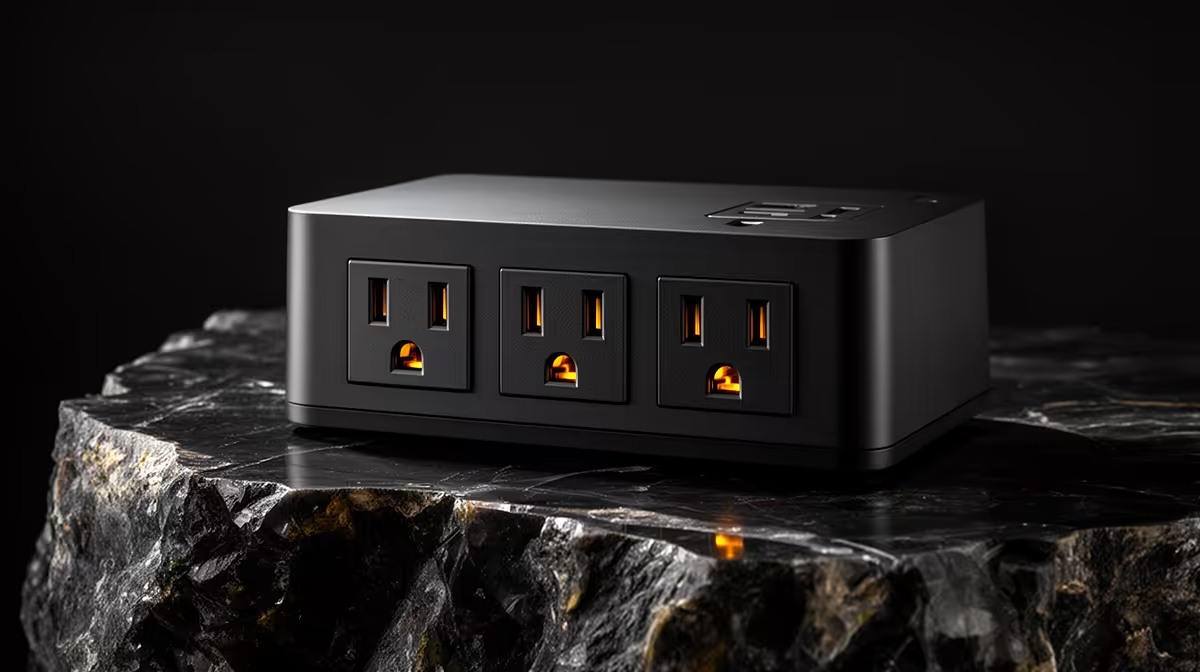
A retiree should choose a surge-protected power strip by documented protection, socket spacing and safe load capacity, not by the number of switches or a bright indicator. The supplied factpacks do not verify a suitable strip, so certification, warranty and current price need a live authorised check.
List every connected device
Write down the computer, monitor, router, lamp and any approved charger. Check the total load and allow room for wide power bricks without stacking adapters. Look for a stated joule rating, protection-status light and documentation showing which conductors are protected. A normal extension board with an on-off switch may offer no surge protection.
Place the strip where the status light remains visible and cables do not cross a walkway. Never cover it with bedding or carpet, and do not daisy-chain another board. Heaters, kettles, irons and other high-draw appliances should use appropriate outlets rather than sharing the computer strip. Warm, loose or damaged wall sockets require a qualified electrician.
Protection components wear out, so follow the manufacturer replacement guidance and replace the unit after a documented major event where required. A surge strip does not provide runtime; keep files backed up and use a correctly sized UPS only when shutdown time is necessary. Ask a trusted technician to label each plug so the setup remains easy to manage.
Building a safer home computer desk? > Compare reliable PCs with Evetech while sourcing certified power protection through authorised channels.