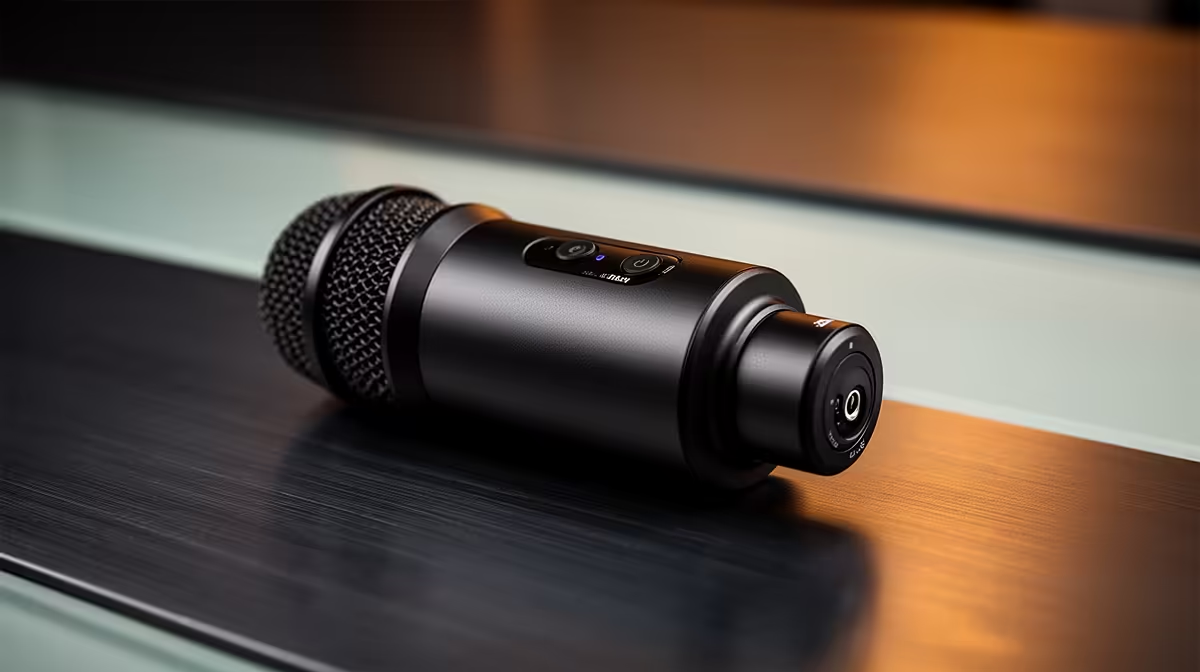
Wireless clip-on audio can free a presenter from a desk and keep a microphone close to the voice. It can also fail through poor placement, clipping or a flat transmitter. The RODE Wireless GO price in South Africa should be judged as a complete recording system, with the exact generation and included transmitters confirmed.
Quick Answer
RODE Wireless GO pricing in South Africa varies by generation, package and current seller stock. If a particular kit follows a cross-border route, international delivery and customs duty can change the Rand total. Compare the exact set with Evetech's current streaming essentials for locally stocked microphones and creator gear.
🎤 Choose the kit around the speakers
Start by counting people. A one-transmitter kit suits a solo presenter. Interviews may need two transmitters feeding one receiver. Confirm what the exact package contains because similar names can cover different generations and channel counts.
Decide whether the transmitter's built-in microphone is enough. Clipping the unit near the collar is quick and visible. A compatible lavalier can hide the transmitter and place a smaller capsule near the voice. Include the lav, wind protection and mounting accessories in the comparison.
Wardrobe affects sound. Fabric rubbing against a capsule can ruin a clean take. Test the outfit while the speaker turns, bends and walks. Keep the mic away from necklaces and loose collars. A tiny piece of placement work can matter more than a new wireless feature.
Wind is another physical problem. Indoor foam may be insufficient outside. Use the wind protection intended for the microphone and monitor a short sample before recording the full piece. Strong wind can overload the capsule even when the radio link stays perfect.
📶 Test the link in the real location
Wireless range figures come from particular conditions. People, walls, metal and other radios can reduce a link. Place the receiver with the clearest practical path to the transmitter and keep it away from congested equipment.
Walk the complete route before the shoot. Turn your back, enter the doorway and sit where the interview happens. Listen for dropouts through headphones connected to the camera, recorder or computer. A receiver meter alone may not reveal every audible interruption.
Keep a wired backup for critical work. A long lav cable or small recorder can save an interview when the venue's wireless environment changes. The backup does not need to be elegant. It needs to be tested and packed.
Battery planning belongs on the call sheet. Charge every transmitter and receiver, then record their starting levels. Long shoots need a break or power strategy that does not tug on a worn USB port. Label units so the low transmitter is not handed to the next speaker.
🎚️ Set gain through the whole chain
Wireless audio passes through several gain stages: the microphone, transmitter, receiver and recording device. Start with a normal speaking voice, then ask for the loudest line or laugh expected. Leave headroom so peaks do not clip.
Avoid recording a weak signal and lifting it later, because preamp noise rises with the voice. Also avoid driving the receiver so hard that the camera input overloads. Monitor the actual recorded feed rather than assuming matching meters mean matching levels.
Some Wireless GO generations or packages can support onboard recording or safety features. Verify the exact device, storage behaviour and file transfer process. A backup recording helps only when it was enabled, has space and can be aligned with the video later.
Choose a file routine before the shoot. Rename recordings by speaker and take, copy them to two locations and listen to the beginning and end. Do not format a transmitter until the edit has opened the copied files. Small internal recorders are easy to clear while solving the next day's storage problem.
Record a hand clap at the start of a multi-device take. It creates a visible sync point. Check audio drift on long recordings before the important shoot, especially when cameras and separate recorders run on different clocks.
💰 Compare the complete creator setup
Write down the precise Wireless GO generation, number of transmitters, receiver, cables and wind protection. Add the phone or camera adapter required for your device. Connector shape alone does not guarantee that a cable carries the right microphone signal.
If the chosen kit comes from abroad, include overseas transport, customs duty, Rand movement and any disclosed clearance fee. Then compare Evetech's local creator microphones and streaming gear by channel count, connection and intended use.
Check Evetech's webcam range if the microphone will serve a desk broadcast. A USB mic near the speaker can be simpler for a seated stream, while wireless shines when the presenter moves or the camera sits further away.
Support matters for batteries, charging ports and radio faults. Ask how each component is assessed and whether one failed transmitter requires the whole kit. Keep the serial numbers and original cables.
Add a monitoring plan for solo work. Record a short line, play it back through headphones and check clothing noise, room echo and level. A camera screen can show that audio exists without revealing a scraping collar. Repeat the check after moving the microphone or changing wardrobe.
Write the chosen gain settings on the call sheet so a battery change or reset does not leave the next take at an unknown level.
For a used system, pair every transmitter, test all inputs and record until the units warm up. Check battery decline and move the cables at each connector. Evetech's creator range changes, so repeat the local comparison at purchase time instead of relying on an old price conversion.
Frequently Asked Questions
What is the RODE Wireless GO used for?
It is a compact wireless microphone system for presenters, interviews and mobile creator work where a cable to the camera would restrict movement.
Does it need a receiver?
The system uses transmitters and a receiver or supported digital connection. Confirm the exact package and recording-device compatibility.
How far can it transmit?
Range depends on the exact generation and environment. Test the real venue with people, walls and other wireless equipment present.
Can it record audio onboard?
That capability varies by generation and settings. Verify it for the exact unit and test file retrieval before relying on it.
Where can I compare creator microphones locally?
Evetech's streaming category lists current microphones and creator gear with live Rand prices and connection details.
Ready to build a wireless audio path you can trust?
Check Evetech's current creator microphones, match the channel count and connections, then test placement and gain before the important shoot.