Quick Answer
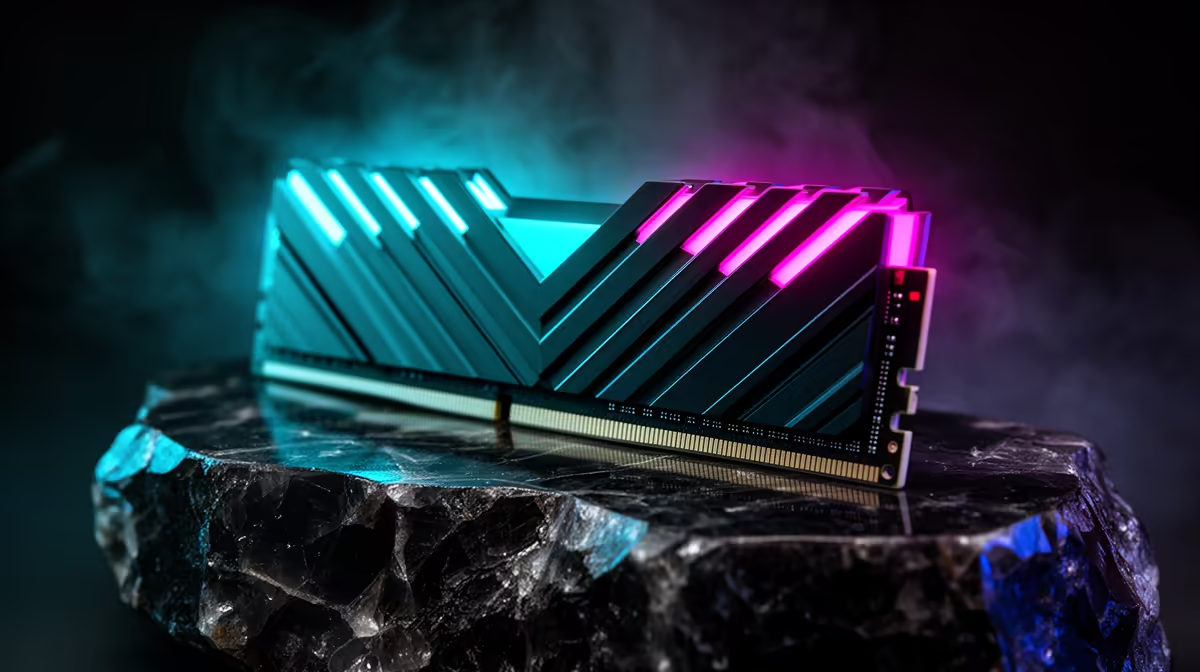
DDR5-6000 is the practical sweet spot for Ryzen 5 9600X: it balances AM5 stability, latency, and price better than chasing very high clock kits. A 32 GB kit around the R2,000-R3,500 band is the sensible gaming baseline.
Best Board Or Memory Tier
For normal gaming, spend where the build can feel the difference. A board such as MSI MAG B850 Tomahawk WiFi or ASUS TUF Gaming X870-Plus is a stronger buy than paying for extreme features you will not use. For memory, a 32 GB DDR5 kit is the comfort point for modern games, browsers, and background apps.
What Changes In Real Games
The GPU still decides most frame rates at 1440p and 4K. A Ryzen X3D chip can lift lows in CPU-heavy games, but the motherboard tier mainly affects stability, boot behaviour, USB options, M.2 slots, and VRM temperatures. If your target is 1080p high refresh, keep cooling and memory latency in the plan before buying decorative extras.
SA Buying Notes
Use broad price bands instead of chasing a single live price: B850 boards often sit in the mid-range, X870 costs more for connectivity, and X870E is premium. Confirm BIOS support for the exact CPU, check whether Wi-Fi is included, and make sure the case has room for the cooler and GPU. A Ryzen 7 9800X3D with an RTX 4070-class GPU deserves a clean power supply and airflow, not only a fancy board name.
FAQ
Should I buy B850, X870, or X870E?
Buy B850 for most gaming PCs. Move to X870 or X870E only if you need the extra ports, storage lanes, or premium board features.
Is faster DDR5 always better on AM5?
No. Stability and latency matter more than the headline MHz number, so DDR5-6000 CL30 is still the safer gaming baseline for many builds.
What should I check before ordering?
Check BIOS support, RAM clearance, M.2 slot count, Wi-Fi, rear USB, and PSU quality. Those details prevent build-day problems better than chasing a board tier alone.