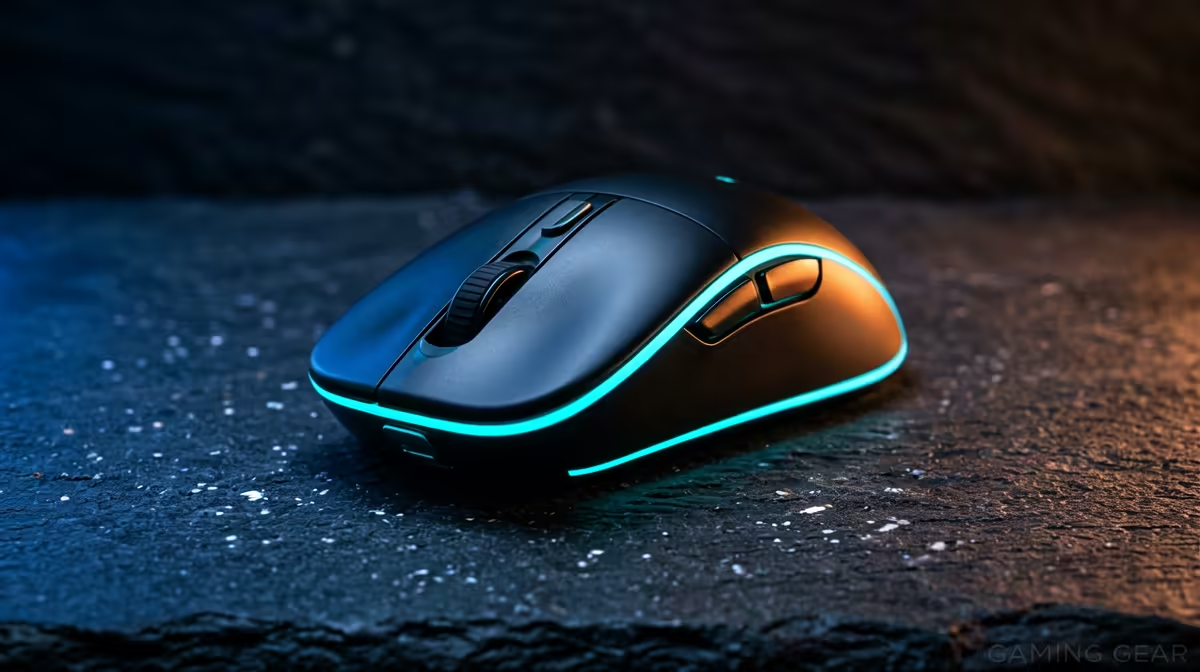
Receiving a wireless gaming mouse safely in Atteridgeville comes down to confirming the order, checking the parcel on arrival, and testing the unit before you sign.
Quick Answer
Route the wireless gaming mouse to a verified Atteridgeville address or a collection point and test the sensor and battery before signing. A capable 2.4GHz wireless gaming mouse costs about R600-R2,200, with the better models offering 26,000-30,000 DPI sensors and a 1000Hz polling rate.
Delivery In Atteridgeville
The Courier Guy, Aramex and RAM deliver to Atteridgeville in Pretoria west. A mouse is a small parcel, but receiving it where you can inspect and sign is still wise. Confirm the listing specifies a 2.4GHz dongle, not Bluetooth-only, for low-latency gaming.
Test The Mouse On Arrival
Plug in the dongle, move the cursor, and confirm all buttons and the scroll wheel work. Check the sensor tracks smoothly and that the DPI button cycles correctly in software. A weight under 80g suits fast aiming; verify the battery shows a charge and the wireless connection is stable.
Sensor, Latency And Warranty
A 2.4GHz connection is effectively lag-free, unlike Bluetooth. Look for a modern optical sensor (26,000-30,000 DPI), 1000Hz polling and 50-70 hours battery. Keep the invoice for the warranty, which runs from the invoice date, and test the mouse fully on day one.
FAQ
Is wireless good enough for competitive gaming?
Yes, via a 2.4GHz dongle, which is effectively lag-free. Avoid Bluetooth-only mice for gaming as they add noticeable latency.
What DPI and polling rate should I look for?
A modern sensor with 26,000-30,000 DPI and a 1000Hz polling rate covers competitive play; most players actually game at 800-1600 DPI.
How long does a wireless gaming mouse last per charge?
Around 50-70 hours on mid and premium models, so a weekly top-up is usually enough for regular play.
Confirm the listing includes a 2.4GHz USB dongle, then test the sensor and all buttons on delivery before you sign for the parcel.