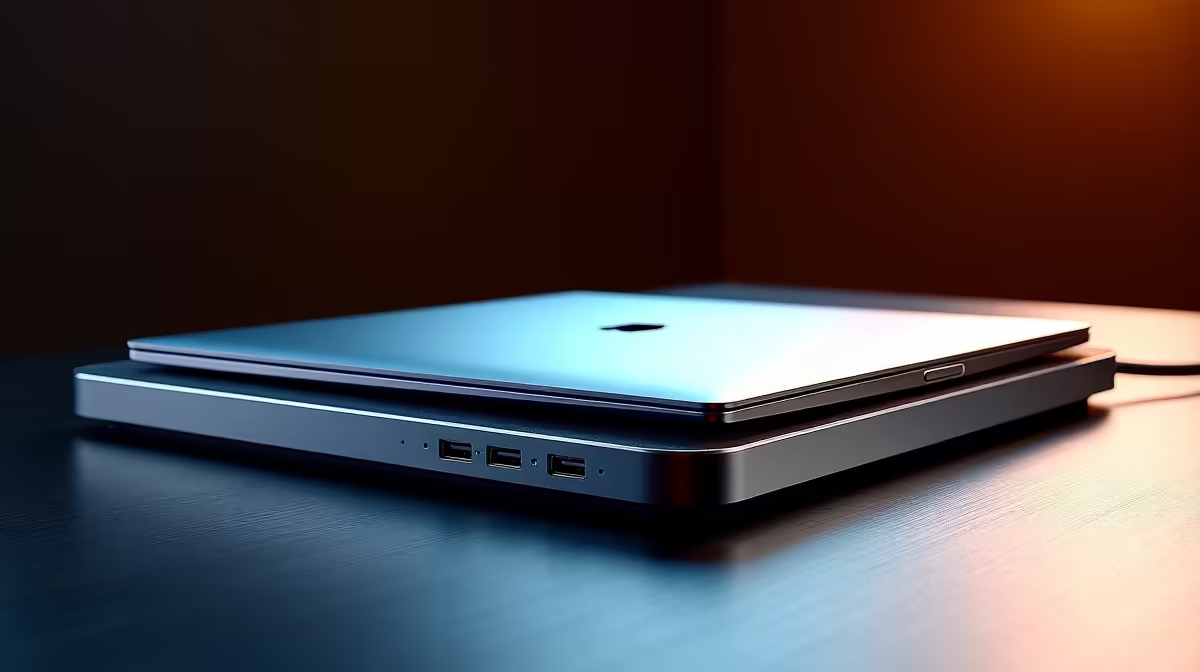
You love your convertible laptop. It’s a tablet when you want to chill on the couch and a productivity powerhouse when you need to get work done. But let’s be honest… the moment you get to your desk, the magic fades. You’re left fumbling with chargers, display cables, and USB dongles. What if you could connect everything—your monitor, keyboard, mouse, and power—with a single cable? That’s the power of a seamless docking solution for convertible laptops.
Unlock Your Desk's True Potential
A dedicated docking station transforms your flexible laptop into a full-fledged desktop command centre. It’s not just about tidying up cables; it’s about creating a more efficient and powerful workspace. ⚡ Imagine walking up to your desk, plugging in one USB-C cable, and instantly having your dual 4K monitors, mechanical keyboard, gaming mouse, and external hard drive ready to go, all while your laptop charges.
This one-cable setup eliminates daily friction, letting you switch between mobile and desktop modes in seconds. For professionals and students in South Africa, this means less time wrestling with tech and more time focusing on what matters. You can find surprisingly powerful docking solutions under R2000 that can handle demanding creative workflows or multi-monitor gaming setups.
Choosing the Perfect Docking Station
Finding the right docking solution for your convertible laptop doesn’t have to be complicated. The key is to match the dock’s capabilities with your specific needs.
Key Things to Check:
- Connectivity: Does your laptop have a Thunderbolt or a standard USB-C port? Thunderbolt offers more bandwidth, which is crucial for running multiple high-resolution displays without a hitch.
- Ports: Count the number of peripherals you use daily. Look for a dock with enough USB-A ports for your legacy gear, HDMI or DisplayPort for your monitors, and an Ethernet port for stable, lag-free internet.
- Power Delivery (PD): Check the wattage. Your dock needs to provide enough power to charge your laptop while it’s in use. Check your laptop's charger for its required wattage (e.g., 65W, 90W) and choose a dock that meets or exceeds it.
Even on a tight budget, you can find excellent hubs that provide essential connectivity. There are plenty of great value options under R1000 that are perfect for simpler, single-monitor setups.
Pro Tip: Check Your Port! 🔧
Not all USB-C ports are created equal. Before you buy, check your laptop’s specs to ensure its USB-C port supports DisplayPort Alternate Mode (for video output) and Power Delivery (for charging). This little check saves a lot of headaches later!
A streamlined desk isn't a luxury; it's a productivity booster. By centralising your connections, you create a grab-and-go system that respects your time and your gear. Brands like Promate offer a fantastic balance of features, reliability, and price, making it easy to find a hub that fits your workflow. Investing in one of these quality hubs from brands like Promate is one of the smartest upgrades you can make for your convertible laptop. ✨
Ready to Declutter and Power Up?
Stop juggling cables and unlock a truly seamless workflow. Explore Evetech’s wide range of docking stations and find the perfect match for your convertible laptop today.