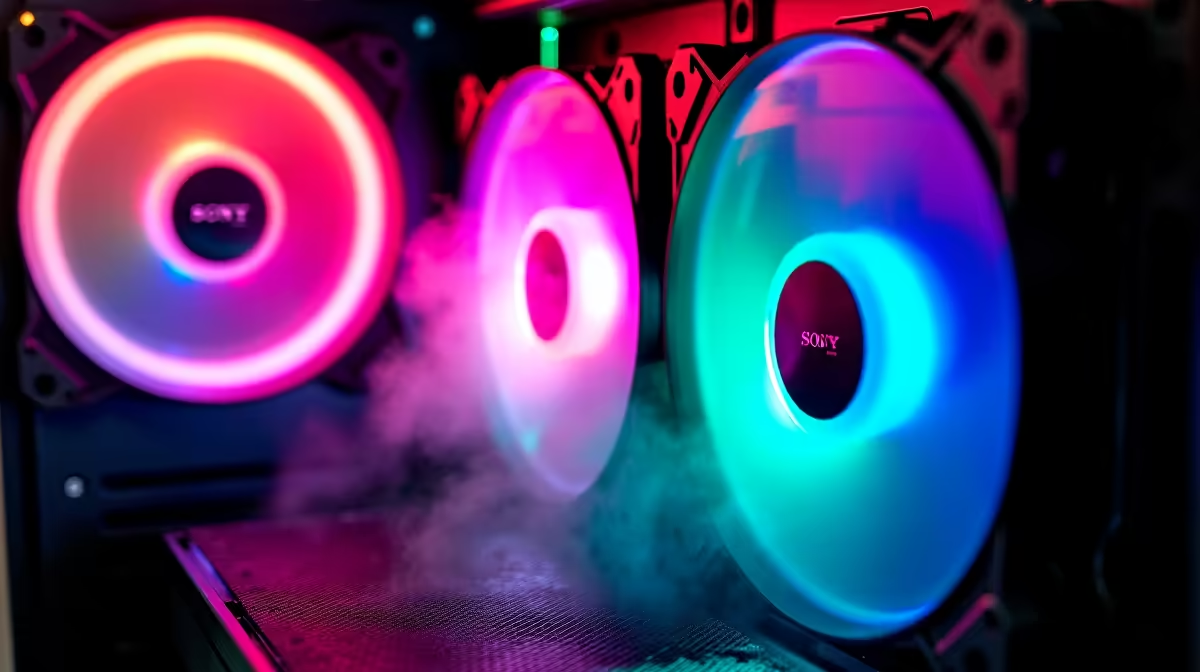
A set of case fans is worthwhile for Valorant only when repeatable matches show excessive temperatures, throttling or noise caused by inadequate airflow. More fans do not create frame rate automatically, and poor placement can add turbulence or dust without improving component cooling.
Benchmark a full competitive session and inspect the current airflow first
Run Valorant at the intended resolution and settings while recording frame times, processor and graphics temperatures, fan noise and clock behaviour. Inspect intake blockage, filters, fan direction and cable routing, then repeat the same test after safe cleaning under similar room conditions.
No case-fan set with a confirmed selling price appears in the factpacks. The Palit RTX 3050 6GB at R2,700 is a verified graphics-card reference, not a fan kit, complete PC or game-performance guarantee. Confirm current Valorant requirements and live case, header and fan compatibility independently.
Check fan size, connector type, motherboard-header load, controller needs and available mounting positions. Keep cables away from blades, preserve the original fan curve and avoid adding noise without a measured temperature improvement. Back up settings before opening the PC.
Buy fans when thermal testing proves the need. Upgrade graphics, processor or display when those remain the measured competitive limits.
Verify motherboard header capacity before adding several fans or splitters.
Improving a Valorant setup? > Compare Evetech gaming PCs against the target frame-rate and display.