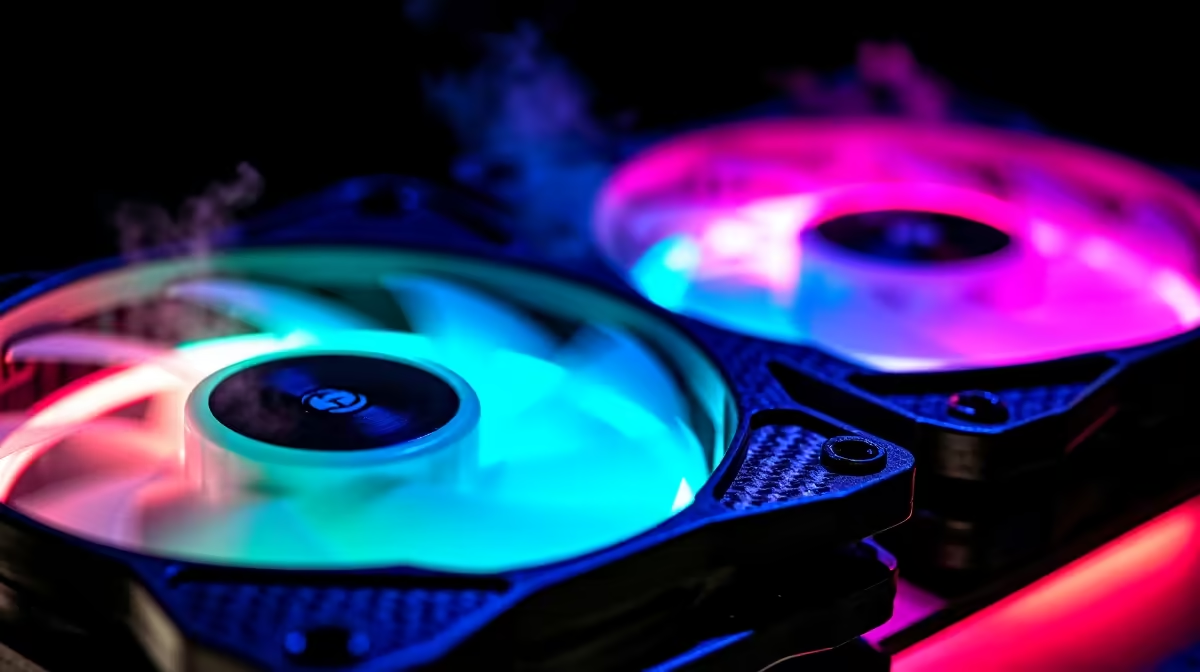
A set of case fans is worthwhile for Unreal Engine when measured CPU or GPU temperature, throttling or noise shows weak case airflow. The engine can sustain heavy compile and viewport load, but fan count should follow chassis evidence.
Repeat a demanding project route
Clean the system, map every intake and exhaust, then compile shaders or run the busiest scene until temperatures stabilise. Record clocks, fan speed, hotspot and noise. Add or reposition one fan, close the case and repeat. More fans can create turbulence without improving cooling.
Check fan size, connector type, motherboard-header current and case mounts. Keep cables away from blades and clean filters regularly. A restrictive front panel or floor placement may be the larger issue.
Unreal workstations can shift suddenly from light editing to long compiles. Set temperature alerts that account for these phases and verify the fan curve responds smoothly rather than oscillating. If noise matters during voice capture, schedule shader compilation before recording sessions.
Case-fan lighting software can add background services that an Unreal workstation does not need. Prefer direct motherboard control when it provides the required curves and reliable startup behaviour.
No case-fan set has a verified SKU or confirmed price in the supplied facts. Compare airflow, static pressure, speed control, noise, connectors, warranty and fit.
Cooling an Unreal workstation? > Browse Evetech fan options after measuring sustained load.