A set of dust filters is worth adding to a Valorant PC when the case has unfiltered intakes, the room is dusty and compatible filters do not restrict airflow excessively. Filters do not improve aim or frame rate directly. Their value is slower dust buildup and easier maintenance while temperatures remain safe.
Compare airflow before and after
Play a repeatable match while logging processor and graphics temperatures, clock stability and fan speed. Inspect the current intake paths and dust pattern. Add only correctly sized filters, then repeat the same load. A very fine improvised mesh can raise temperature and noise more than it helps cleanliness.
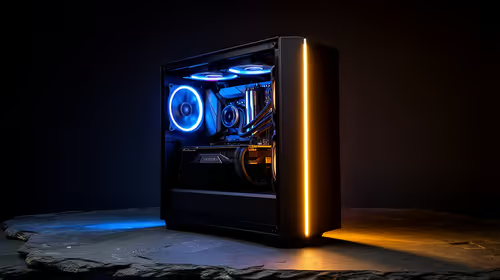
The supplied factpacks verify no filter set or price. The Gamemax Aeris 330 mATX case is factpack-listed at R650. The Deepcool CG330 appears at R770. Confirm current included filters, intake layout, fan mounts and component clearance. Neither enclosure should be assumed to need or accept an aftermarket filter without measurement.
Keep the computer off thick carpet and clean filters regularly with power disconnected. Maintain a clear intake and exhaust path, and never block a power-supply vent. Buy filters when the controlled test stays within safe temperatures and the room actually deposits dust. If clocks are stable and existing filters already catch debris, preserve the budget. Valorant consistency should be judged through frame-time and thermal logs, not the visual thickness of mesh on the case.
Maintaining a Valorant PC? > Compare verified cases with Evetech around intake layout and component fit.