Quick Answer
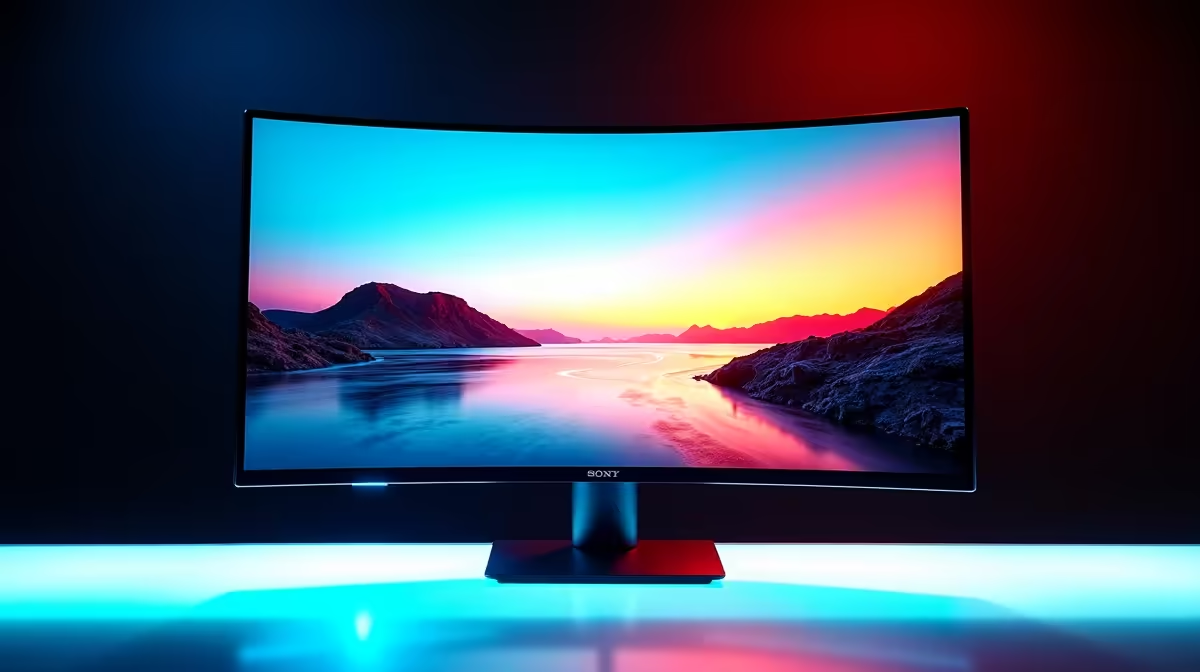
Yes, a 1800R curved monitor is an excellent all-rounder for both gaming and multitasking, particularly on screens between 27 and 34 inches. The curvature matches the natural curve of human vision at typical desk distances of 60 to 80 cm, reducing eye strain during long sessions and giving games a mild sense of depth without distorting flat productivity work like spreadsheets or documents.
Understanding the 1800R Curvature Rating 🔧
The number in a curvature rating represents the radius of a circle in millimetres. An 1800R monitor sits on a circle with a 1,800 mm (1.8 m) radius, which corresponds closely to the natural focal arc of human eyes at arm's length. Compared to a flatter 3000R or 2300R curve, 1800R wraps more aggressively, making the screen edges feel closer to you. Compared to Samsung's sharper 1000R curve used on some 49-inch Odyssey models, 1800R is noticeably gentler and more practical for a dual-purpose work-and-game setup. Most 27-inch to 32-inch VA-panel curved monitors sold in South Africa use 1800R, and you will find them stocked at Evetech in the R4,000 to R9,000 range depending on resolution and refresh rate.
Gaming Performance at 1800R 🎮
For immersive single-player titles like open-world RPGs and racing simulators, 1800R provides a wraparound feel that genuinely adds to immersion without requiring a triple-monitor setup. Fast-paced FPS games are unaffected because the curvature is subtle enough that competitive players rarely notice a disadvantage. Pair a 1800R display with a 144Hz or 165Hz VA panel and an RTX 4060 Ti or RX 7900 GRE, and you will hit smooth frame rates at 1440p with detail settings set to high. Input lag on modern 1800R VA panels is typically between 1 ms and 4 ms MPRT, which is competitive gaming ready.
Multitasking: Where 1800R Actually Helps 💼
With multiple windows open, the curve naturally guides your eyes from one side of a 32-inch screen to the other without requiring you to refocus. Developers, writers, and finance professionals in South Africa who run dual-app setups report less neck strain after a full workday compared to flat panels of the same size. The curvature does introduce a slight barrel distortion on perfectly straight horizontal lines, which can look odd if you are editing technical drawings or pixel-level graphics. For those use cases, a flatter IPS at 2300R or flat may be preferable. For everyone else, 1800R in a 27 to 34-inch format is genuinely comfortable across mixed workloads.
Optimal Viewing Distance for 1800R ⚡
Position your 1800R monitor so that your eyes are roughly 60 to 80 cm from the screen centre. Sitting closer than 50 cm makes the edge wrap feel excessive and can cause mild distortion on straight lines. Most South African home-office desks work perfectly at this depth.
FAQ
Is 1800R better than 1000R for everyday office work?
For most users, yes. The 1000R curve used on ultra-wide and super-ultrawide monitors is optimised for very large panels above 45 inches. On a 27 to 34-inch monitor, 1800R is the better productivity choice because straight lines stay more natural and document layouts are less distorted.
Does the 1800R curve affect colour accuracy?
The curve itself does not change colour output; what matters is the panel type. VA panels used in most 1800R monitors have strong native contrast but slightly narrower colour gamuts than IPS at the same price. If colour accuracy is critical, look for panels with DCI-P3 coverage listed in the spec sheet.
What GPU is recommended for a 1800R 1440p 165Hz monitor?
An RTX 4060 or RX 7700 XT will comfortably drive 1440p at 100 to 165 fps in most modern titles at high settings. For consistently hitting 165 fps in demanding games you will want an RTX 4070 Super or better.
Want to see 1800R curved monitors in one place?
Evetech stocks a full range of 27-inch to 34-inch curved displays from leading brands, available online or at the Evetech store.