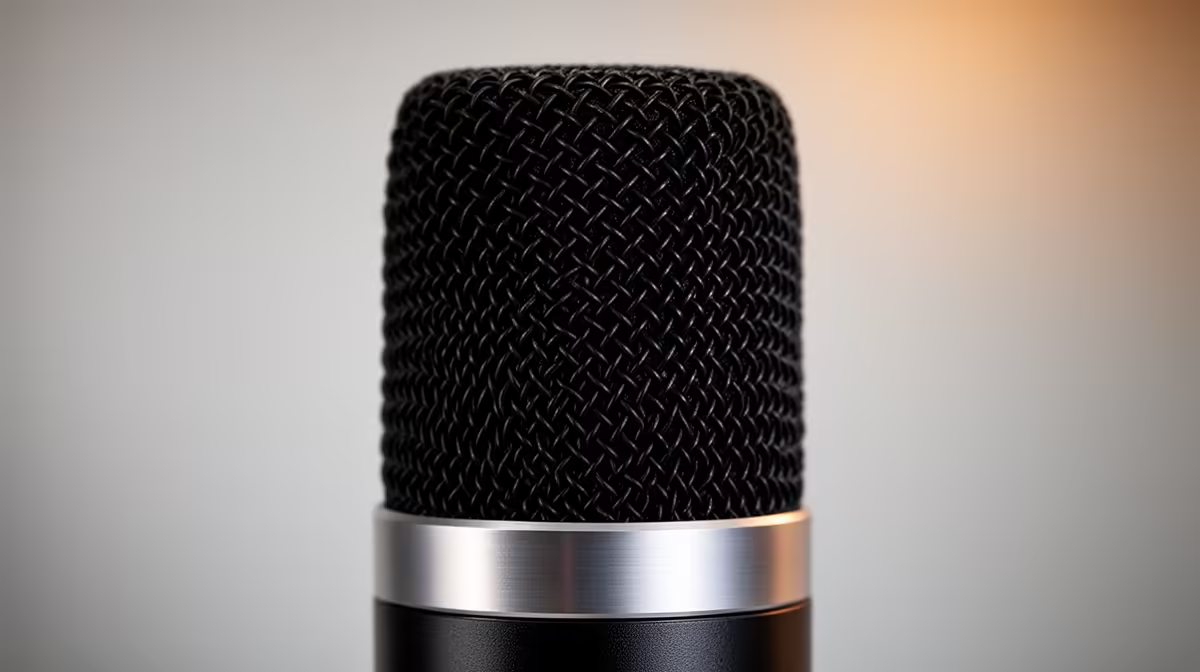
The MV7+ sits between a simple USB desk mic and a full XLR broadcast chain, so its value depends on which route you will use. The Shure MV7+ price in South Africa should include a stable arm, headphones and any interface needed later. Check current local listings for the precise model rather than assuming the Shure name guarantees stock.
Quick Answer
The MV7+ is a hybrid microphone with USB and XLR connection paths, plus digital processing features set by its current specification. Its South African availability and Rand amount can change with shipments, so use Evetech's live streaming essentials category to compare locally listed hybrid microphones. It suits close speech when you want USB setup now and an XLR option later.
🎙️ Check what changed from the original MV7
Use Shure's current comparison for the exact MV7 and MV7+ revisions. Product names can remain similar while USB connector, processing and control features change.
Automatic gain can help manage level when the supported software and microphone are configured for your voice. It cannot rescue a mic placed across the desk in a reflective room.
Onboard digital processing may include tone, level or noise tools according to the current firmware. Record a clean baseline before enabling each feature.
USB-C describes the connector shape and does not state the port's data speed, power or host compatibility. Use the supplied or supported cable.
Check headphone monitoring, mute control and any visual indicators. Practise reaching mute without touching the grille or moving the arm.
Compare the original and plus model through matched distance, gain and loudness. A new feature matters only when it saves time or improves the delivered recording.
🗣️ Make close placement do the work
Start around a hand width from the microphone and speak slightly across it. Record hard consonants and adjust the angle to control breath noise.
Moving close improves the voice-to-room ratio. It can add bass through proximity effect, so move a few centimetres before applying heavy equalisation.
Keep the mic away from the keyboard's direct sound path. Point its least-sensitive area toward the main noise according to Shure's current pickup information.
Set gain from loud realistic speech. Record normal voice, an excited phrase and laughter. Leave space below digital clipping.
A boom arm should support the microphone without sagging. Route cable with a loop near the connector so arm movement does not pull the socket.
For video calls, frame the camera after placing the mic. Keep the grille near enough for clear speech without covering your face.
🔌 Compare USB and XLR workflows
Start USB on a direct computer port. Record the working input level, sample rate, monitor blend and app version.
Test the microphone after reboot and sleep. Check whether the operating system, meeting app and streaming software retain the intended device.
Use the Shure software only from a trusted source. Save a profile or screenshots before updating firmware or changing automatic processing.
For XLR, choose an interface with suitable clean gain and monitoring. Match final loudness before comparing it with USB.
Do not monitor the microphone through direct and delayed software paths together. The echo can make speech difficult even when the recording is clean.
Run webcam, capture card and microphone at once if that is your real setup. An overloaded USB hub can cause faults that look like a microphone problem.
Evetech's webcam range helps plan camera, USB and desk placement around the mic arm.
💰 Price the complete hybrid microphone chain
Search Evetech's live streaming page for the exact MV7+ model and written contents. Confirm cables, yoke or stand pieces and any windscreen.
Add the boom arm, headphones and interface you will use. A hybrid mic priced without mounting is not a working desk comparison.
Compare the MV7+ with the RODE PodMic USB and one lower-cost USB dynamic mic. Use matched mouth distance, loudness, room and keyboard noise.
Record one raw file and one processed file from each. Listen on studio headphones, ordinary speakers and a phone. The audience may hear platform compression rather than your original file.
For a beginner, good placement and stable gain matter more than a long DSP list. Add automatic tools after you know the raw voice.
For a used MV7+, inspect grille, yoke, threads, USB-C and XLR sockets. Test both paths, mute, monitoring and every supported control.
Open a raw recorder before installing a large streaming profile. Capture room tone, steady speech and a loud passage through USB, then repeat through a known interface. Label the gain and distance in each filename.
Run a one-hour recording and move the boom arm several times. Listen for crackle, level jumps or cable rub. Repeat after the microphone warms.
Check the headphone socket with centred speech and a left-right test. Move the plug once without forcing it and watch for channel loss. Set monitoring at a safe level before speaking.
Test automatic gain from a fixed mouth distance, then move closer and farther in measured steps. Listen for pumping, background rise or clipped consonants. Keep the manual baseline if automation makes the voice less stable.
Connect the microphone after the PC wakes and after another USB audio device is added. Confirm the correct input, output and sample rate in every app.
Ask the seller how it handles capsule, digital-board and connector faults. Keep the serial image, invoice and protective packaging.
Frequently Asked Questions
What is new on MV7+ compared with MV7?
Check Shure's current feature table for connector, processing, gain and control changes. Compare the exact revisions, not family names.
Does MV7+ work well straight out of the box?
It can produce usable USB speech after basic setup, though placement and gain still need your voice and room.
Can it work with a mixer instead of USB?
Its stated XLR path is designed for an interface or mixer. Confirm current power, gain and simultaneous-output behaviour in Shure's documentation.
Is it good for podcasting and video calls?
It can serve both when placed close and routed well. Save separate profiles for a recorded show and a meeting.
Does it need the ShurePlus app?
Basic connection and advanced digital controls may have different requirements. Check the current software features and host support.
How does it compare with RODE PodMic USB?
Compare USB and XLR features, controls, software, mount, voice sound and the full local package. Use matched recordings.
Where can South Africans check MV7+ availability?
Evetech's live streaming-essentials page provides the current local microphone range and exact product listings.
Ready to compare hybrid podcast microphones?
Browse Evetech's current streaming range and price the microphone, arm, headphones and interface as one voice setup.