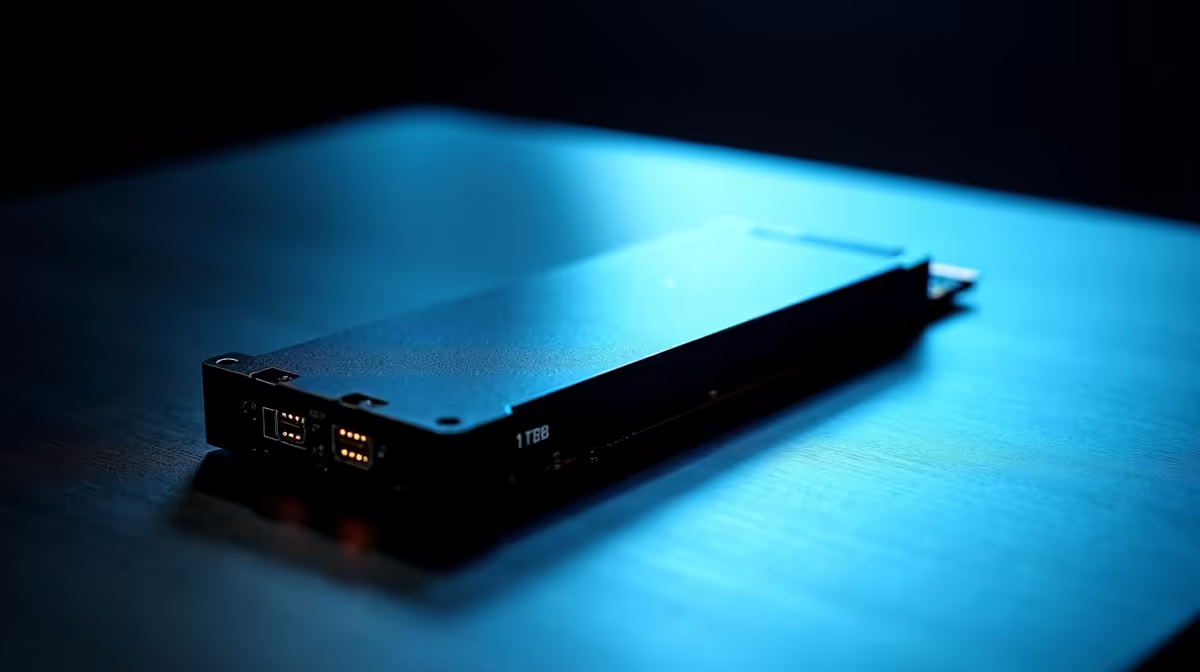
ADATA LEGEND 900 1TB NVMe at R948 suits a student who needs fast, roomy storage for thesis drafts, research PDFs, lecture slides, and backups without burning the wider study budget. A nvme ssd is the sensible upgrade here because 1TB gives enough space for the document archive, Zotero folders, datasets, exports, and a clean local backup copy.
Best NVMe SSD Picks For Thesis Work
The WD Blue SN5000 NVMe at R998 is the cleaner pick if you want a familiar everyday drive for a laptop or desktop upgrade. Its NVMe format keeps the machine feeling quick when opening large chapters, searching notes, or saving multiple versions of the same document.
The ADATA LEGEND 900 1TB NVMe at R948 is the sharper value choice when the brief is simple: get 1TB of fast internal storage and keep the rest of the budget for the actual computer, monitor, keyboard, or printer runs. For long academic work, that 1TB capacity matters more than chasing a premium drive you may not fully use.
Student Desk Backup Routine
A thesis setup should not rely on one internal drive only. The ORICO NVMe M.2 enclosure at R160 lets you turn a compatible NVMe drive into a portable backup option, which is useful for keeping chapter exports, source material, and submission copies separate from the main machine.
The Samsung 990 PRO at R4,648 is the premium NVMe option in this list, but for this use case it makes more sense only if the same PC is also handling heavier creative work alongside writing. For a pure thesis machine, the ADATA LEGEND 900 1TB NVMe at R948 leaves far more of the under-the stated budget available for the rest of the setup.
Ready to choose the right SSD?
Use WD Blue SN5000 NVMe at R998 as the nvme ssd shortlist benchmark, then check whether its listed spec matches the space, workload, and upgrade path.