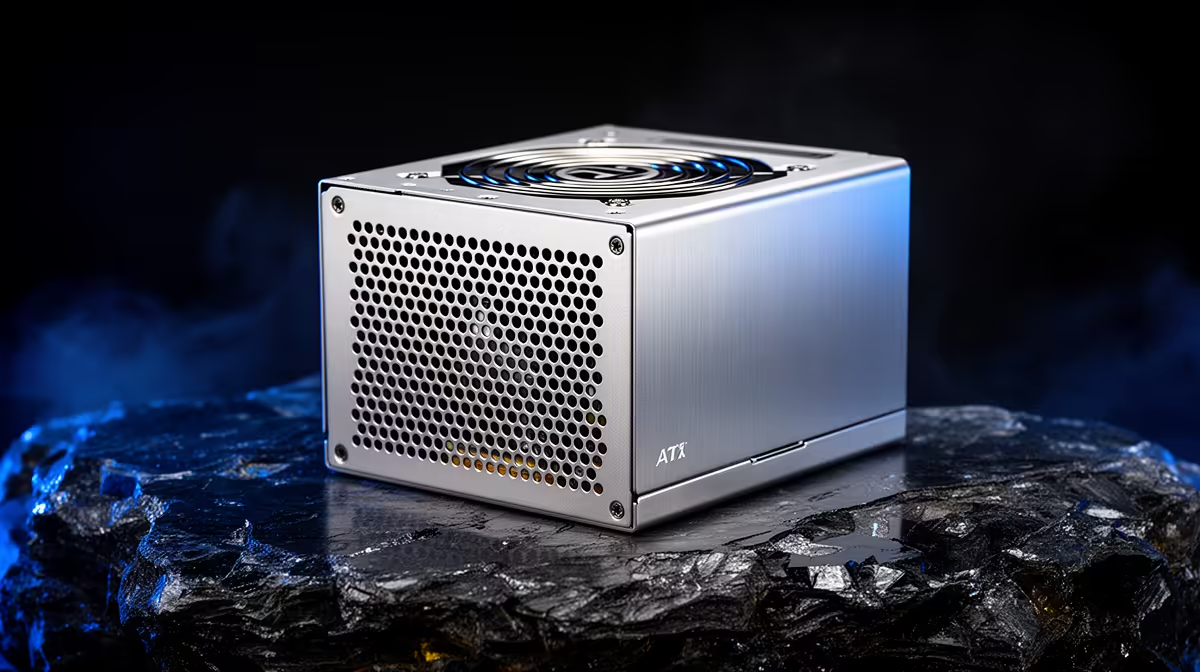
The smart 850W power supply for self-hosting is usually no 850W unit at all unless the host contains a powerful GPU or major upgrade plan. Web apps, containers and databases use the processor, memory and drives, but PSU capacity follows hardware demand rather than service count.
Calculate every always-on processor, graphics, motherboard, storage, fan and near-term upgrade load carefully before selecting any PSU capacity at all
List the processor, GPU if present, motherboard, drives, fans and planned upgrades. Run representative services and record component use plus temperatures, then apply manufacturer guidance and a reputable PSU sizing method. Confirm case format and every connector.
The Cooler Master Elite 850W Gold ATX 3.1 at R930 and Corsair RM850e at R1,900 are verified PSU references. Their capacity may be excessive for a compact CPU-only server. Check exact revision, dimensions, cable set, supported standards, warranty and independent technical assessment.
Never open a PSU, force a connector or mix undocumented modular cables. Maintain airflow and keep service configuration, databases and volumes in tested backups. A larger unit does not create uptime or recovery.
Buy the lowest well-reviewed capacity that supports the measured host and credible upgrades. Spend on memory, storage, cooling or backup when those elements constrain the services while power headroom remains adequate.
Powering an always-on host? > Compare Evetech PSUs after calculating the full hardware load.