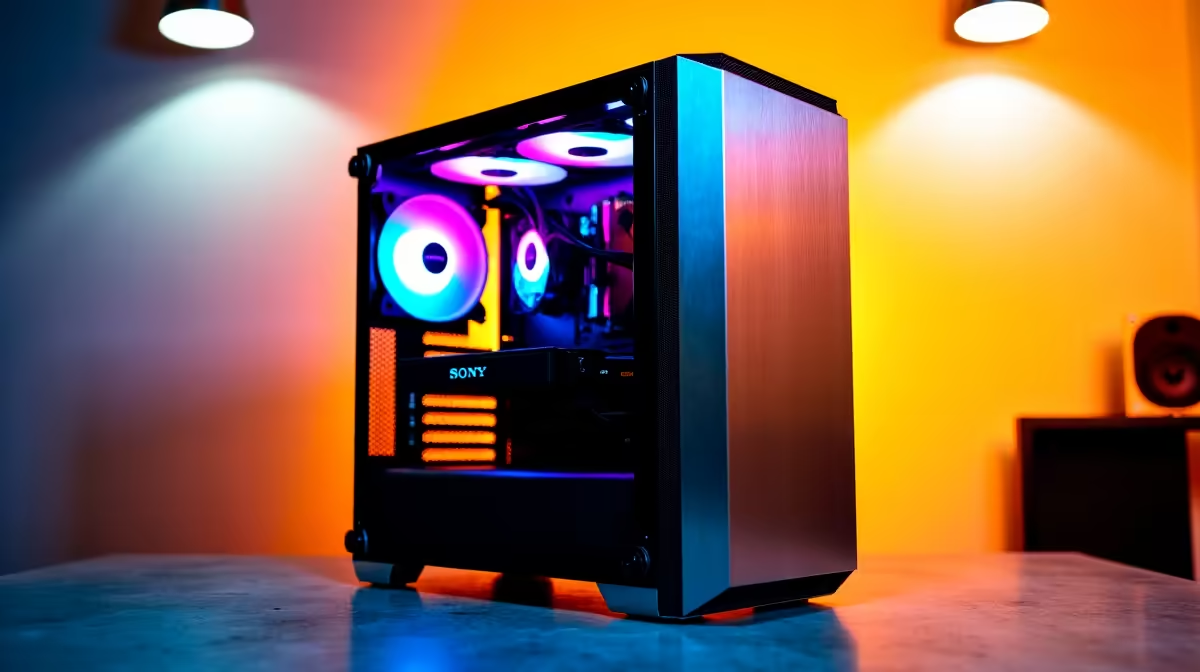
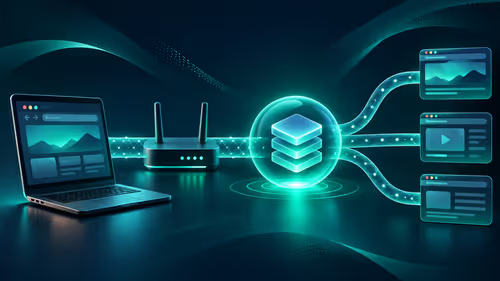
A smart music-production PC can also run Plex for a small household when audio projects and media streaming do not compete for resources. Quiet operation, stable audio drivers and dependable storage matter more than turning one modest machine into an always-on server for many users.
Test the combined workload
Open the largest normal music project with its interface and plug-ins active. Start the expected Plex stream and watch processor, memory, network and disk use. Listen for audio dropouts or added fan noise. If either task becomes unstable, schedule media use separately or place Plex on another device.
The Minisforum UM750L mini PC with a Ryzen 5 7545U, 16GB memory and 1TB storage is listed at R4,600. Confirm operating-system support, audio-interface compatibility, network ports, display outputs, upgrade access, cooling and warranty. Check the Plex client formats to understand whether transcoding is required.
Keep sample libraries and active sessions on suitable storage, with independent backups of projects and presets. Organise media separately and back up custom Plex metadata if it matters. Do not expose the server directly to the internet without secure configuration, updates and controlled account access.
One compact system is sensible for light, non-overlapping use. A dedicated media host is better when Plex must remain available during recording, mixing or computer maintenance.
Planning a compact audio and media PC? > Compare Evetech mini PCs by memory, storage and network support.