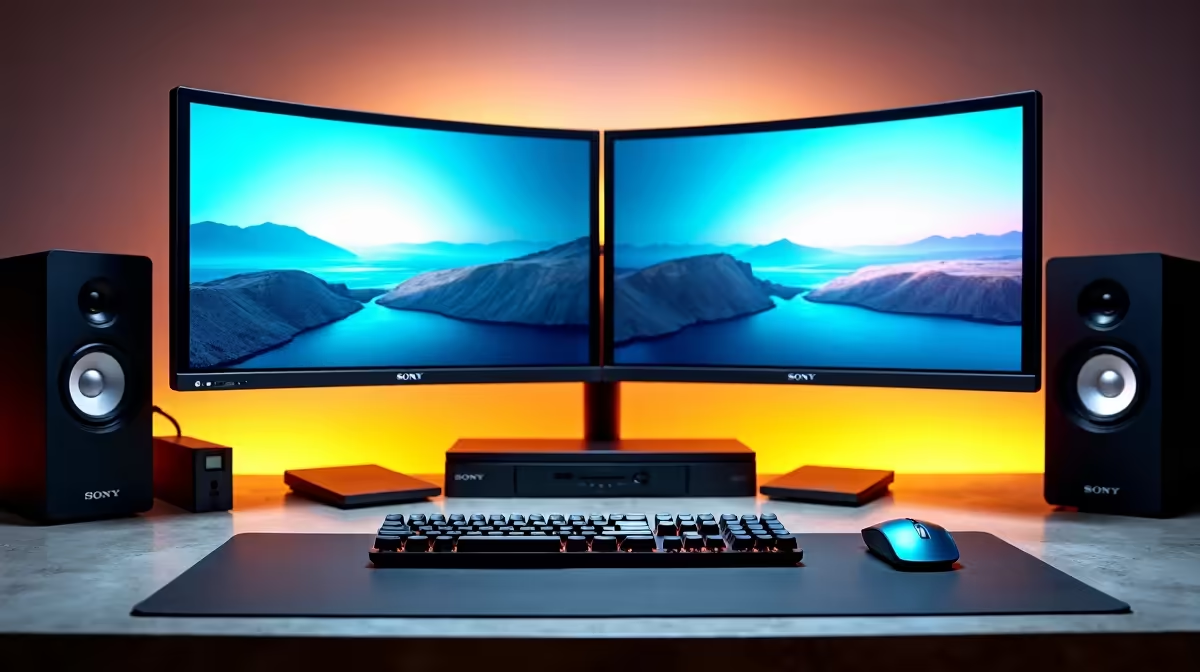
A smart photo-editing PC for spreadsheet-heavy work should prioritise memory, processor performance, fast storage and clear display space. Photo acceleration matters when RAW batches and layered files form a weekly workload. Keep the system balanced instead of letting creator graphics consume money needed for a monitor, backup and business reliability.
Benchmark the largest workbook
Priced at R12,900, the verified GEEKOM A8 Max combines a Ryzen 9 processor, 32GB memory and 1TB storage. Confirm display outputs, operating-system support and upgrade options. Open the normal workbook with linked data, add-ins and browser services. Recalculate, filter and export it while watching memory and processor use. Then run a representative RAW batch through the photo editor.
Treat display and backup as core equipment
Connect the intended high-resolution monitor and check scaling across dense sheets and image tools. A compact PC cannot accept a standard desktop graphics card, so heavy future photo acceleration may require another platform. Keep business sheets, camera originals and catalogues in separate versioned backups. Choose the computer after both tasks stay responsive and the full desk still includes reliable storage and recovery.
Run the workbook and photo export together only if that overlap occurs in real work; otherwise, test each at its normal time.
Open the workbook from its normal network location because linked-data delay can differ from a local copy.
Combining spreadsheets and photography? > Ask Evetech to balance processor, memory, display support and backup storage around both workloads.