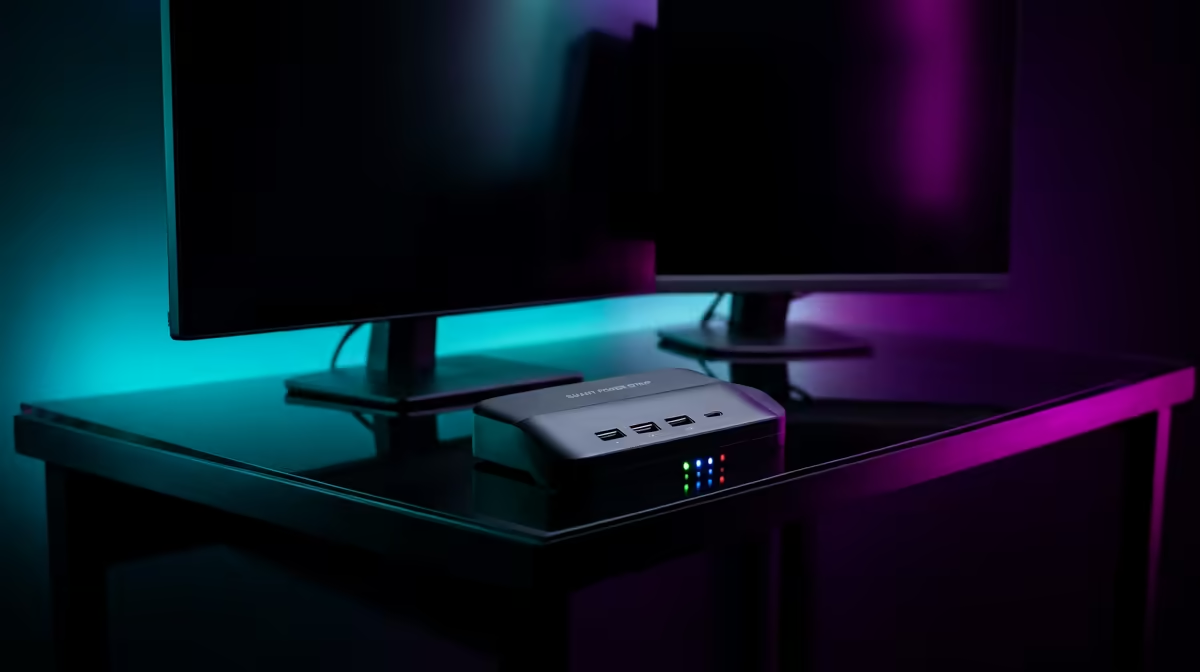
The Dell SE2726H 27in FHD 144Hz at R1,797 suits a dual-screen productivity desk where one larger monitor carries the main work window and the second screen handles email, chat, references, or dashboards. A smart plug set can be useful for switching the whole desk on and off neatly, but the bigger productivity gain usually comes from choosing two screens that match the way you actually work.
Best monitor picks for a controlled dual-screen desk
The Dell SE2726H 27in FHD 144Hz at R1,797 is the strongest anchor screen here because the 27in size gives you more working space for spreadsheets, browser tabs, timelines, or admin portals. The 144Hz spec also makes everyday scrolling and cursor movement feel smoother than a basic office panel.
For the second screen, the Dell SE2426H 23.8in FHD at R1,532 makes sense when the side display is mainly for Teams, Gmail, notes, PDFs, or a stock dashboard. Its 23.8in FHD spec keeps the setup compact, so you can still fit speakers, a keyboard, and a laptop stand without turning the desk into a cable mess.
The Dahua LM27 100Hz at R1,500 is the value play if you want a second 27in FHD-style workspace without spending much. The 100Hz spec is useful for smoother browsing and document movement, while the MSI PRO MP275W at R1,850 gives you another 27in option when a clean office look matters more than chasing the lowest price.
Home office smart-plug desk setup
A smart plug set is worth it when both displays, speakers, and a laptop charger sit behind the same desk and you want one switch-off routine at the wall. Pairing the Dell SE2726H 27in FHD 144Hz at R1,797 with the Dell SE2426H 23.8in FHD at R1,532 gives the setup a clear primary-and-secondary layout without needing two oversized screens.
Ready to choose the right monitor?
Match smart plug actually dual monitor to Dell SE2726H 27in FHD 144Hz at R1,797, then let its listed spec decide whether it belongs on the desk.