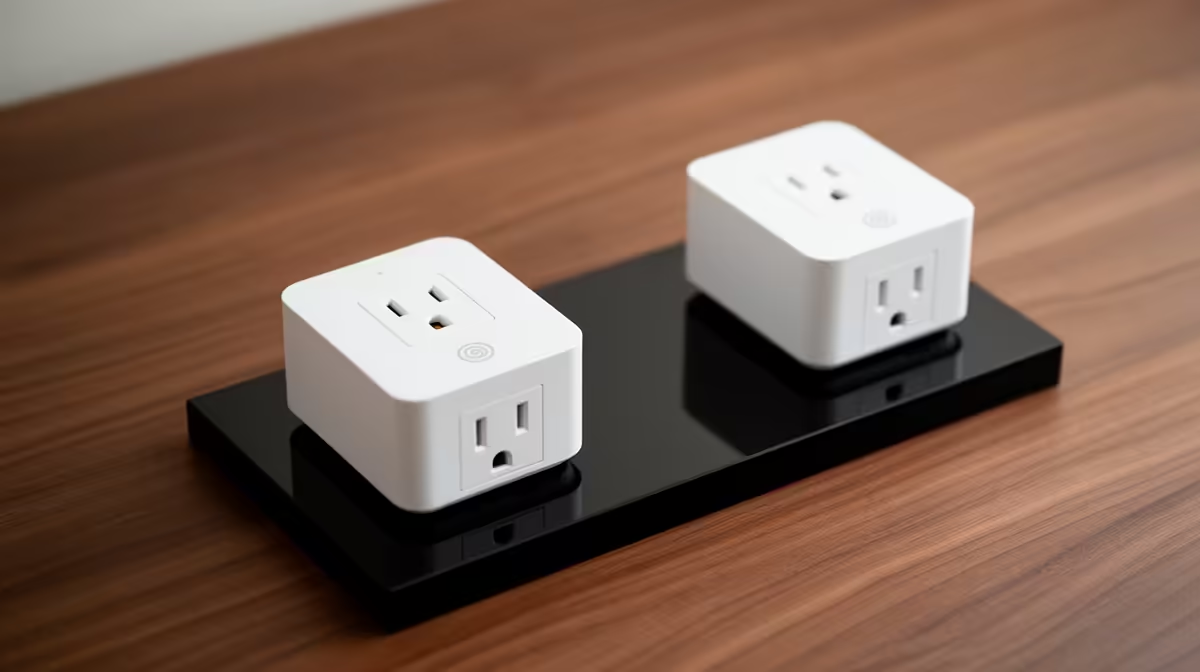
A smart plug set is overkill for many remote workers unless several safe, nonessential devices need distinct schedules. Start with one clearly suitable appliance. Computers, routers and storage should not be switched abruptly by automation, because unsaved work and file systems need controlled shutdown.
Audit each proposed load
Read the appliance power label and the plugs documented rating. Exclude heaters, cooking devices, medical or safety equipment and anything that must not restart unattended. Test manual override, scheduling and behaviour after Wi-Fi or power interruption while someone is present.
No smart plug or set with a verified current price appears in the evidence. The ASUS ExpertBook P1503 with Core i5-13420H, 8GB memory, 512GB storage and Windows 11 Pro at R9,858 is a confirmed laptop reference, not automation hardware. The Cudy WR3600E router at R766 is a separate network reference. Verify current electrical certification, rating, plug format, app controls, manual switch, update support and warranty.
Use unique credentials and stronger sign-in protection where supported. Isolate connected-home devices on the network when possible, and preserve physical control for every routine. Avoid automations that reveal occupancy or interrupt a work call.
Buy one plug after a small pilot proves a daily benefit, perhaps for a suitable desk lamp. Expand only when each additional device has a documented safe purpose. Remote-work continuity depends on charged hardware, saved files and reliable networking rather than automated sockets.
Strengthening remote work? > Compare Evetech laptops and routers while validating smart loads separately.