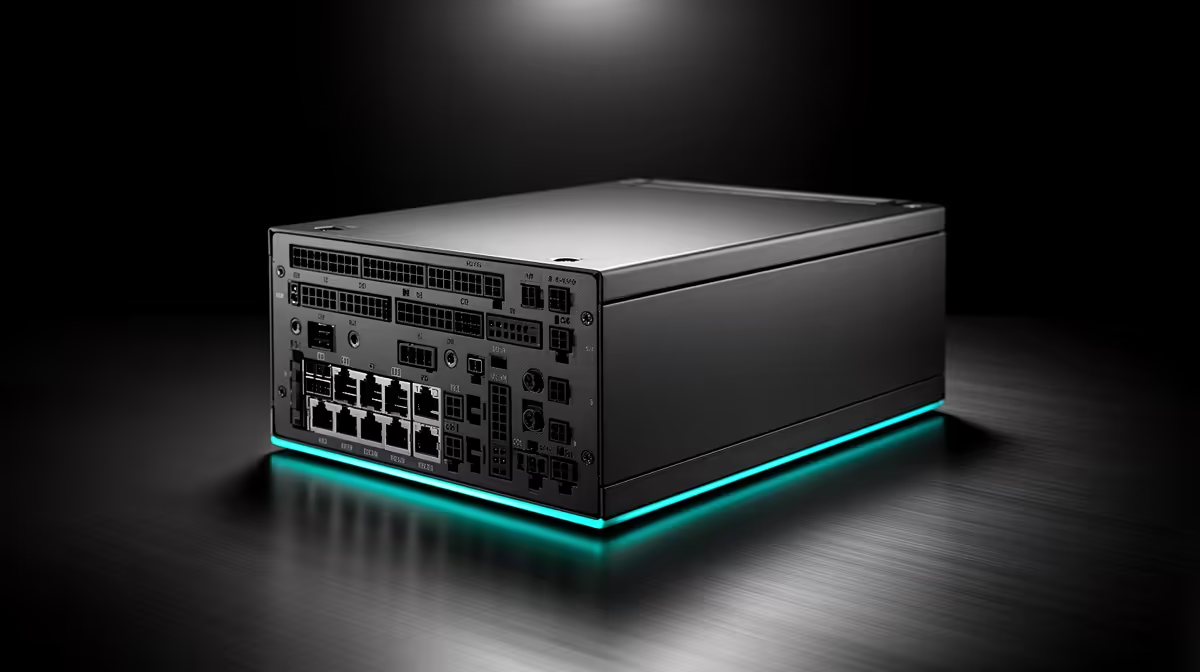
The smart power-supply choice for a CAD build uses a modest share of the system budget while protecting compatibility and serviceability. Wattage comes from the processor, graphics card and drives, not the total purchase ceiling. Choose native connectors, a reputable warranty and enough headroom for one realistic graphics upgrade.
Size the final component list
Record the workstation graphics card, processor, motherboard, storage and cooling. The verified Cooler Master MWE Gold 850 V3 costs R930 and provides an 850W option for a compatible higher-demand build. Confirm current warranty, form factor, connector standards and supply length. A CAD laptop or entry 2D tower may require no separate unit at this capacity.
Leave useful headroom
Check the next graphics card you may install and confirm its native connector needs. Avoid buying excess wattage for an unnamed future upgrade. Keep modular cables tied to the exact supply model. Test the system under a long render or model export while watching temperatures and clock stability.
An 80 PLUS rating measures efficiency rather than surge protection. Add suitable electrical protection and backup runtime separately. Maintain versioned CAD backups and test project restoration. Spend remaining budget on the measured graphics, memory, storage or display limit instead of an oversized supply.
Confirm the power-supply fan intake remains clear after the final CAD tower is placed beneath the desk.
Balancing a CAD build? > Ask Evetech to size the PSU around the complete current configuration and one realistic upgrade.