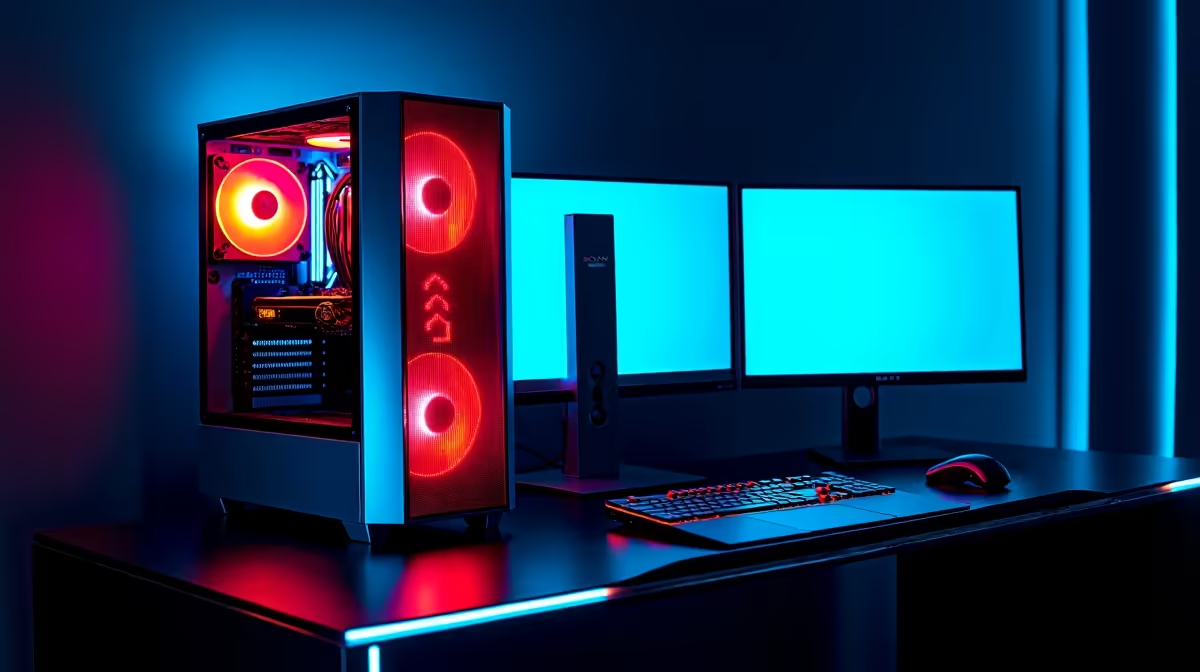
A smart reception PC for Lightroom culling should keep front-desk work dependable while allowing short, predictable photo-selection sessions. The stated ceiling is ample, but business uptime, memory, fast storage and a suitable display matter more than buying creator hardware that interrupts bookings or customer service.
Test reception and photo work together before specifying the machine
Open booking tools, email, browser tabs and calls, then import a representative shoot and generate previews. Check memory pressure, storage space, fan noise and whether culling slows customer tasks. Decide who may attach memory cards and where photographs are stored.
The Minisforum UM750L with a Ryzen 5 7545U, 16GB memory and 1TB storage at R4,600 is a verified compact-PC reference. The Dell S2725QC 4K USB-C monitor at R6,128 is a separate display reference. Neither listing guarantees Lightroom performance, colour accuracy or support for reception software. Confirm current ports, applications, warranty and display needs.
Use separate staff accounts, restrict software installation and keep customer information away from photo folders. Copy cards to protected storage, verify the transfer and maintain an independent backup. Schedule large imports or exports outside the busiest service period.
Choose a quiet supported computer that passes both tests. Spend remaining budget on workflow, backup and display comfort rather than unused professional capacity.
Equipping reception and photo work? > Compare Evetech compact PCs against both measured sessions.